.svg)
You can connect to FileCloud with your web browser by using a link or typing in the address that you have received from your administrator or service provider.
You must have the following 3 pieces of information to access FileCloud:
-
FileCloud URL:
The URL to your site. For example: https://myFileCloudTeamSite.FileCloud.com. Your administrator provides you with this URL.
-
Account:
Your administrator either:-
provides you with this name
or -
gives you permission to create a new account yourself for the first time
or -
enables you to use the same name as in your organizational login
-
-
Password:
Either:-
your administrator provides you with your password
or -
if you have created your own account, you enter a password
or -
your administrator enables you to use the same password as in your organizational login
-
This information may be in your Inbox. Check to see if you received an Invitation or Welcome message from FileCloud.
Enter the URL to access the log-in screen:
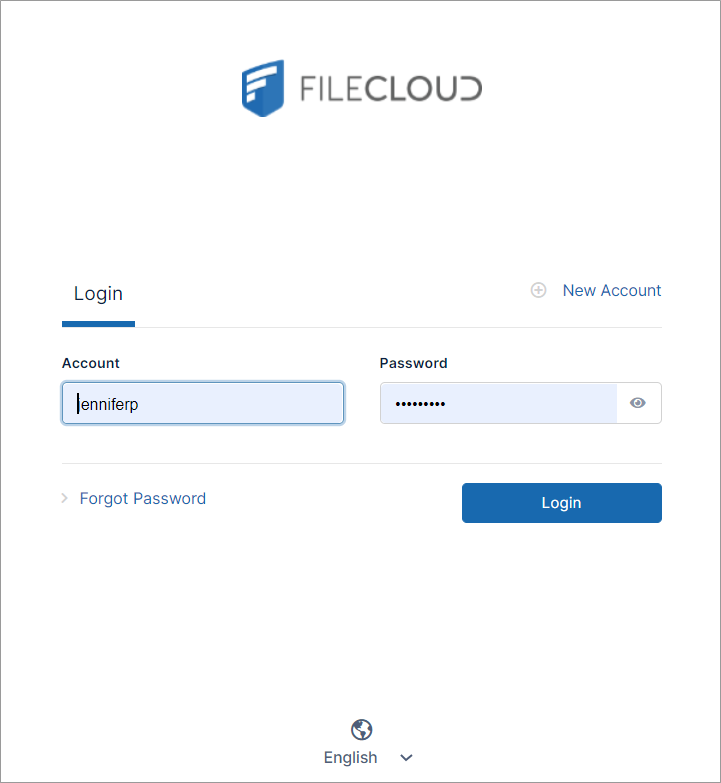
Note: If single sign-on is enabled, a single sign-on link also appears on the log-in screen.
Also see: