.svg)
FileCloud Drive can use a proxy server to connect with FileCloud server.
To enter proxy settings:
-
In the Login screen of the Drive wizard, for Login Method, click Proxy Settings.
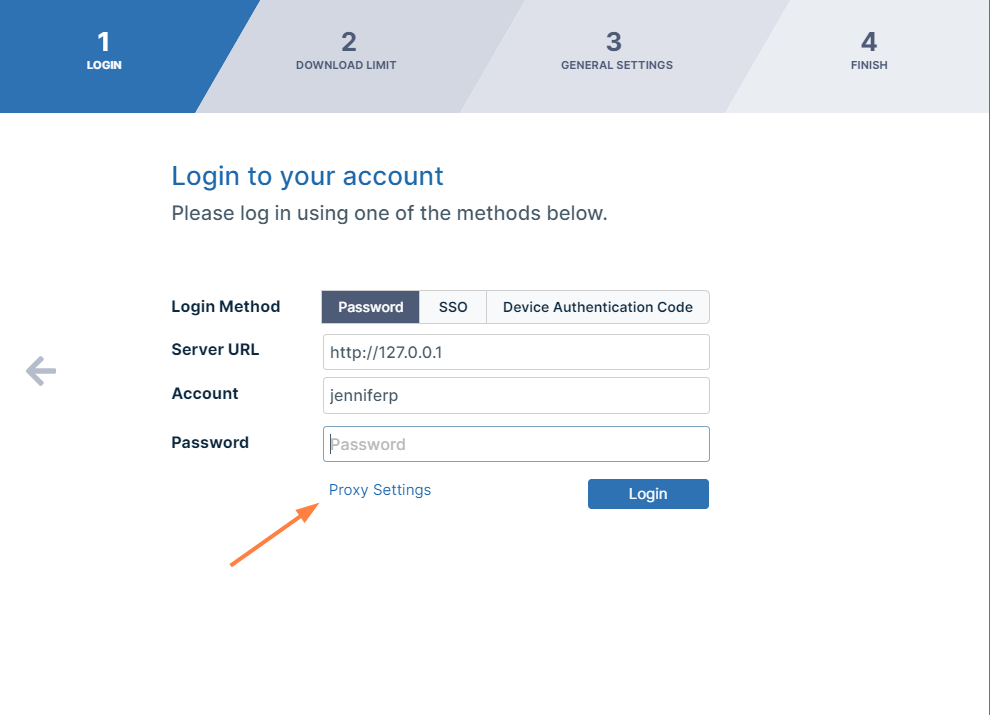
Drive Login/Setup Wizard, Proxy Settings
The Proxy Settings dialog box opens:. -
Fill in the proxy settings and click Save.
-
Click Login.
-
You are logged in and taken to the next Drive wizard screen, Download Limit.