.svg)
Your Administrator may require you to log in with a code instead of a user name and password.
To login to the FileCloud Server using a code:
-
In the Login screen of the Drive wizard, for Login Method, click Device Authentication Code.
-
Type in the server URL and the user account name (or email).
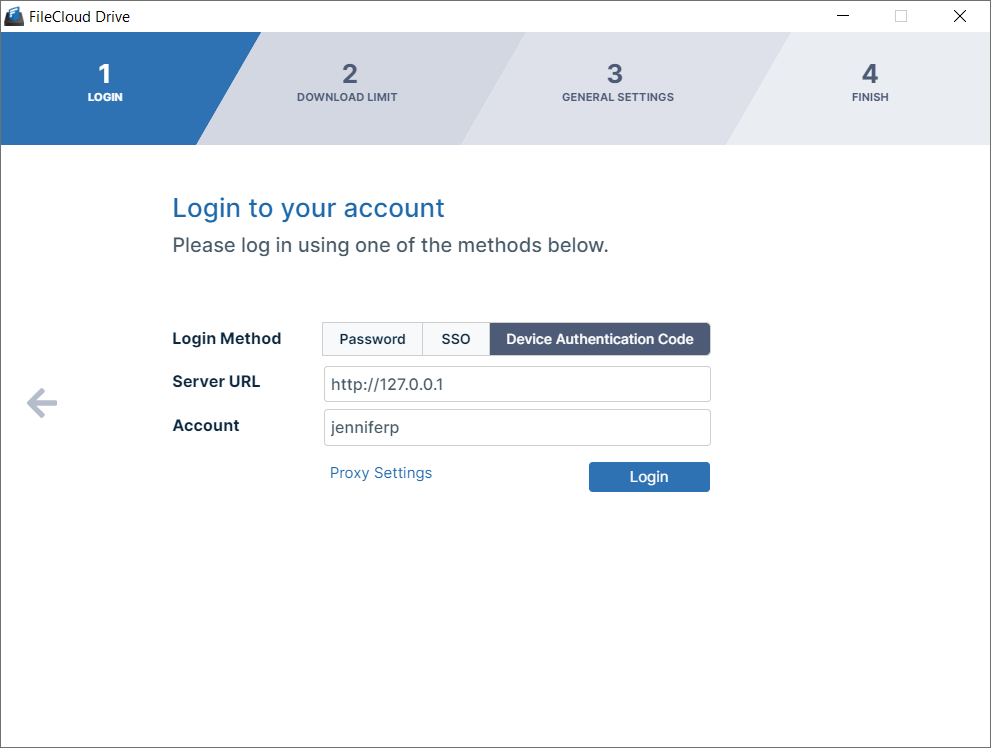
Drive Login/Setup Wizard, Device Auth selected -
Click Login.
-
If the request access was successful, a window for opening the Device Authorization code opens:
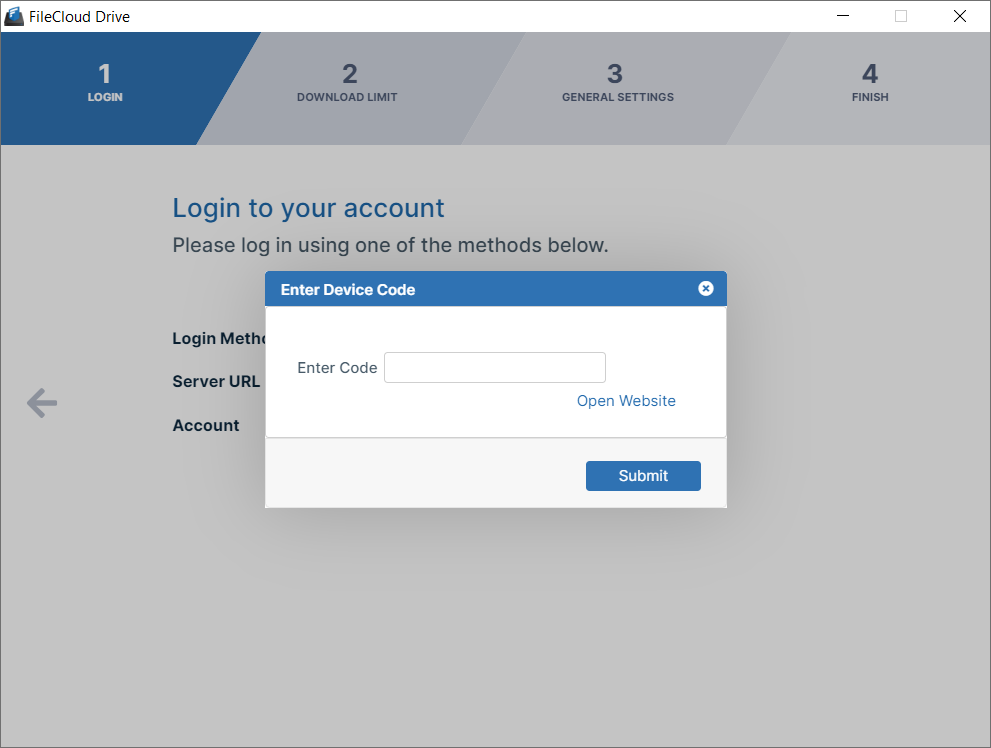
Enter Device Code dialog box -
Sign in to the FileCloud user portal, and go to Settings > Devices.
-
Approve the device.
The following message appears: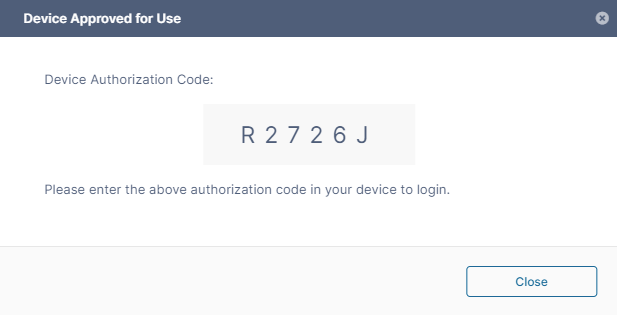
Device Code in message -
Copy the Device Authorization Code and paste it into the authorization code field.
-
Click Submit to log in.
-
You are logged in and taken to the next Drive wizard screen, Download Limit.