.svg)
FileCloud Drive provides a virtual view of your FileCloud files and makes it appear as if the files are actually local, but in reality they are not. When you open them in your explorer or finder, they are downloaded to a local cache. When you save the files, they are saved to the cache and then uploaded to FileCloud's remote server.
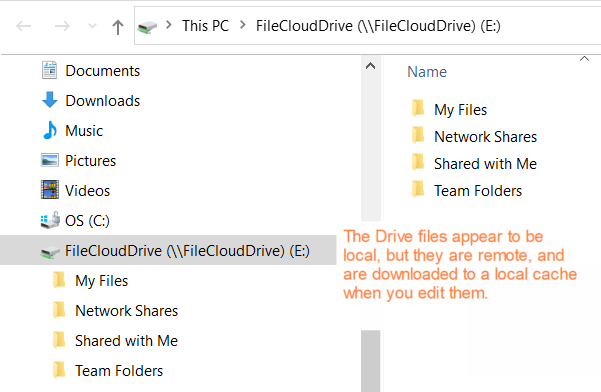
When you save your files, confirm that they have been uploaded to FileCloud by looking for the notification in the Drive app or the FileCloud user portal notifications.
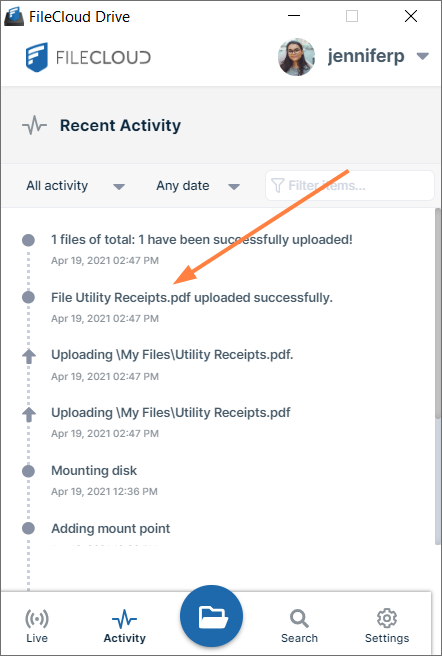
File upload notification in Drive app.
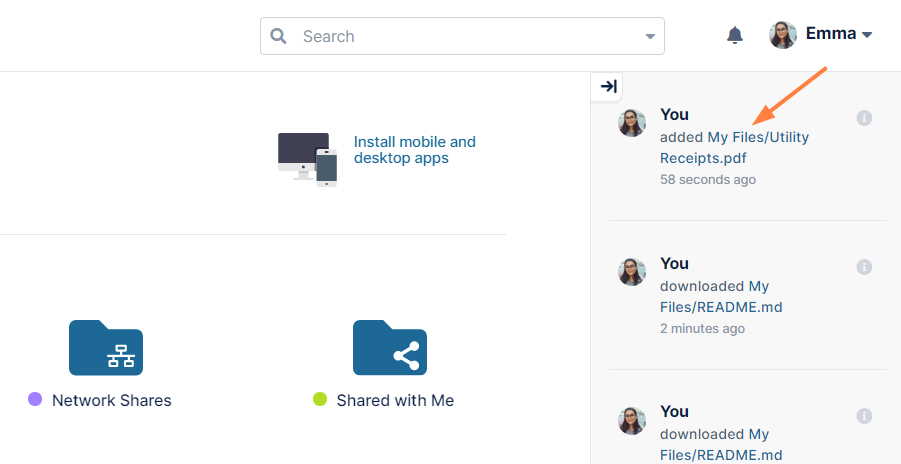
File upload notification in FileCloud user portal.
|
Network Dependency |
Description |
Best Practice |
|---|---|---|
|
|
FileCloud Drive depends on your network to download files from the remote FileCloud server and to upload them back to it. |
|
|
|
When you have a large file, for example 1 GB, and you try to open it in an application via FileCloud Drive, it is not instantaneously available like smaller files. The time it takes to be downloaded from the remote connection and then opened is visible to you, and depending upon your network connectivity this could take a while. |
|
|
|
When you choose an action like copy or delete from the system tray menu, the cursor icon animates until all operations are committed to the FileCloud Server. When the action is complete, the cursor stops animating. The time it takes the action to complete depends on the speed of your network connection. That is why it is better to use Drive with small files and small amounts of files at once. |
|
