.svg)
White label support requires the appropriate FileCloud subscription. It is available for FileCloud Enterprise Edition and FileCloud Service Provider Advanced/Premium Edition.
The Service Provider is responsible for providing the requested information (including screenshots) and submitting the application to TestFlight or the AppStore.
FileCloud iOS App White Label Requirements
Apple Developer Program
Step 1: Choose an option
Option A: Enroll to the Apple Developer Enterprise Program
-
App doesn't require review by Apple, so updates to your users is immediate.
-
App can be sent by email, downloaded from your site or distributed freely by any other means.
-
299 USD per year.
Option B: Enroll to the Apple Developer Program
-
App updates require review by Apple and may take up to two weeks to be available to your users.
-
App can only be downloaded from the AppStore.
-
99 USD per year.
-
Enrollment https://developer.apple.com/programs/. Enroll as an Organization and not as an Individual.
Step 2: Give us access to your Developer Program
In order to configure your app we require access to your Developer Program created in Step 1.
-
Login to your Developer Program account https://developer.apple.com/account/
-
Invite ios@codelathe.com as Admin from https://developer.apple.com/membercenter/index.action#invitations.
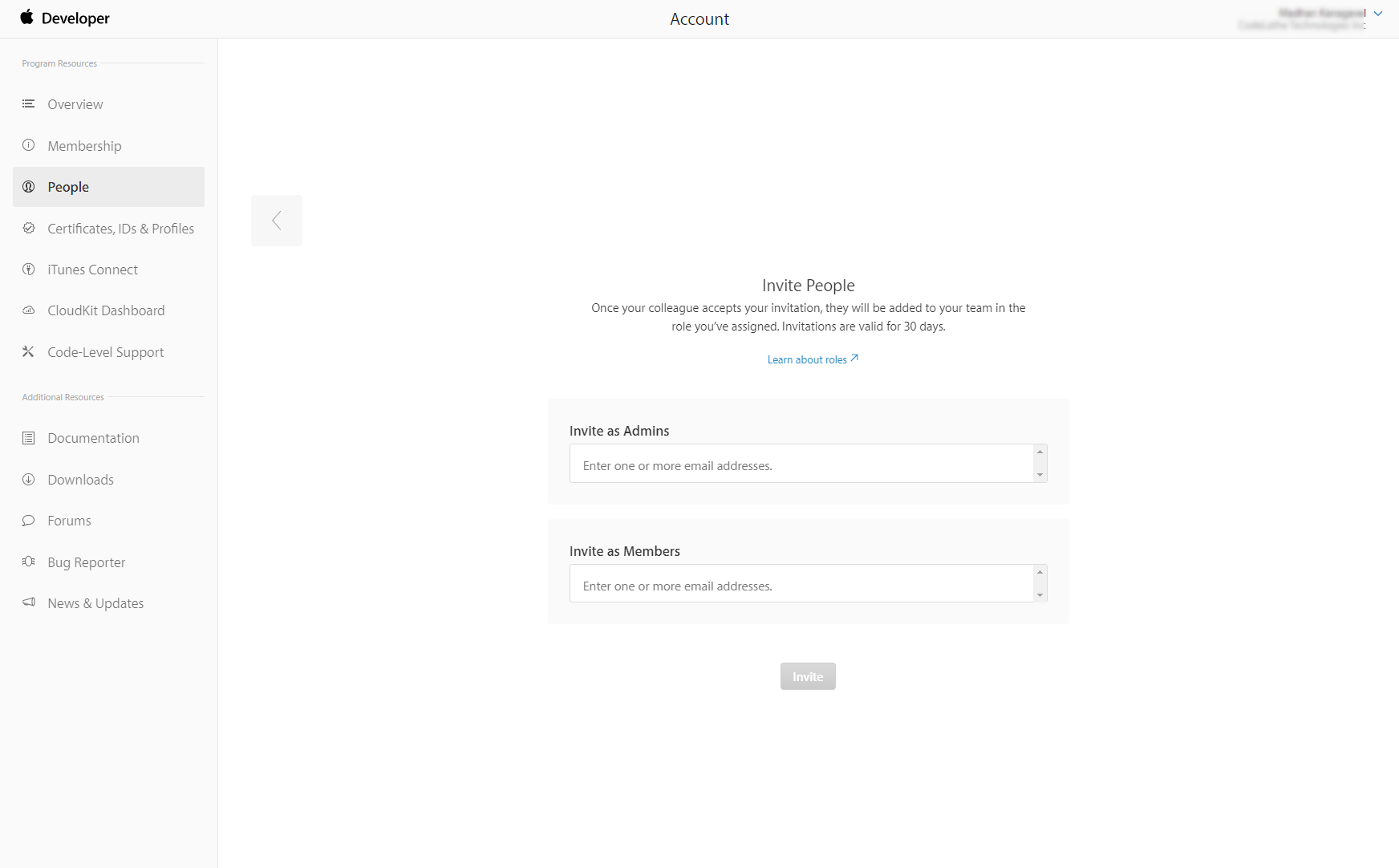
If you don't seen the Invite People screen then you may have enrolled as an Individual in Step 1. Change your account into an Organization here https://developer.apple.com/contact/submit/?entityType=individual&requestType=migrateAccount.
If you have any question contact us at ios@codelathe.com.
Step 3: Distribute the App
We will generate new versions and upload them to AppStore Connect (formerly known as iTunes Connect) ready for TestFlight or AppStore distribution. Choose the option below that matches your chosen Option in Step 1:
Option A: Send the IPA file directly to users
-
Share the file by any electronic means (email, file share, company website, etc.).
Option B: Send the IPA to TestFlight or the AppStore
-
Go to iTunes Connect (https://appstoreconnect.apple.com) and send the app to beta testers though TestFlight, or submit it to Apple for Review to publish the app in the AppStore.
-
For TestFlight distribution (internal testing) refer to https://help.apple.com/app-store-connect/#/devdc42b26b8.
-
For AppStore distribution refer to https://help.apple.com/app-store-connect/#/dev34e9bbb5a.
-
Note: You should choose "No" to both the Export Compliance and Advertising Identifier dialogs.
For version history, changes and What's New in each version refer to https://apps.apple.com/us/app/filecloud/id646612982.
Required Information and Images
Send us the information and images required to personalize your app:
App name
A short name of about 10 characters as it will be shown used by Siri and visible on the user Home screen.
App icon
A 1024x1024 pixels PNG image to be shown in the Home screen. Corners automatically rounded by the system. Do not add transparency.
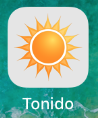
Sample app name ("Tonido") and custom app icon
App tint color
A color to be applied to the main app elements to personalize the look and feel. It will be used on top of white most of the time so avoid very clear colors.
App logo
A 132 pixels heigh and maximum 900 pixels wide PNG image with optional transparency. It will be used to brand your app and be placed agains either white or your App tint color background.
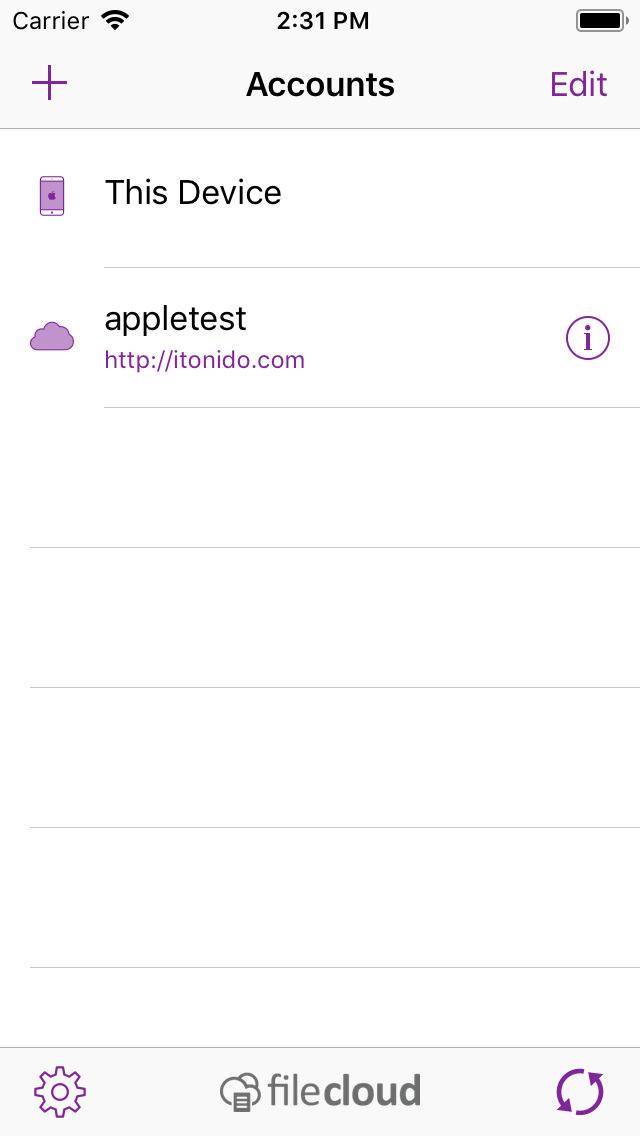
Sample App tint color (0x81269A in hexadecimal or R129 G38 B154 in 8 bit RGB) and custom App logo shown in the bottom bar
Required URLs
|
Description |
Sample |
|
Quick Help to help how to use the login view |
|
|
Privacy Link: |
|
|
TOS |
|
|
Help |
https://www.filecloud.com/supportdocs/display/FCDOC/iPhone+and+iPad |
|
Copyright |
CodeLathe LLC 2019 |