.svg)
FileCloud supports customization of its themes, logos, background images, and labels.
Beginning with FileCloud version 20.2, FileCloud includes light and dark themes.
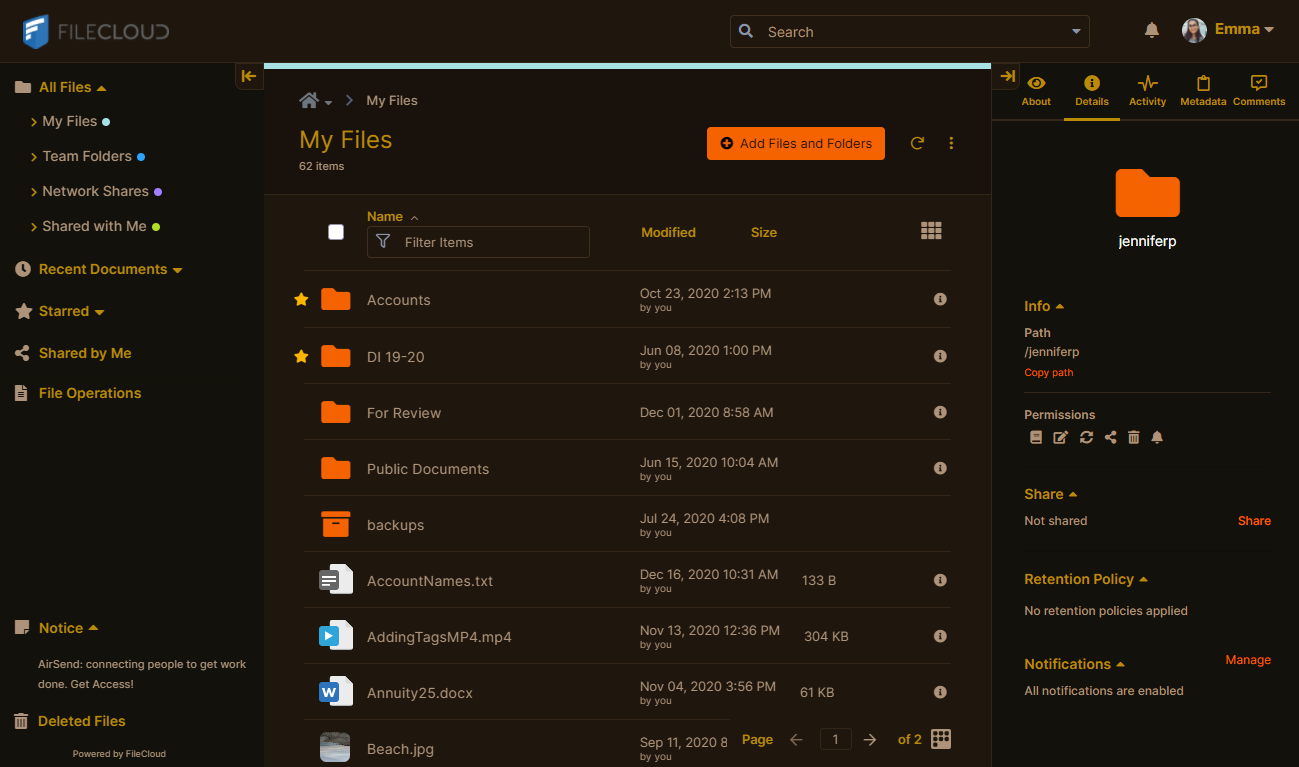
Beginning with FileCloud version 20.3, FileCloud includes predefined custom themes, such as the Sunburn theme shown below.
To customize screen elements:
-
In the navigation pane, click Customization, and then choose the Labels and Logos tab.
-
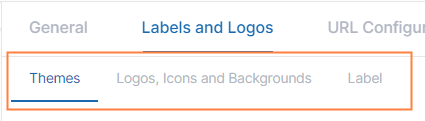
Choose the sub-tab that corresponds with the feature that you want to customize:
Customize User Portal Themes
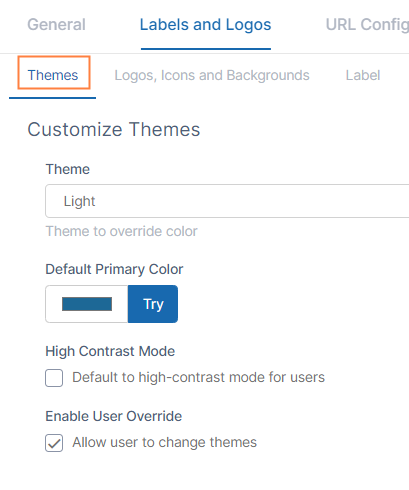
To customize the colors of the user interface, click the Themes sub-tab.
|
Customize Themes |
|
|---|---|
|
User portal color scheme.
|
|
|
Default Primary Color |
Color for main features such as folder icons and buttons in the user portal.
|
|
High Contrast Mode |
When checked, the user portal screens appear in higher contrast for better visibility. |
|
Enable User Override |
When checked, users can override your default theme and color settings with the same preset themes, high contrast option, and primary color choices that are available to you. |
Add Your Own Logos and Backgrounds
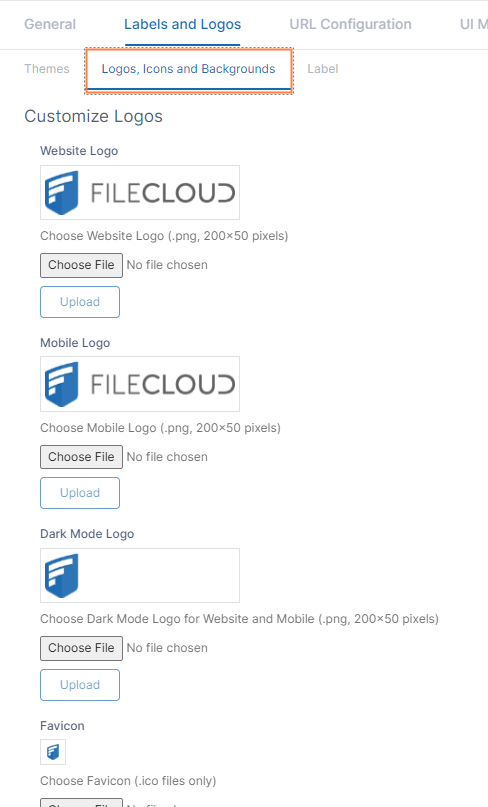
To change logos in your FileCloud site, click the Logos, Icons and Backgrounds tab.
|
Website Logo |
The logo that appears in the user portal.
|
|
Mobile Logo |
The logo that appears in mobile clients.
|
|
Dark Mode Logo |
The logo that appears when dark mode is enabled.
|
|
Favicon |
The thumbnail-sized logo that appears in address bars and on tabs.
|
|
User Login Background |
Background image for the user portal log-in page.
|
|
Admin Login Background |
Background image for the admin portal log-in page.
|
Use the format and size required for each image. If the size is not correct, you may encounter problems with layout or receive an error message.
Customize Labels
To change the wording of labels, click the Label tab.
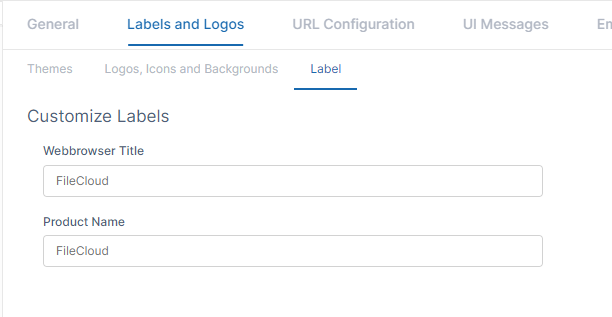
|
Webbrowser Title |
Title used in the Web browser for the window. |
|
Product Name |
The name that is sent in email subjects and other notifications. |