.svg)
-
Log on to Administration Portal.
-
Set up AD configuration or LDAP configuration depending on your requirements.
-
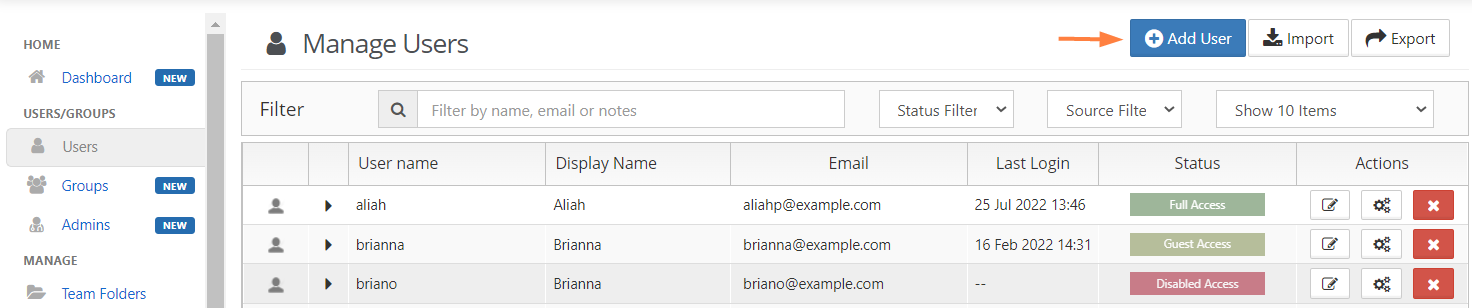
Click Users on the left navigation panel.
-
Click Add User button.
-
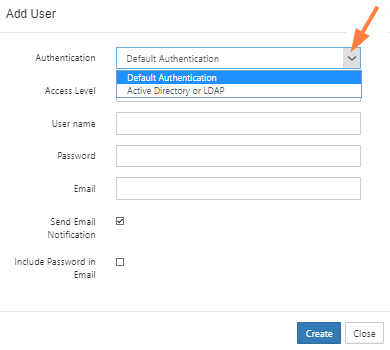
Select Active Directory or LDAP as the authentication type.
-
Set the required account information as shown and click save.
|
Settings |
Description |
|---|---|
|
Authentication |
Set to Active Directory or LDAP |
|
AD/LDAP User name |
AD/LDAP User name to import |
|
AD/LDAP Password |
AD/LDAP User name's Password |
|
|
Disabled: This will be imported from AD/LDAP service |