.svg)
FileCloud Drive for Mac can use proxy server to connect with FileCloud server.
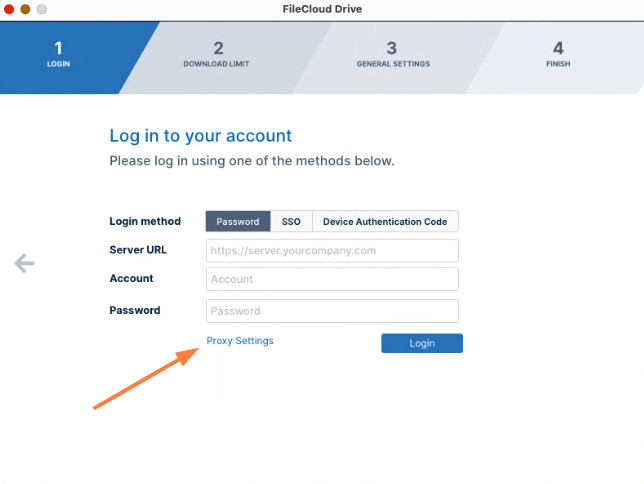
The information should be supplied when you log in to Drive for Mac.
-
Click Proxy Settings to open the Proxy settings dialog box.
The Proxy settings dialog box opens. -
Fill in the fields and click Save.
-
To log in to FileCloud, click Login.