.svg)
If you are trying to upload a file of 3-5 GB to Drive for Mac and see an error message or a Waiting to Start message that doesn't disappear, you may be able to resolve the problem by granting Drive full disk access.
To enable full disk access:
-
Go to System Preferences > Security and Privacy.
-
Click the Privacy tab.
-
Click Full Disk Access in the left panel.
-
If the CloudDrive application does not appear in the window, click the +, and add it.
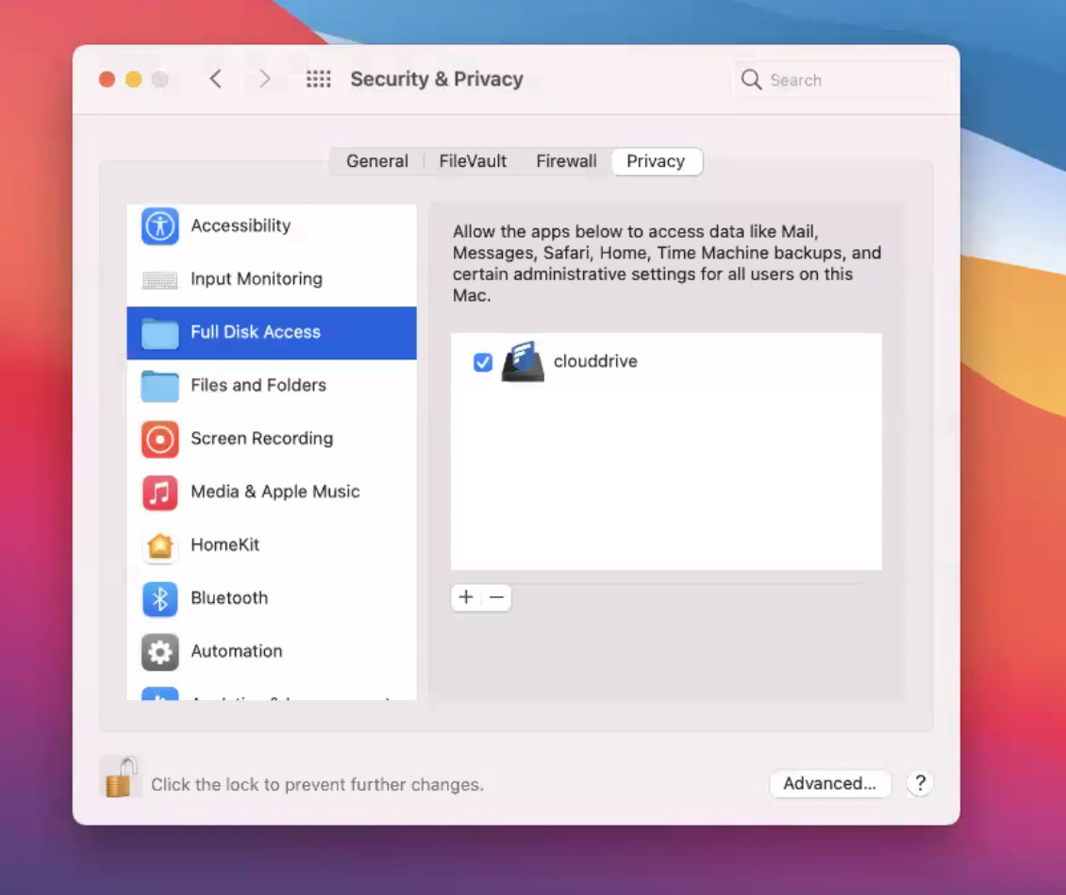
Drive now has full disk access.