.svg)
This workflow recipe deletes all unused files.
-
The workflow checks the number of days a file was unused and deletes those files.
-
You can provide a set of email ID's to send the generated report to.
To create a workflow that detects and deletes inactive files:
-
Log in to the admin portal.
-
Click Workflow on the left navigation panel.
-
Click Add Workflow.
-
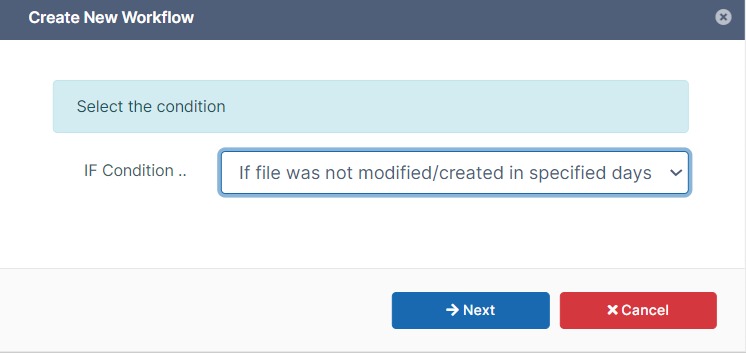
Set IF Condition to If file was not modified for specified days, and click Next.
-
Enter the parameters in the given format.
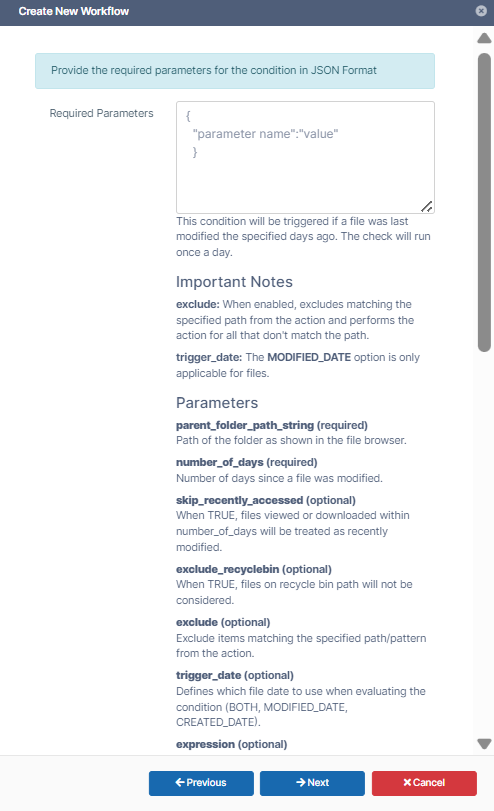
For example:
{
  "parent_folder_path_string": "/johndoe",
  "number_of_days": 7,
  "skip_recently_accessed": 1,
  "exclude_recyclebin": 1,
  "exclude": ".*secret.*",
  "trigger_date": "BOTH"
}
Note - This workflow only applies to Managed Storage and not to Network Folders.
To identify a FileCloud specific path for a folder, see Identifying a FileCloud Specific Path. -
Click Next.
-
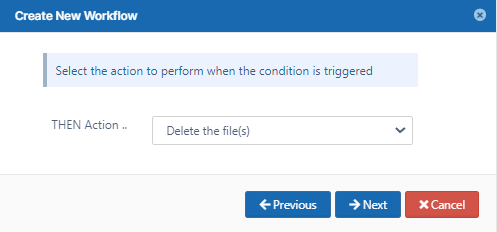
Set THEN Action to Delete the file(s).
-
Click Next.
Set any of the parameters. They are all optional.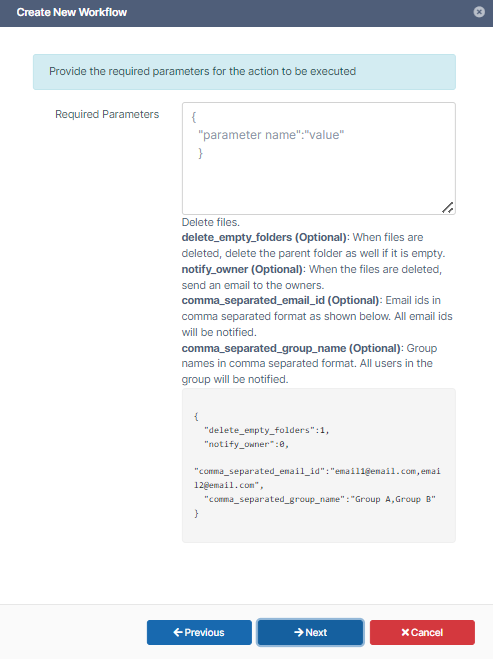
For example:{ "delete_empty_folders":true } -
Click Next.
-
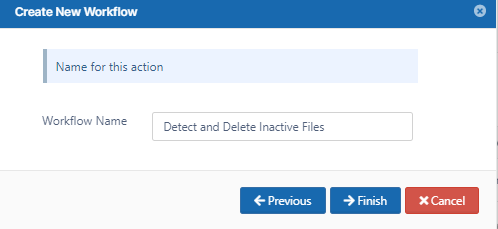
Enter a Workflow Name and click Finish.