.svg)
On the User Portal, you can preview an email file to:
-
View the From, To, Subject and Body contents
-
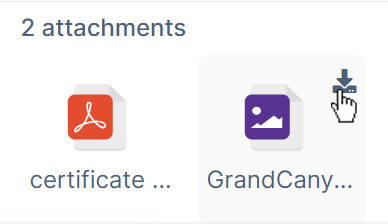
Download any file attachments
What do you want to do?
Preview an email file
To preview an email file:
-
Log in to the user portal.
-
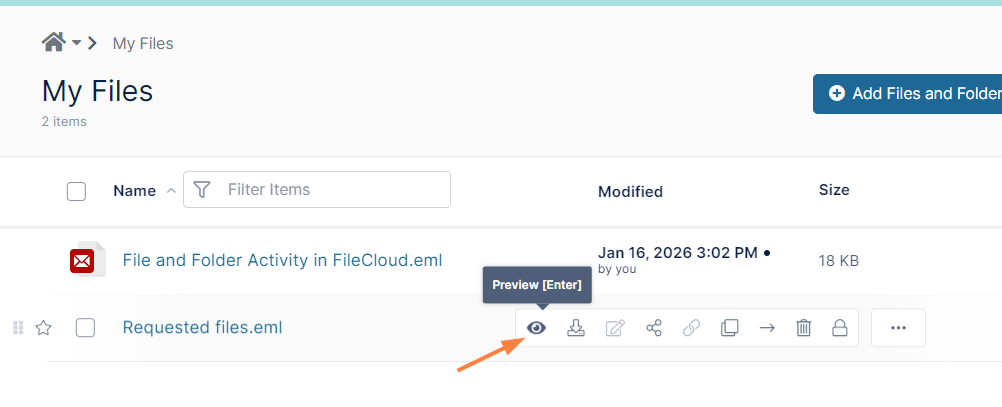
Hover over the .eml file and click the Preview icon.
The file opens for previewing: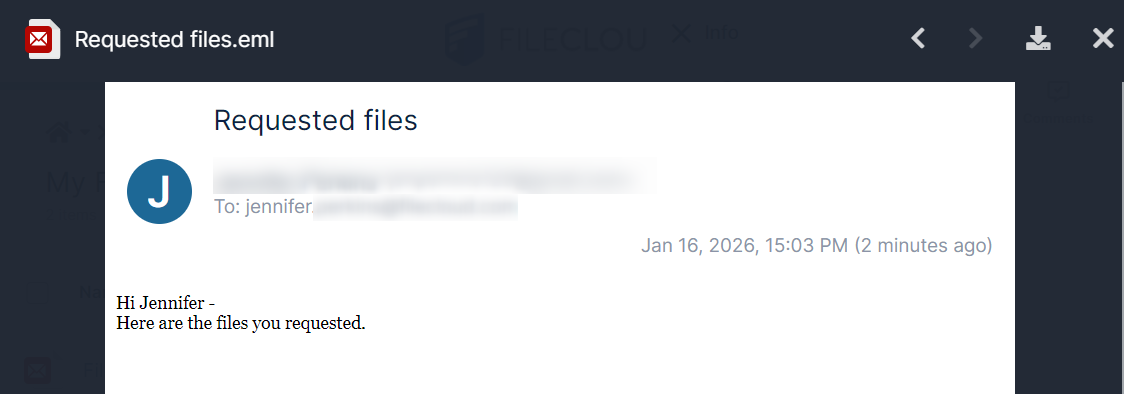
Download attachments
To download an atttachment:
-
Scroll to the bottom of the file to access any attachments.
-
Hover over an attachment and click the download icon to download it.