.svg)
Selecting a Single File or Folder
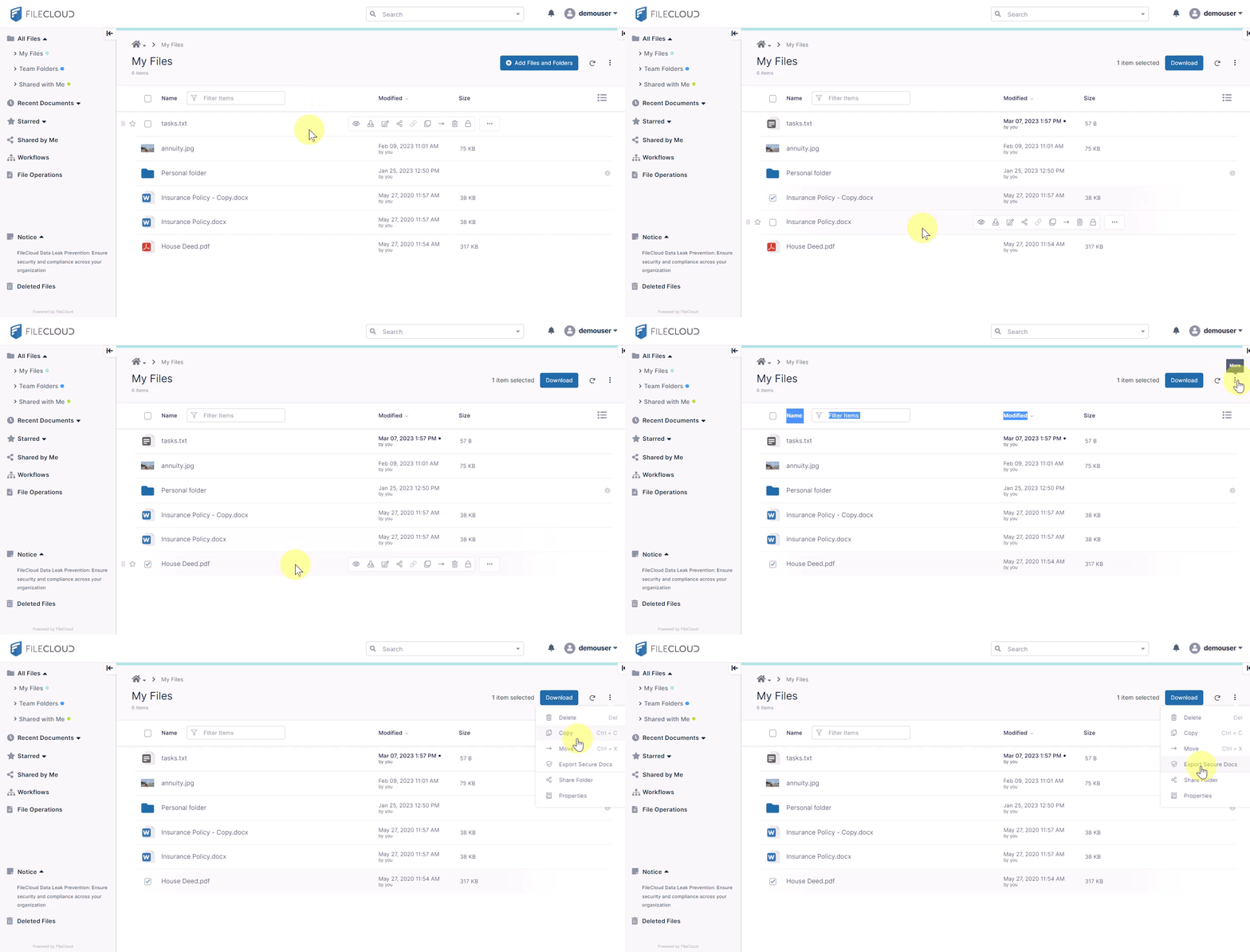
Select a file or folder by clicking the checkbox next to it or any where in the item row.
Hover over the row to access common actions, or click the More icon 
Selecting Multiple Items
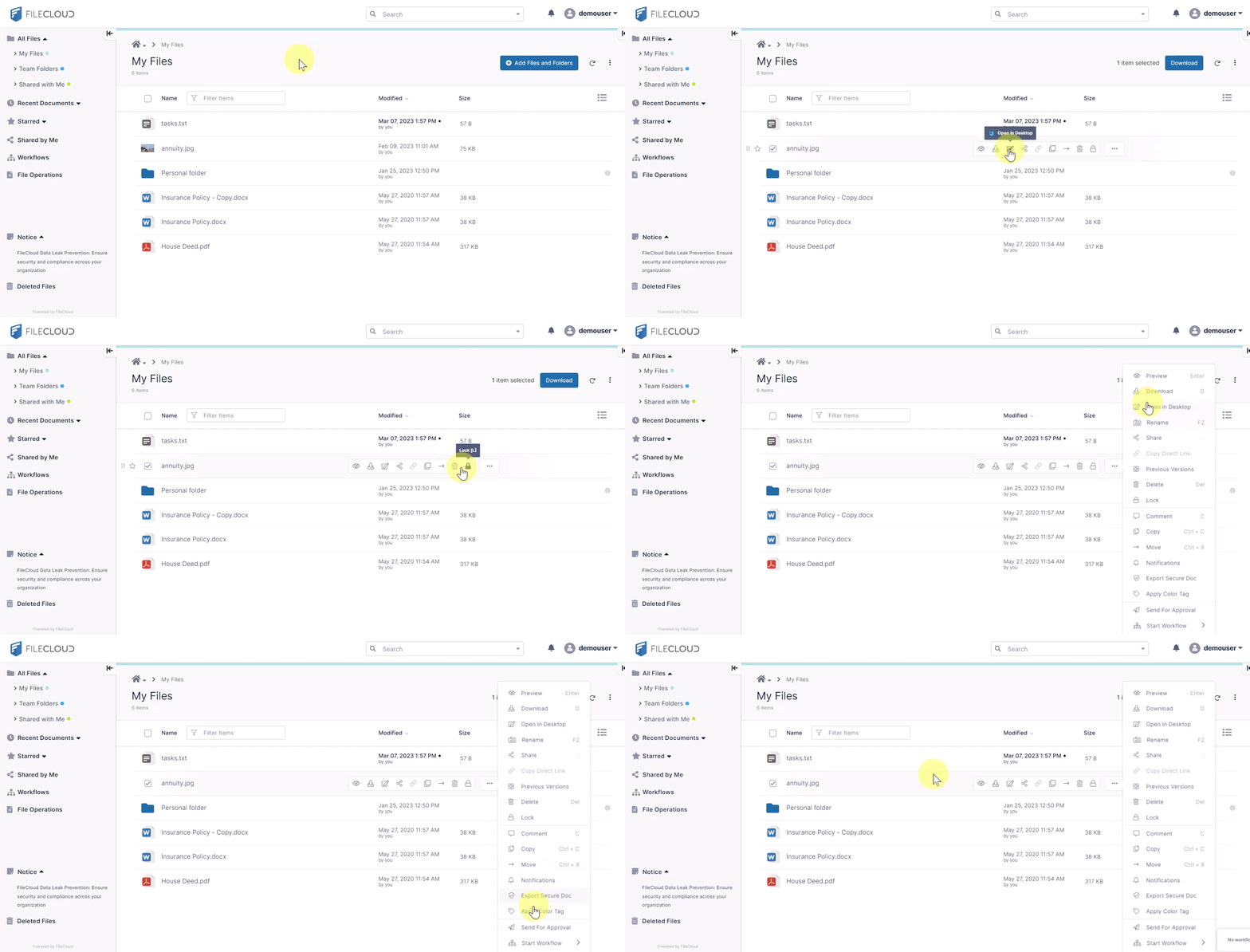
Select multiple files and/or folders by clicking the checkbox next to each or by clicking anywhere on each row and holding Ctrl+Click (or Ctrl+Shift to select a range). Unselect all selected files and folders by checking and unchecking the top box.
Click the More icon