.svg)
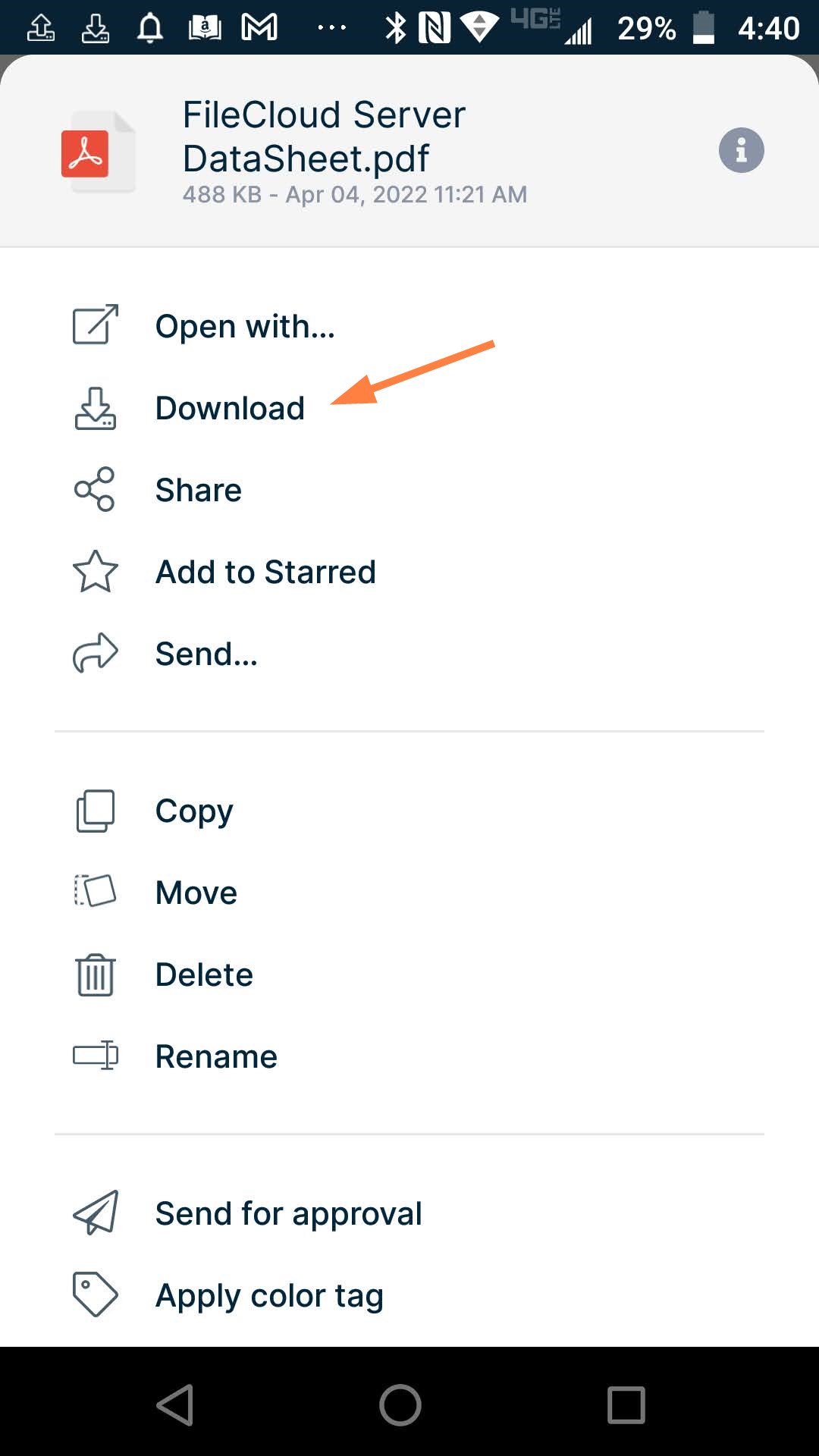
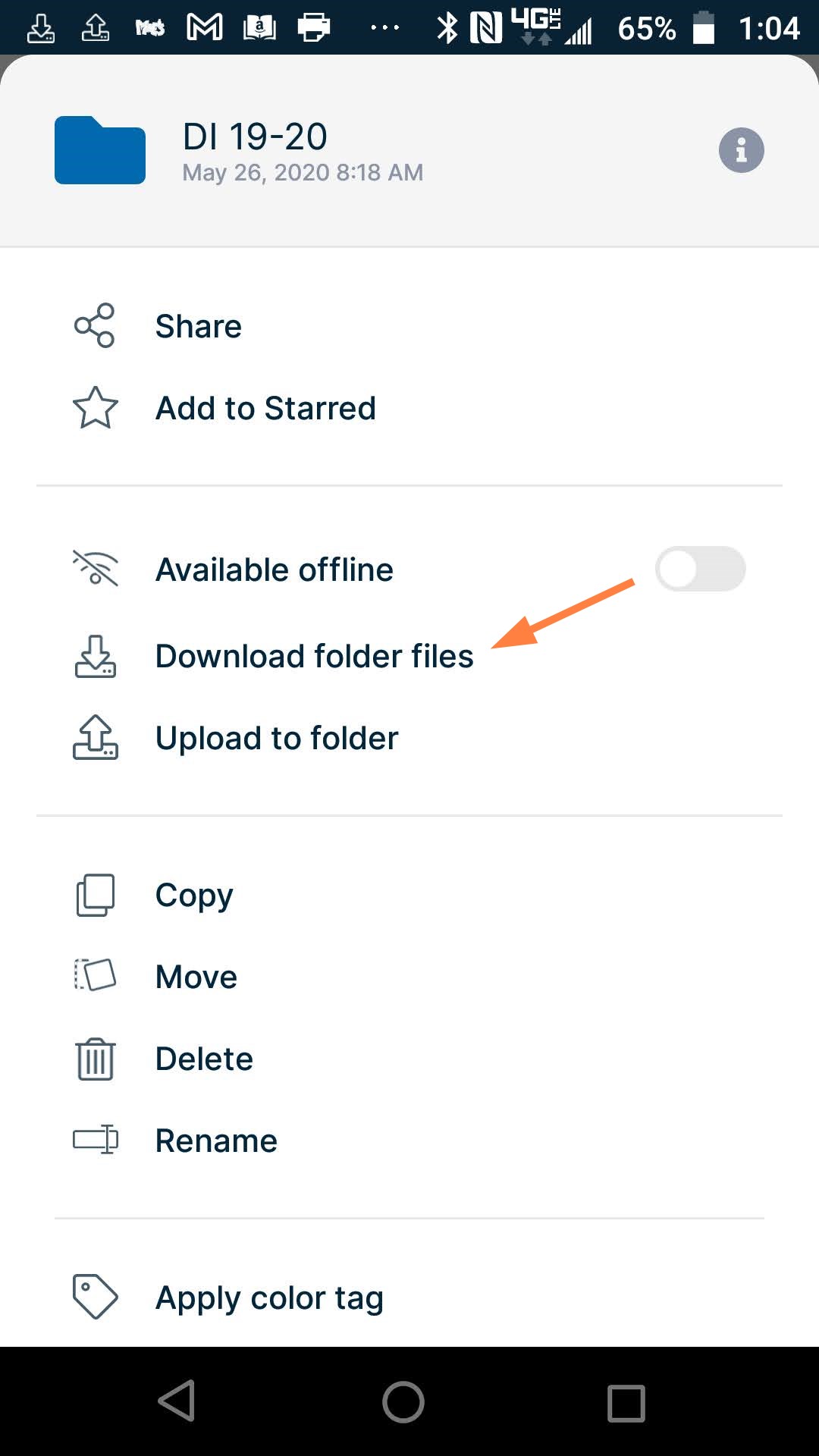
If you don't want to sync files, you can perform a one-time download of a file or all files in a folder.
|
To download a file: |
To download a folder: |
|---|---|
|
1. Open the FileCloud app. |
1. Open the FileCloud app. |
|
2. Open the folder where the file is located, and tap the more (3 dot) icon next to the file. 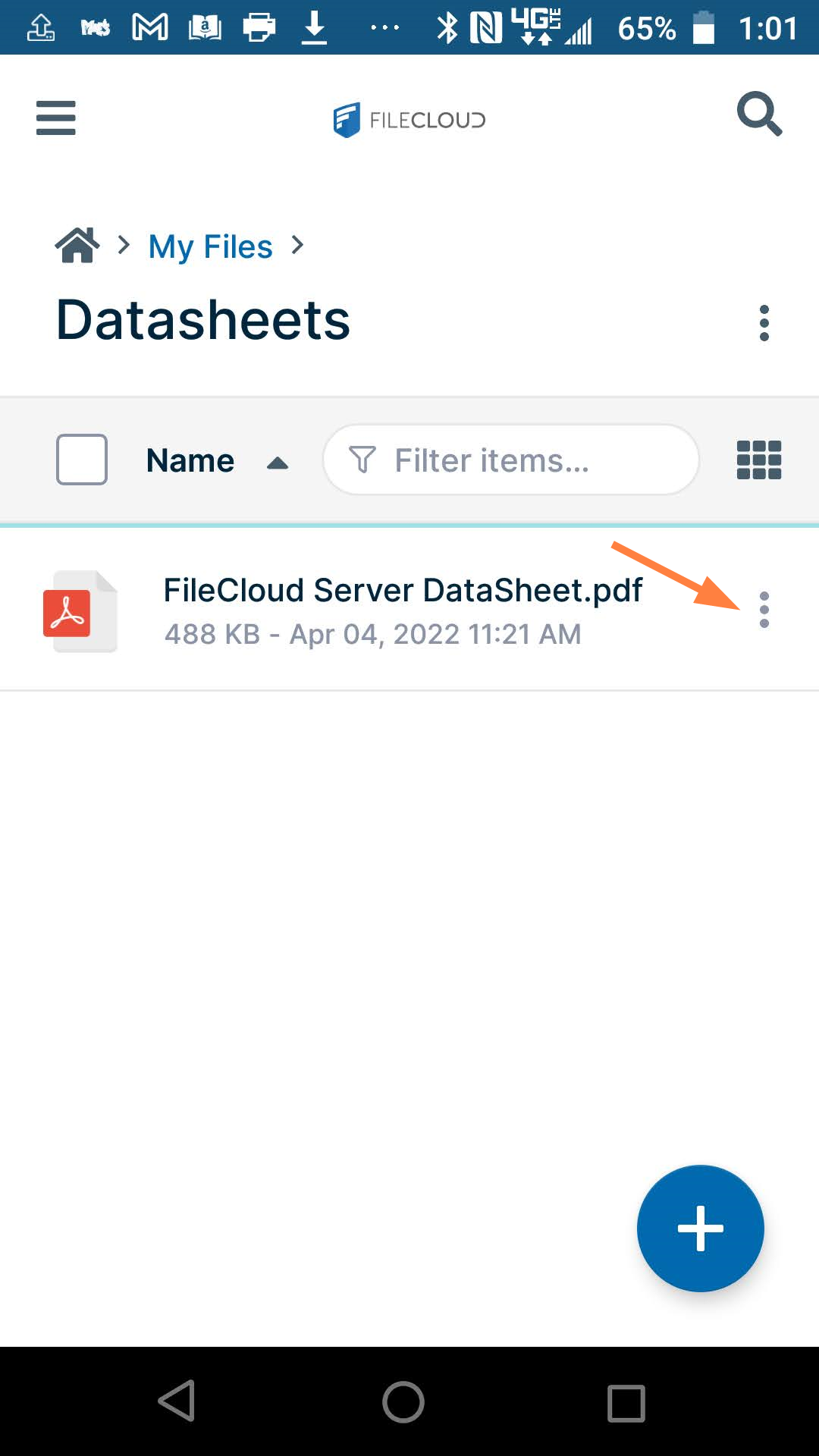
|
2. Navigate to the folder, and click the more (3 dot) icon next to the folder. 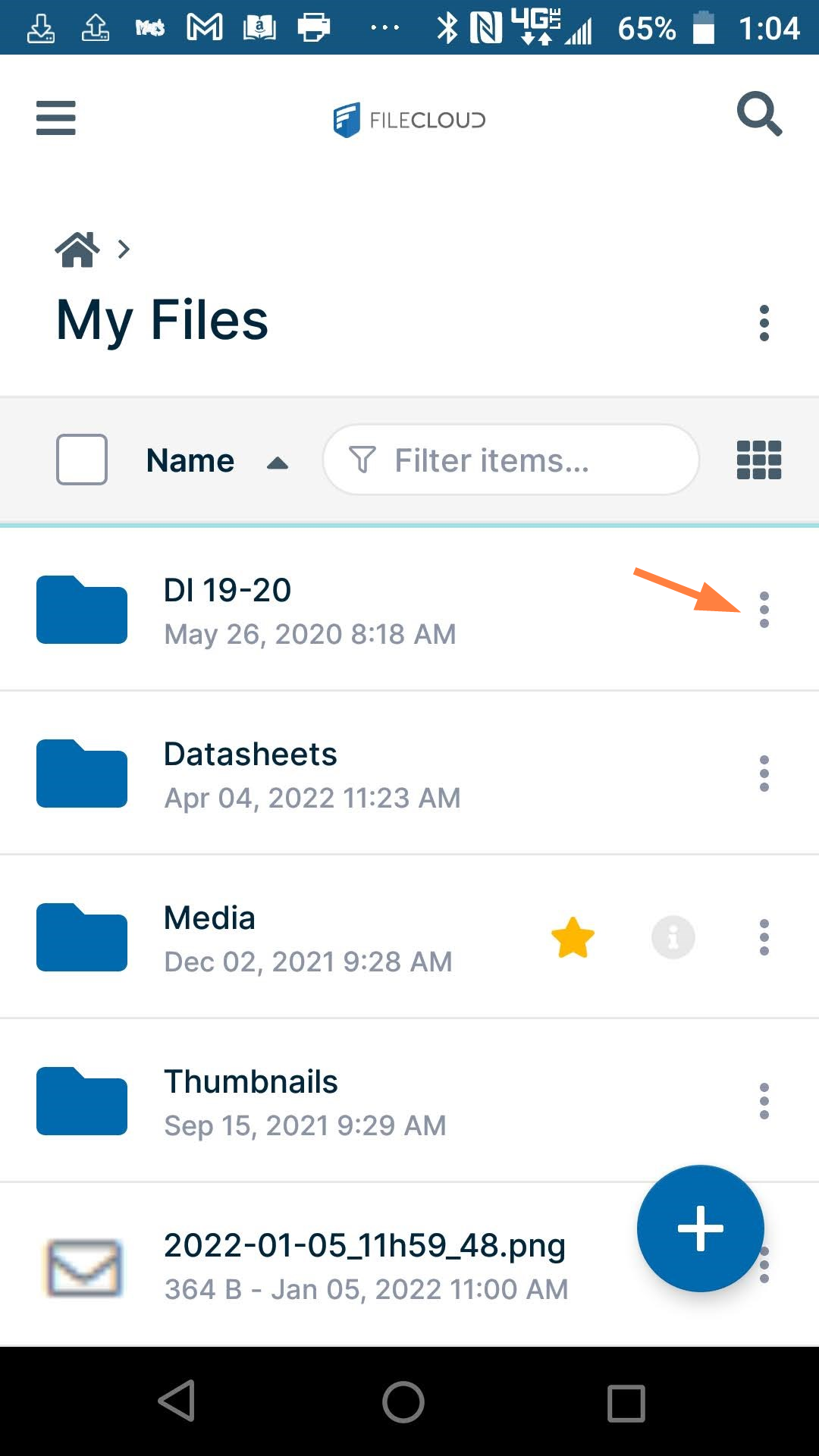
|
|
A list of actions opens.
|
A list of actions opens.
|
|
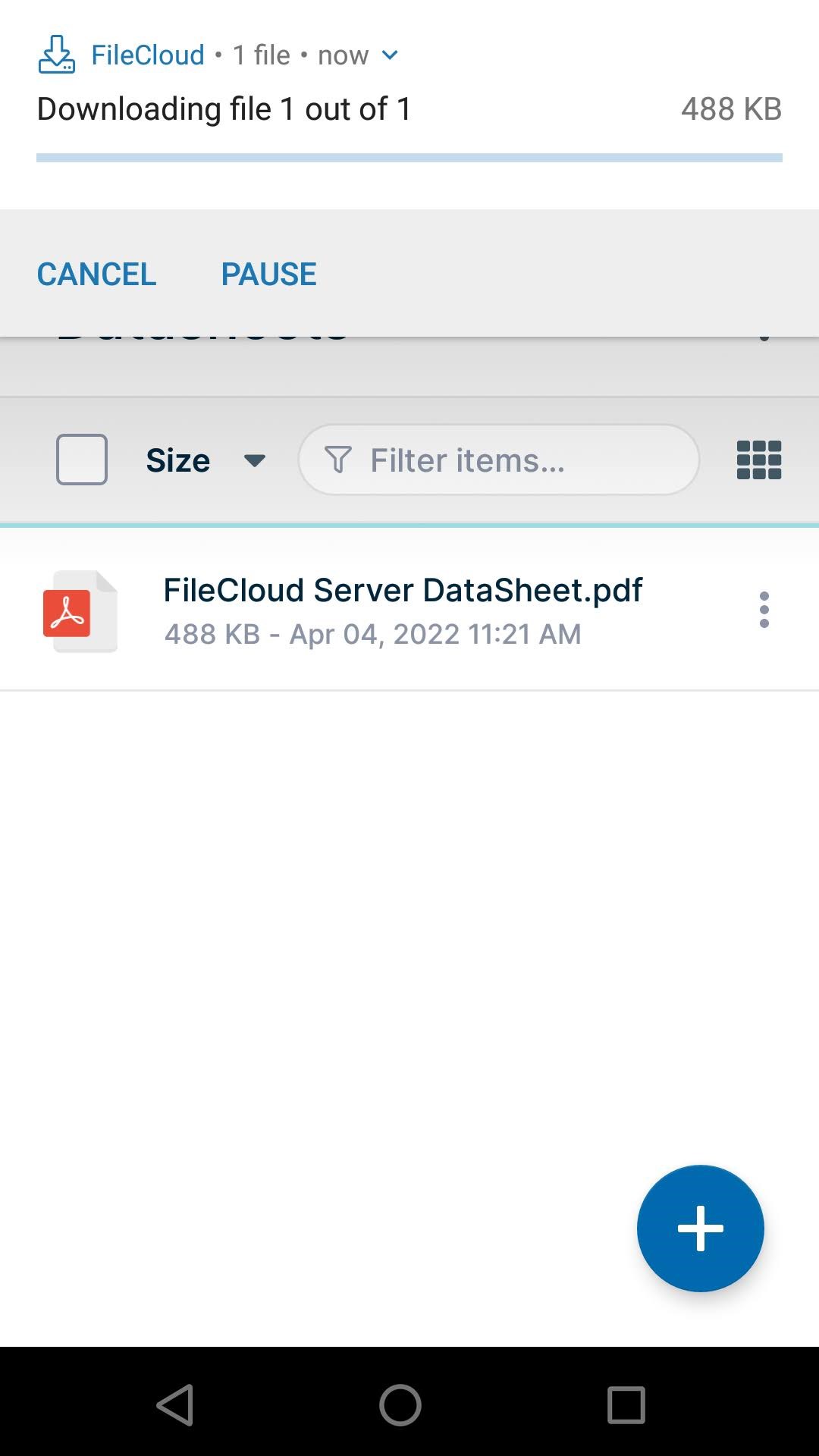
A pop-up notification confirms that the file is being downloaded.
|
You are prompted to confirm that you want to download all files in the folder. 4. Tap Confirm. A pop-up notification confirms that the files are being downloaded. 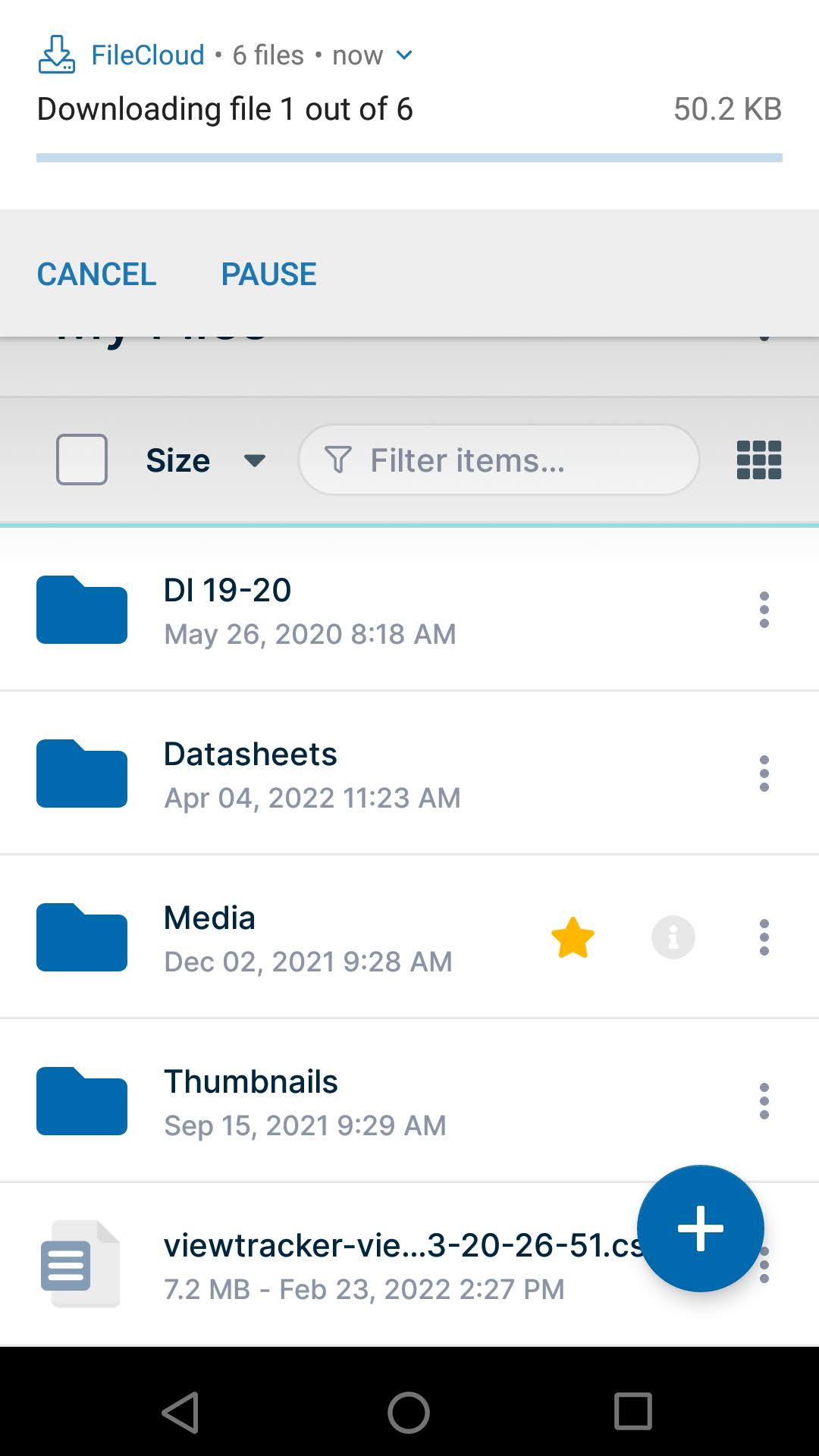
The files are saved to your default download location on Android. |