.svg)
You can set a default download location where all downloaded files will automatically be stored.
Setting a default download location will block a prompt from requesting a destination for each file you download.
To set a default download location:
-
Open the FileCloud app.
-
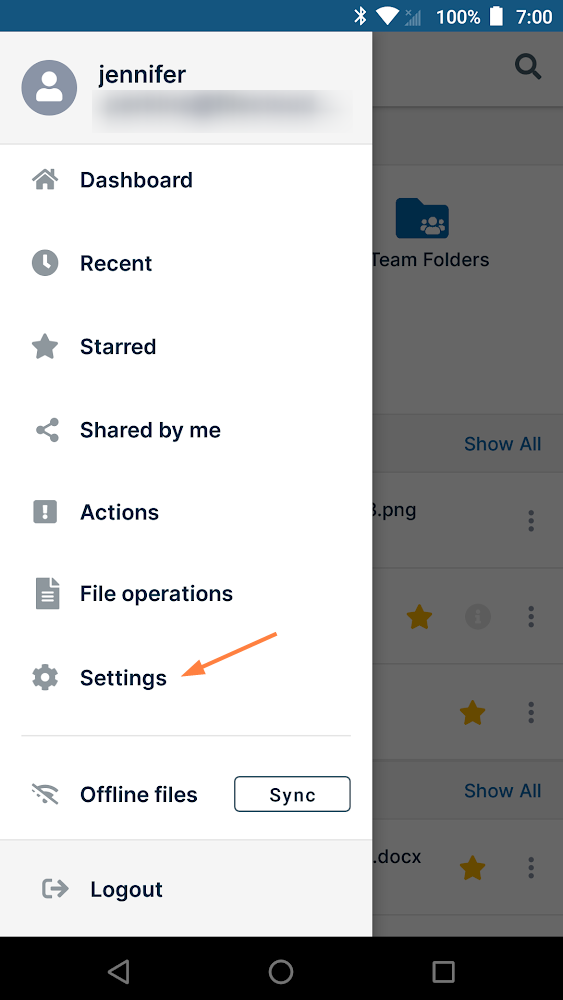
Click the menu icon in the upper-left corner and choose Settings.
-
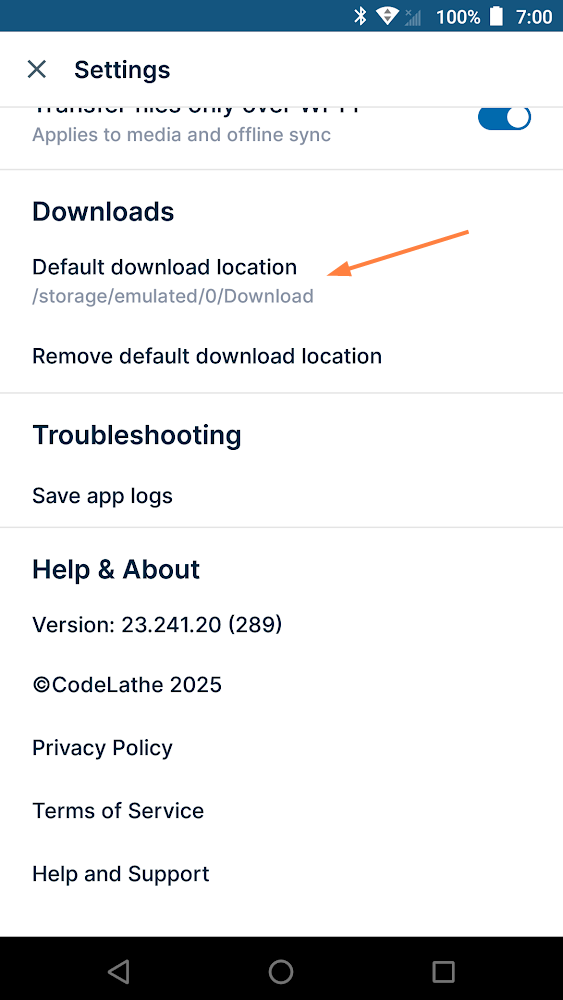
Scroll down to the Downloads section.
-
Tap Default download location, then tap the listed storage space, and change the location or select a folder.
After you have chosen a destination, you will see an option to remove it.
Removing your default download location will cause a prompt to request the destination of each file you download.