.svg)
Beginning in FileCloud version 23.263, the setting to disable screenshots and screen recording in mobile apps has been available.
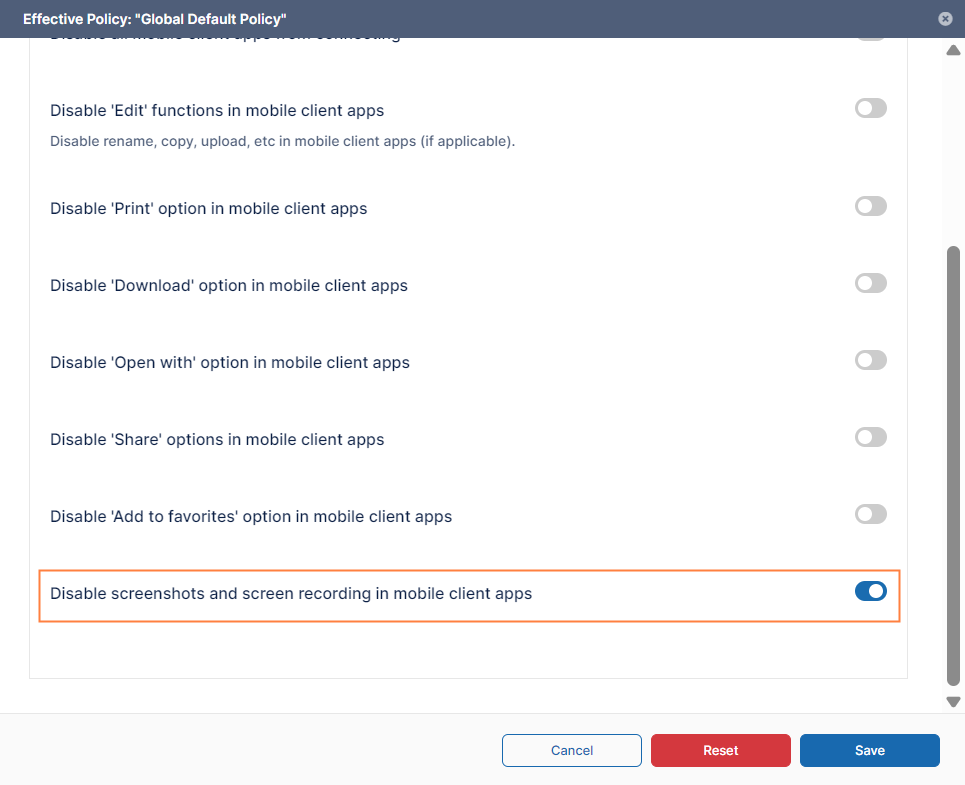
To prevent users from taking screenshots or making screen recordings while they are using the FileCloud app for Android, enable the Disable screenshots and screen recording in mobile apps setting:
-
In the admin portal, go to Settings > Policies, and open the policy. Then click the Client Application Policy tab.
-
Enable the setting Disable screenshots and screen recording in mobile client apps.