.svg)
To copy and paste files or folders:
-
Open the FileCloud App.
-
Navigate to the file or folder you want to copy.
-
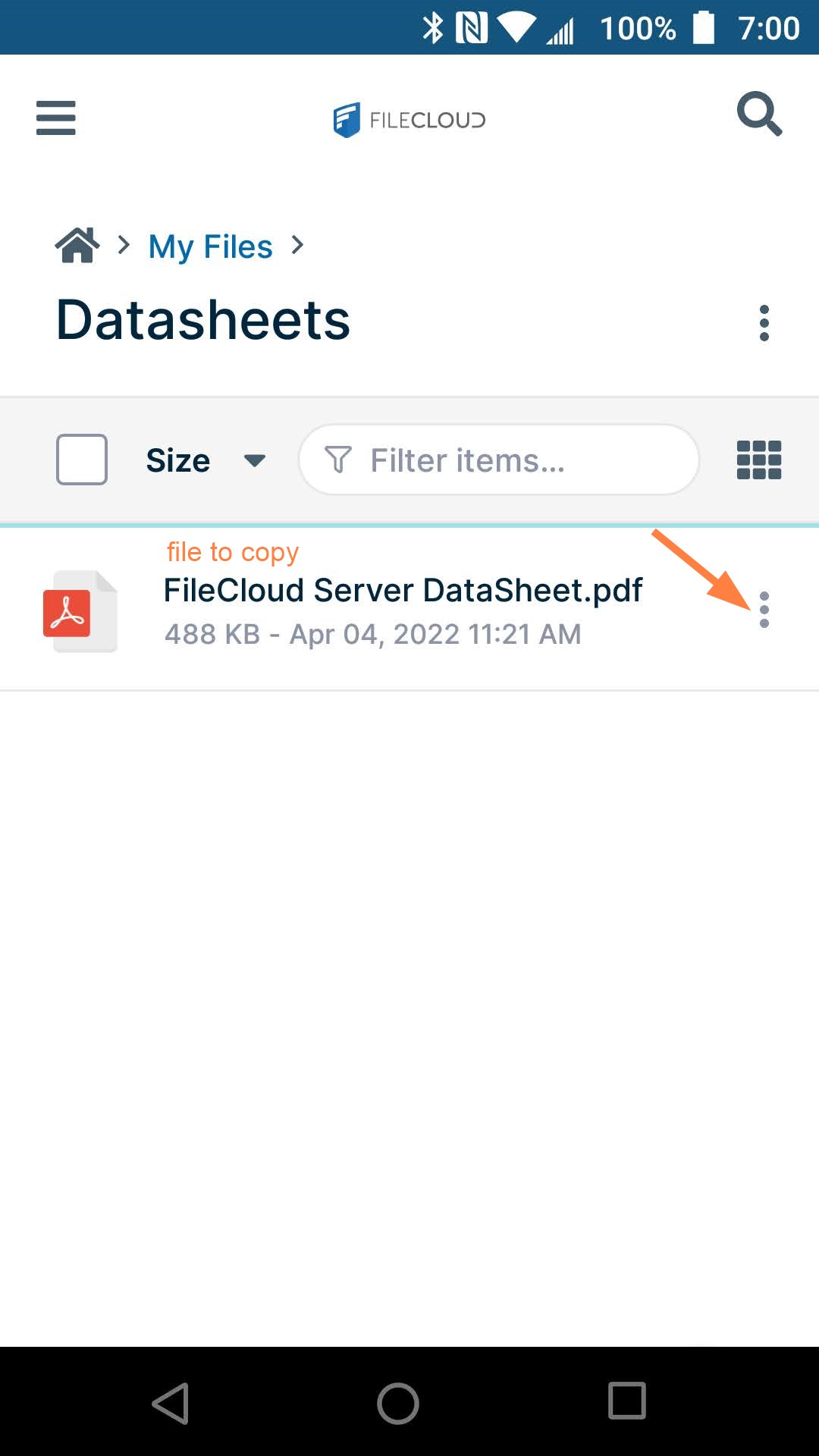
Tap the more (three dot) icon next to the file or folder.
-
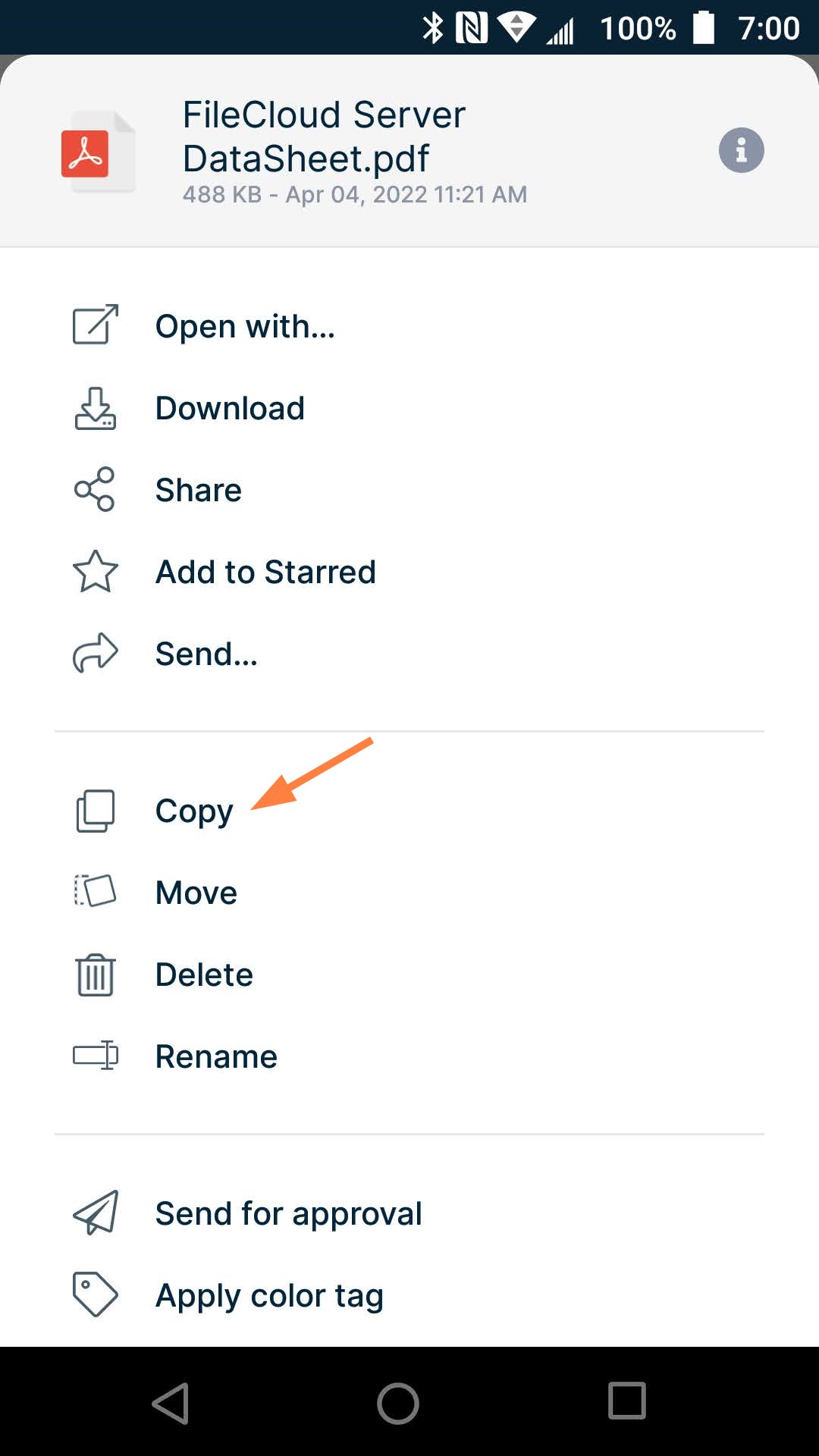
Tap copy.
-
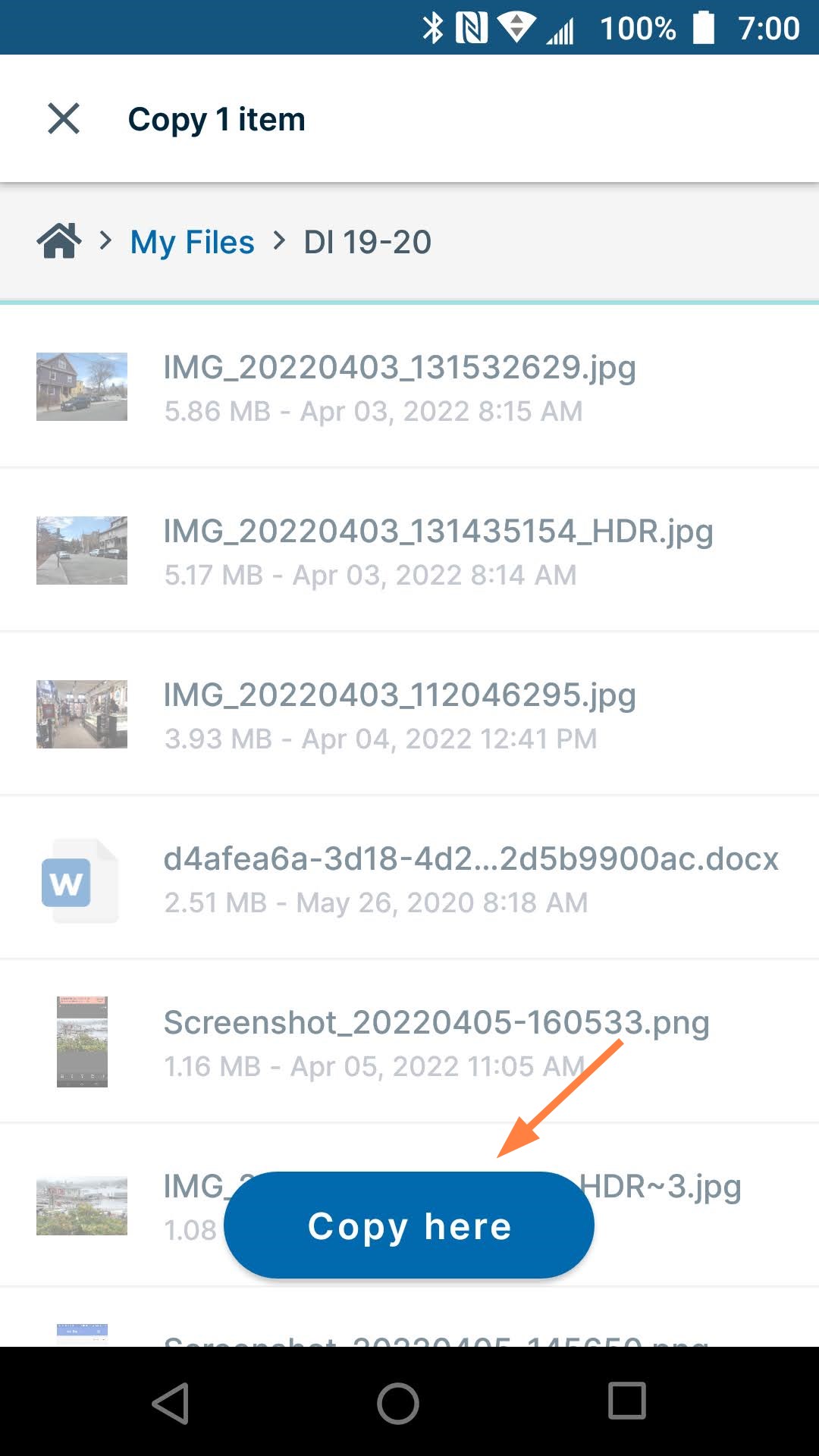
Navigate to the location where you want to copy the file or folder.
-
Click Copy here.
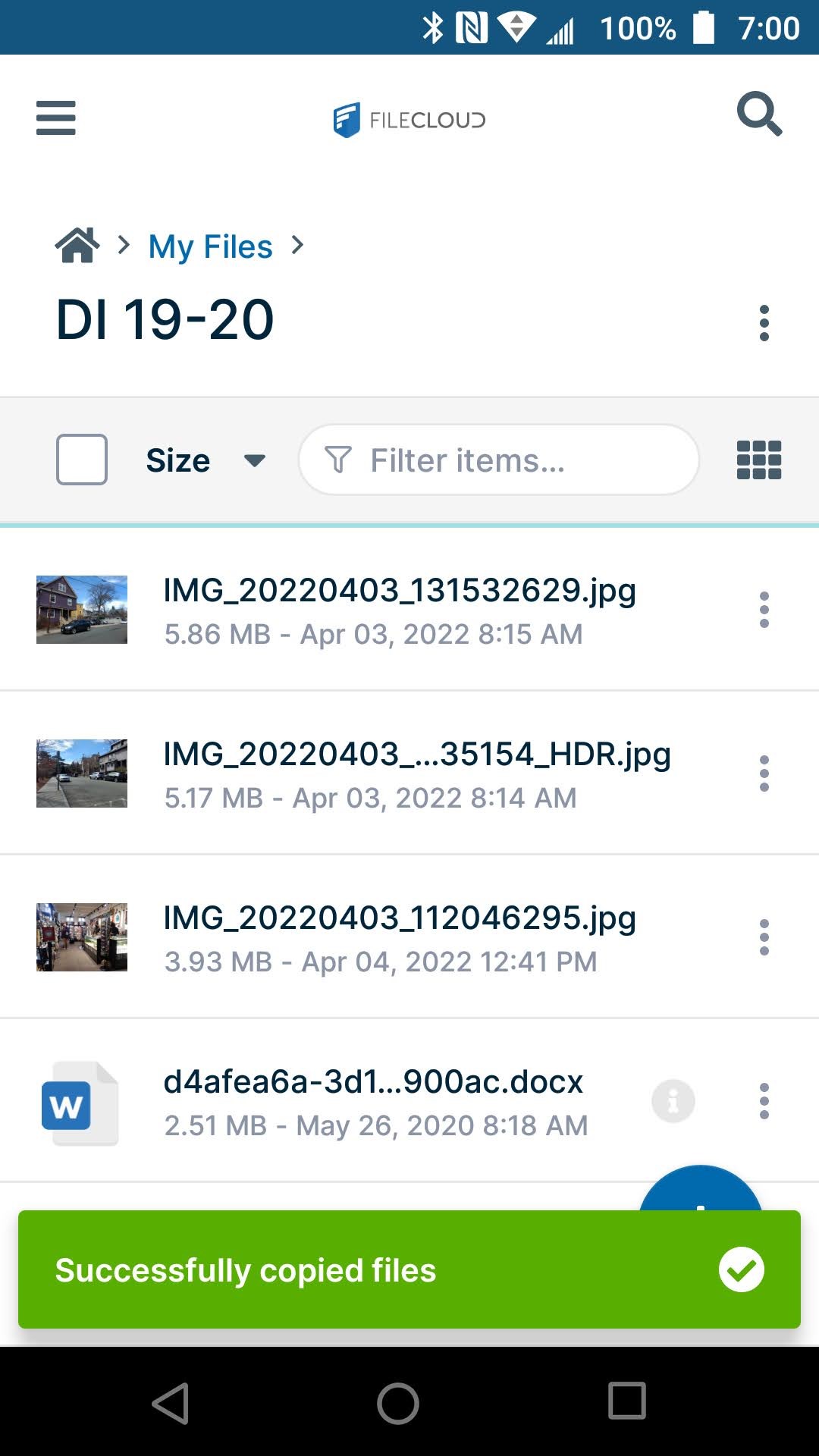
You are notified that the file or files in the folder have been copied to the location.