.svg)
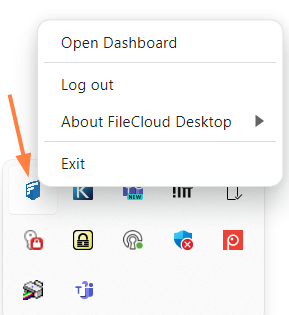
After you log in to FileCloud Desktop for Windows, a FileCloud icon appears in the taskbar. You can right-click on the icon to perform FileCloud Desktop tasks.
-
Open Dashboard - Opens the FileCloud Desktop for Windows dashboard.
-
Log out - Logs the currently logged in user out of FileCloud Desktop for Windows without shutting down the application.
-
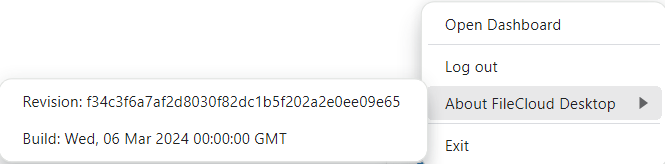
About FileCloud Desktop - Shows details about the FileCloud Desktop build:
-
Exit - Closes the FileCloud Desktop for Windows application.
On file conflict
If there is an existing file conflict, an additional task is listed:
-
Show Conflicts
Clicking on it takes you to the Recent Activity tab in the dashboard where the conflict is listed. See How FileCloud Desktop for Windows handles change conflicts for more information about file conflicts.