.svg)
Generation of crash reports in FileCloud Desktop for Windows is available beginning in version 23.253.4.
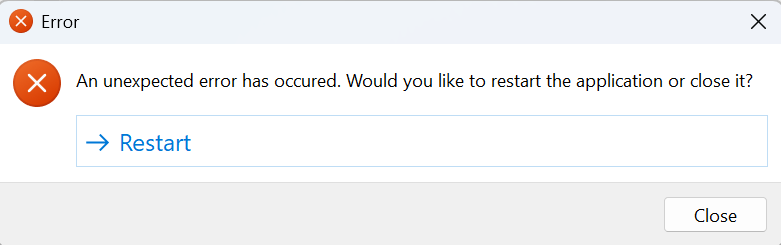
If FileCloud Desktop for Windows crashes, it automatically creates a crash report. When this happens, a notification gives you the option of restarting or closing the application:
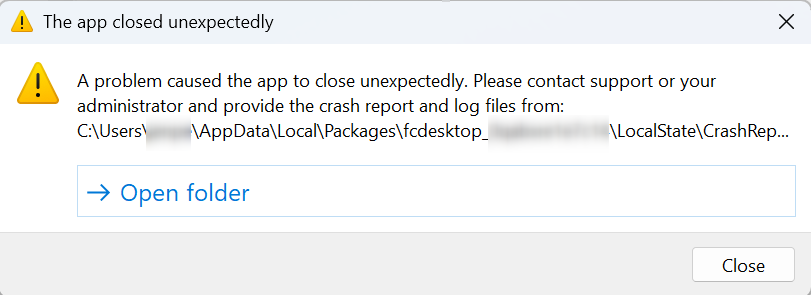
If you choose to restart, a new notification prompts you to access the crash report and send it to your administrator, who can troubleshoot it or send it to FileCloud Support.
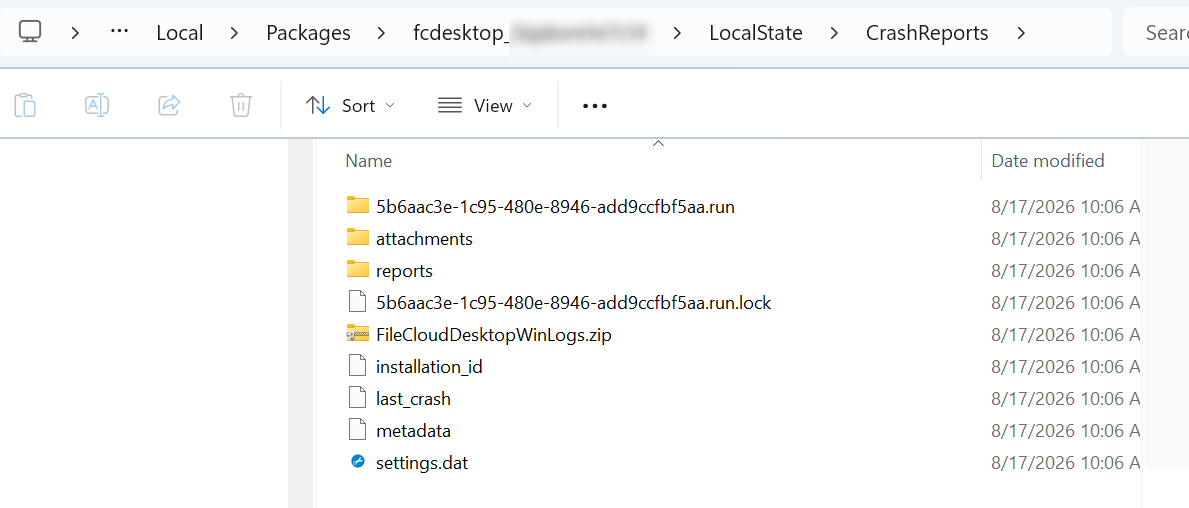
To access the crash report and log files, click Open folder.
If possible, navigate up to the LocalState folder and zip its contents. If there is secure information in the LocalState folder, zip the contents of the CrashReports folder. Send the zip file to your admin, who will either review the contents or send it to FileCloud Support.