.svg)
Beginning with FileCloud Version 23.261, the Switch to Admin Portal link has been moved from the user menu to the navigation panel.
To switch from the User Portal to the Admin Portal:
-
In the navigation pane, click Switch to Admin Portal.
Note: This option only appears for users with admin privileges.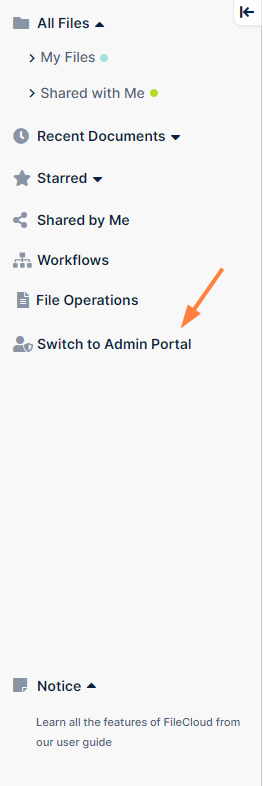
You are transferred to the admin portal without being redirected to the admin login screen.
Note: If no active admin session exists, additional authentication may be required.
To switch from the Admin Portal back to the User Portal:
-
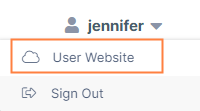
Click your username in the upper-right corner of the screen.
-
In the drop-down list, choose User Website.