From the Share Link dialog box, you can view a share as it appears to recipients when they click the share link.
-
Click the Preview icon next to the share link.
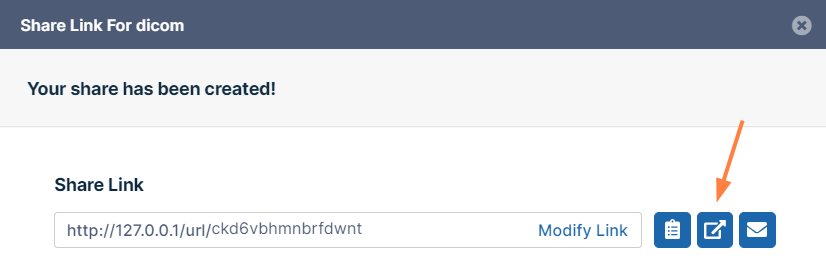
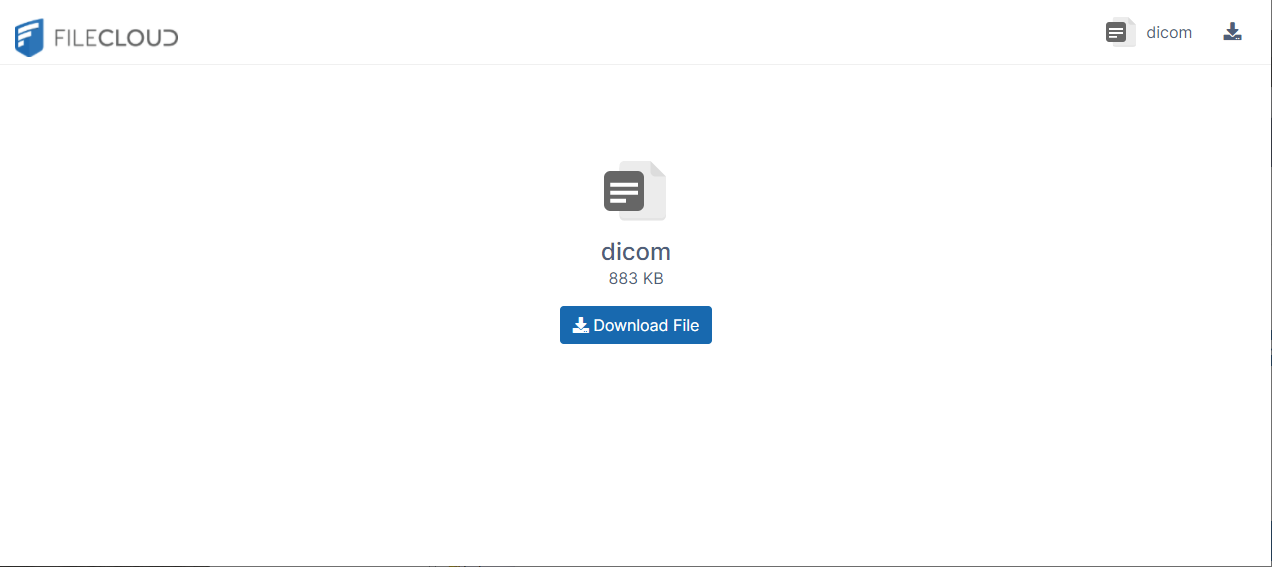
The share link opens in the browser as it would for a user who clicked the link:
.svg)
From the Share Link dialog box, you can view a share as it appears to recipients when they click the share link.
Click the Preview icon next to the share link.
The share link opens in the browser as it would for a user who clicked the link: