.svg)
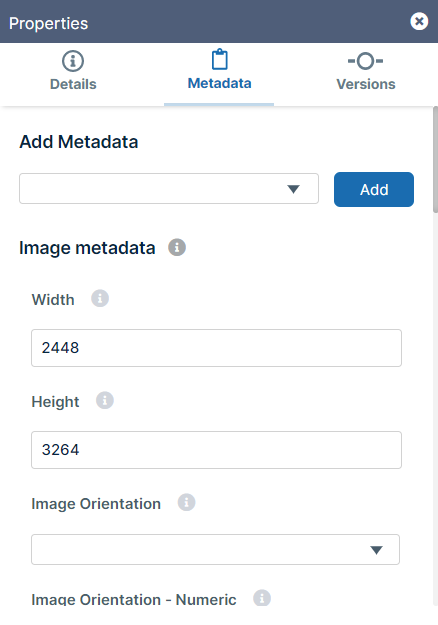
You can see version and metadata information or add metadata tags by viewing file or folder properties.
To view properties:
-
Launch FileCloud Drive by right-clicking on the icon in your system tray and choosing Open Folder.
-
A File Explorer window opens, displaying the contents of your mapped drive.
-
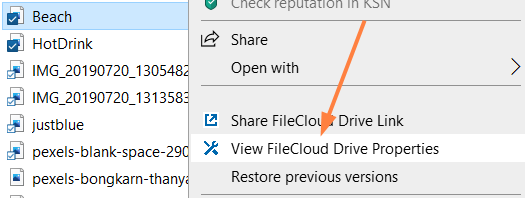
Right-click the item you want to view the properties for, and then select View FileCloud Drive Properties.
The Properties dialog box opens. -
Click the Metadata tab.
-
View the metadata. Modify any values with edit permission,