.svg)
From the Share Link dialog box, you can edit the name of a link to be more descriptive.
-
In the Share Link dialog box, click Modify Link.
The portion of the link that you can change becomes highlighted.
-
Enter a new name for the link, and click Save.

The link name is changed, and you are prompted to confirm whether or not you want to send an email to share recipients with the updated link:
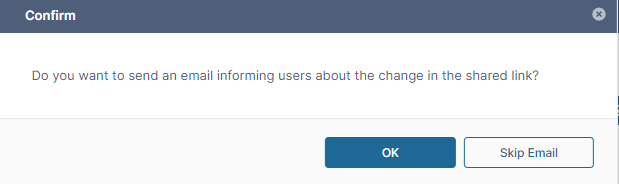
Note: If this is the first time you are adding a user to the share, they will receive an email with the link regardless of whether you choose OK or Skip Email.