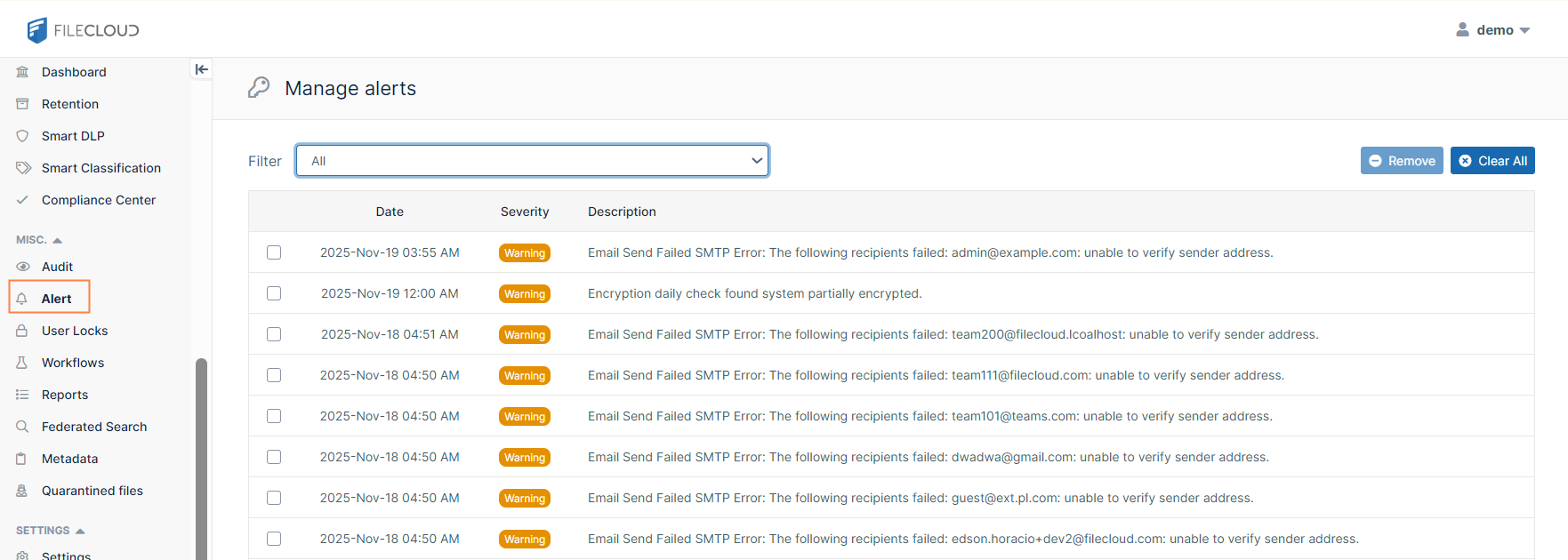
.svg)
FileCloud Alerts are available in FileCloud's Admin portal.
This page tracks all unhandled exceptions, system error messages generated in FileCloud. The Alerts page shows information about the various errors encountered.
Depending on the error, you may need to take steps to correct the problem. For example, if alerts indicate that system is frequently running out of memory, then system memory may need to be increased.
On the Manage alerts page, you can filter by type of alert:
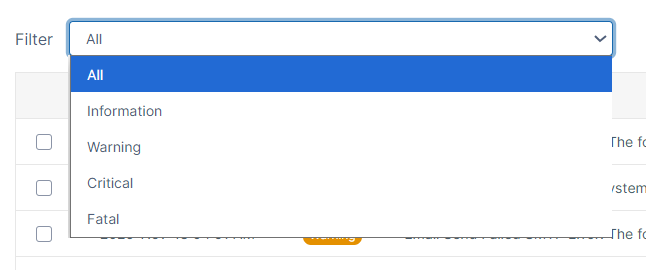
You can also remove individual or all alerts from the screen.
To view alerts:
-
Log into the Administration portal.
-
On the left navigation panel, click Alerts.
The Manage alerts page opens: