.svg)
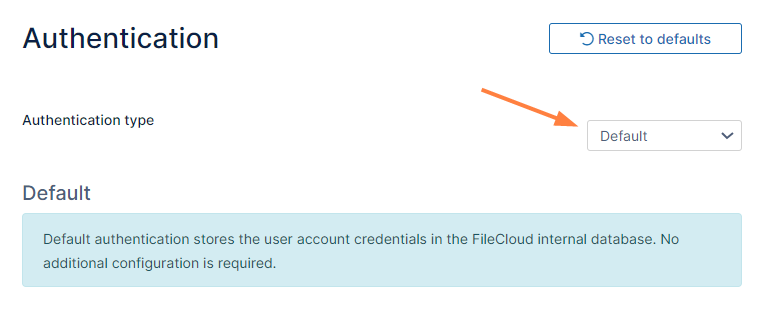
Initially, FileCloud is set to default authentication mode. User accounts created when this authentication type is configured have credentials stored and managed within FileCloud.
To enable Default Authentication:
-
In the FileCloud admin portal's left navigation bar, scroll down and click Settings. Then, on the Settings navigation page, click Authentication

The Authentication settings page opens. -
If Authentication type is not already set to Default, change it to Default and click Save.