.svg)
To delete a smart classification rule:
-
Click the delete icon to the right of the rule.
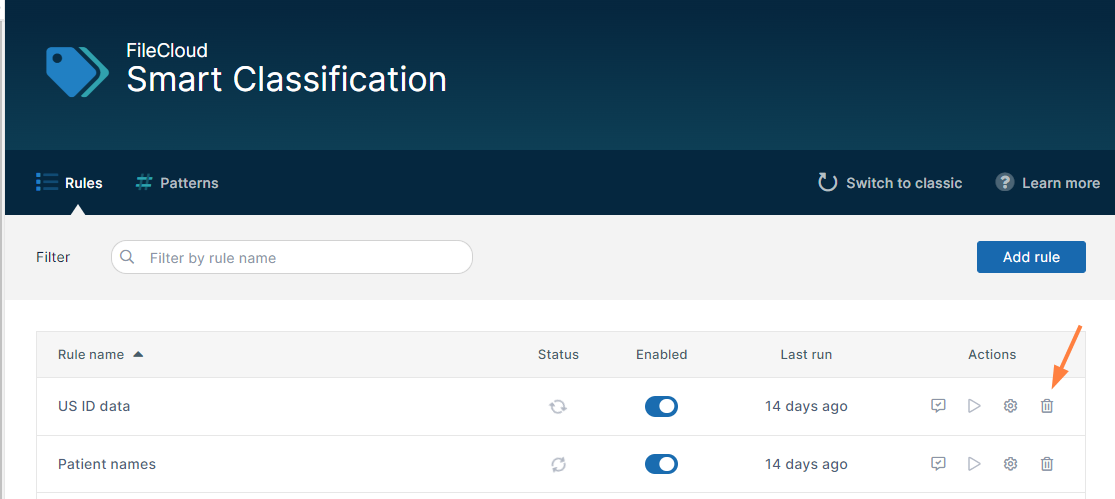
You are prompted to confirm that you want to delete the rule. -
Click Delete.
The rule is deleted.
Note: Metadata added to files and folders when the rule was run previously is not deleted.