.svg)
It is important to note that not all actions are compatible with all conditions and it is up to the user to determine and setup correct workflows.
Administrators can run a workflow manually from the Manage Workflows screen.
To run a workflow manually:
-
In the FileCloud admin portal's navigation panel, click Workflows.
-
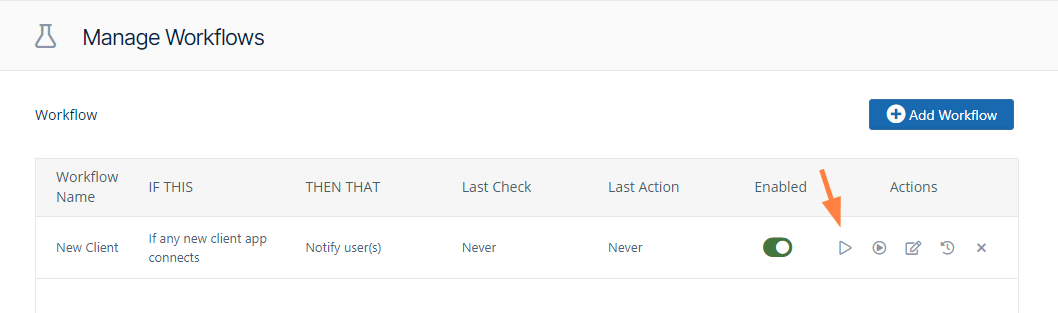
In the Manage Workflows screen, in the row for the workflow you want to run, click the first arrow under Actions.
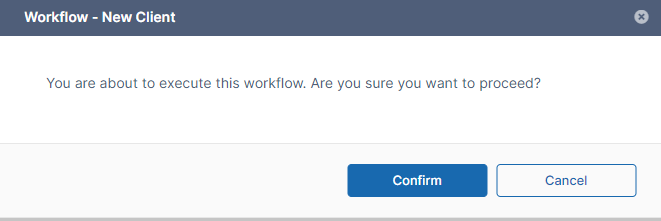
The following confirmation box opens.
-
Click Confirm.
A screen notification confirms that the workflow ran successfully.