.svg)
Administrators can clear the files deleted by users in Network Folders.
Why?
-
Files deleted by users are moved to recycle bin (if enabled).
-
The files in recycle bin will take up space over time.
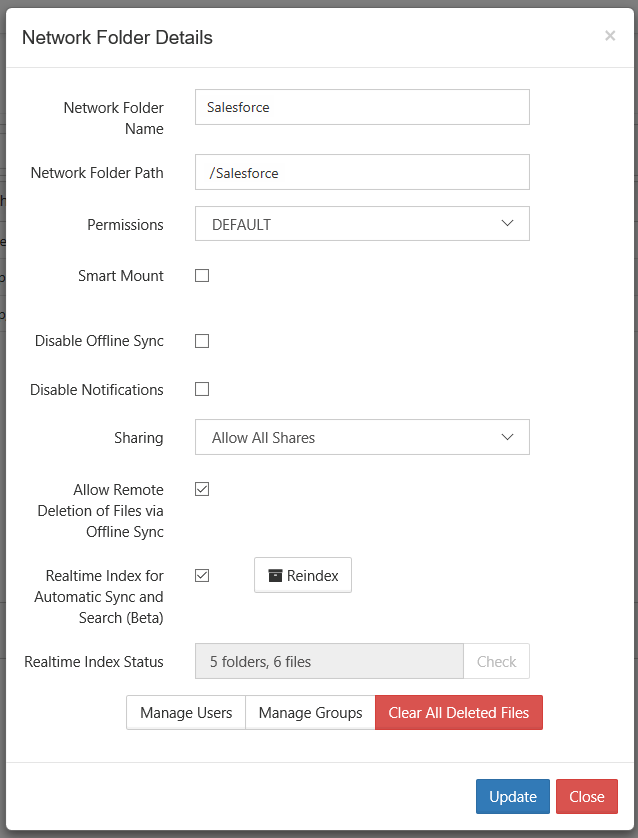
To clear deleted files in Network Folders:
-
Open a browser and log on to the Admin Portal.
-
On the left navigation pane, under Manage, click Network Folders.
-
On the Manage Network Folders window, click the row containing the folder you want to clear of deleted files.
-
Click the edit icon.
-
On the Network Folder Details window, click Clear All Deleted Files.
-
To save your changes, click Update.