.svg)
If your password is updated outside of Sync while you are working in Sync, a message tells you that you must enter the changed password.
To update to the changed password so you can continue working in Sync:
-
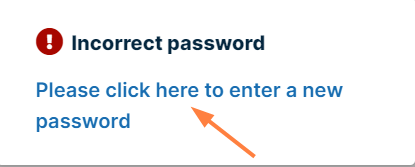
When the following message pops up, click on the text:
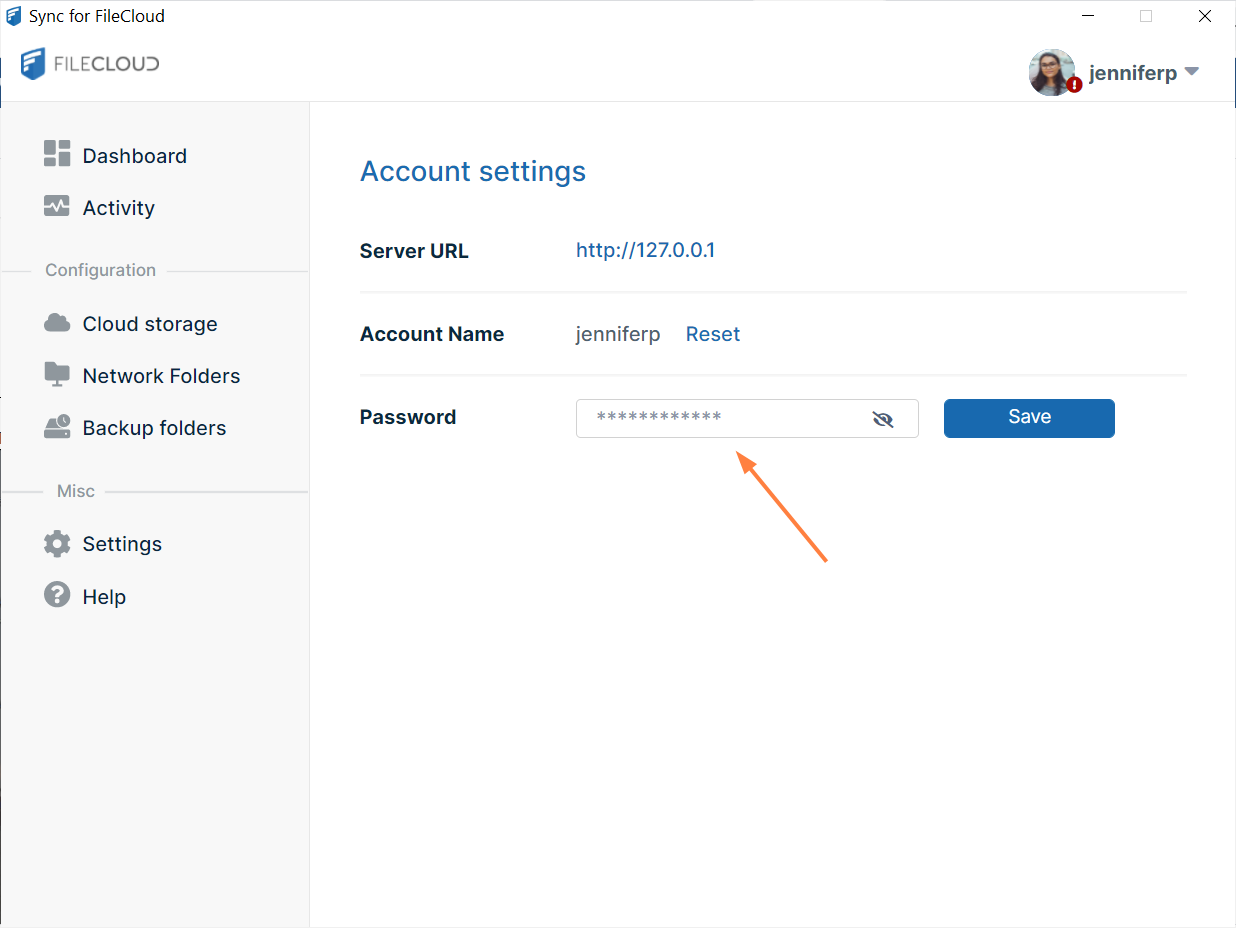
The following screen opens:
-
Enter the changed password into Password and click Save.
A message that Sync has saved the password and is validating it appears. -
Continue working in Sync.
The Password field on the Account Settings screen cannot be used to change your password from Sync; you can only use it to update your password in Sync after it has been changed outside of Sync.