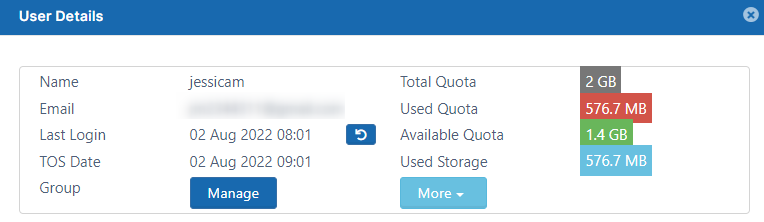
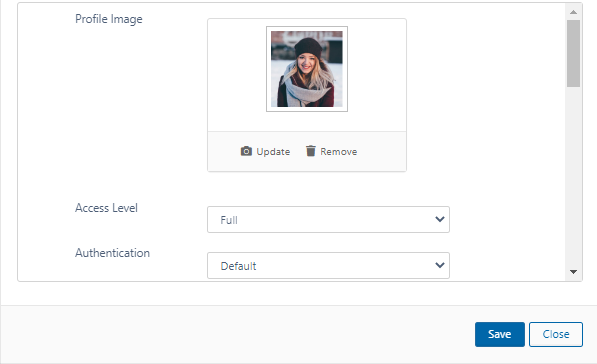
.svg)
The ability to update and remove a user's profile picture is available in FileCloud Server version 18.2 and later.
As a FileCloud administrator, you can see user properties and change them as needed.
To see a user's details and what they have permission to do:
-
Open a browser and log on to the admin portal.
-
From the left navigation panel, click Users.
-
In the users list, click on the row of the user you want whose details you want to view.
-
Click the edit icon.
Show me
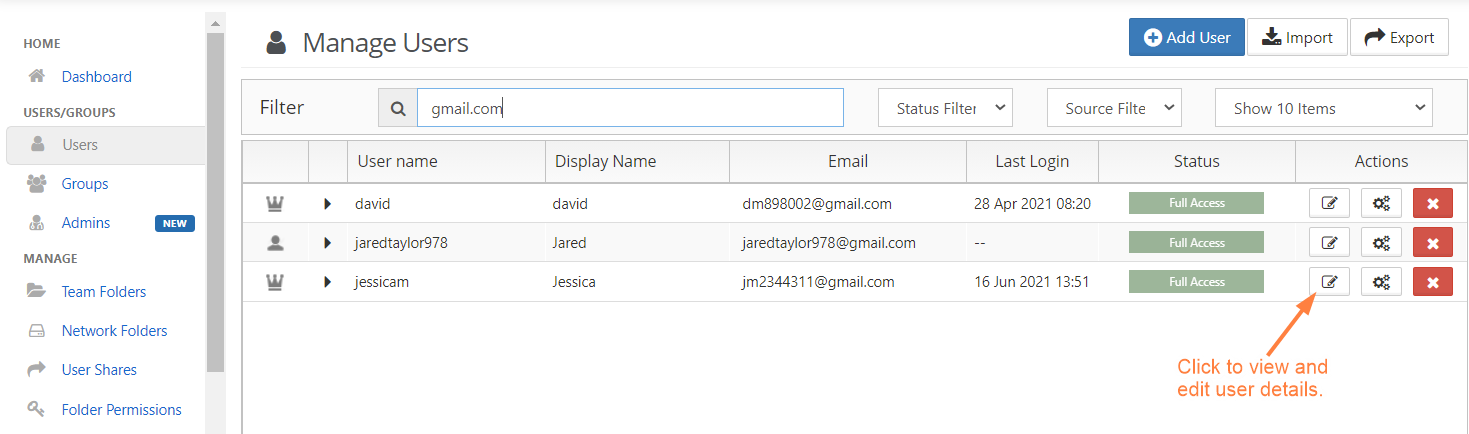
The User Details window opens showing you which user attributes you can set.
Click on the section of the User Details window below to learn more about an option.