.svg)
Administrators can use workflows to automate certain standard operations within FileCloud.
Workflows operate using the following model:
IF "CONDITION" - THEN "ACTION" (IFTTT)
You can setup specific triggers to run when the following conditions occur:
-
A system event
-
A specific date and time
-
A variety of actions
Each of the Conditions and Actions may require a parameter in JSON format.
The Workflow Dashboard
All workflows are created and managed on the Workflows dashboard.
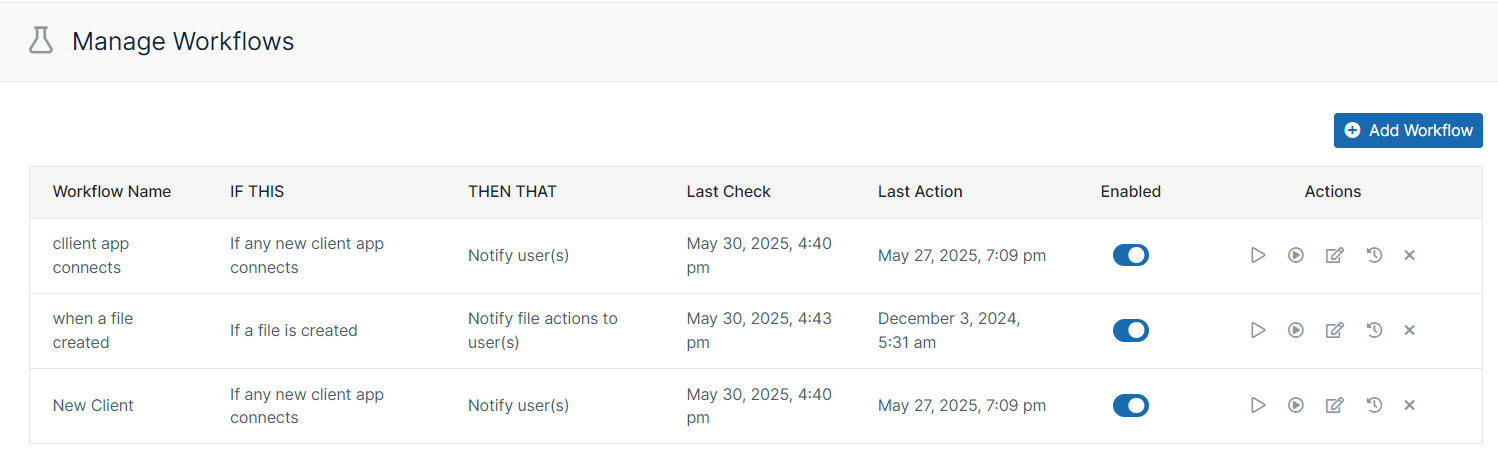
To access the Workflows dashboard:
-
Open a browser and log into the admin portal.
-
On the left hand navigation panel, under MISC., click Workflows.
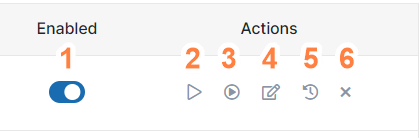
The actions you can perform on a workflow you have created include:
|
|
In this section: