.svg)
It is important to note that not all actions are compatible with all conditions. Please see the table on the page Define a THEN Action for compatible settings.
Administrators can add Workflows in the Admin Portal.
You will need to choose a condition, and specify what action should be taken when that condition occurs.
To add a new workflow:
-
Open a browser and log into the Admin Portal.
-
On the left hand navigation panel, click Workflows.
-
On the top right, click the Add Workflow button.
-
In the Create New Workflow window, select an IF Condition, and then click Next.
-
If a condition requires you to specify a value for something, for example a date or time, type in the values in the Required Parameters, and then click Next. Information about what is required is described below this box.
-
In the Create New Workflow window, select a THEN Action, and then click Next.
-
If an Action requires you to specify a value for something, for example a date or time, type in the values in the Required Parameters, and then click Next. Information about what is required is described below this box.
-
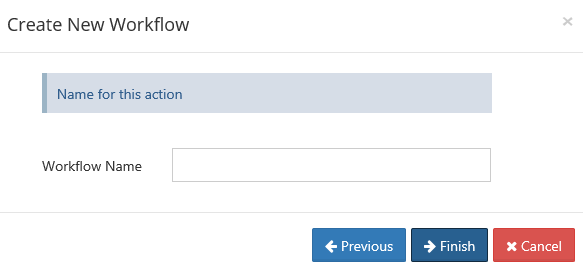
In Workflow Name, type in a unique word or phrase that describes the workflow, and then click Finish.