.svg)
To log in to the FileCloud app on Android:
-
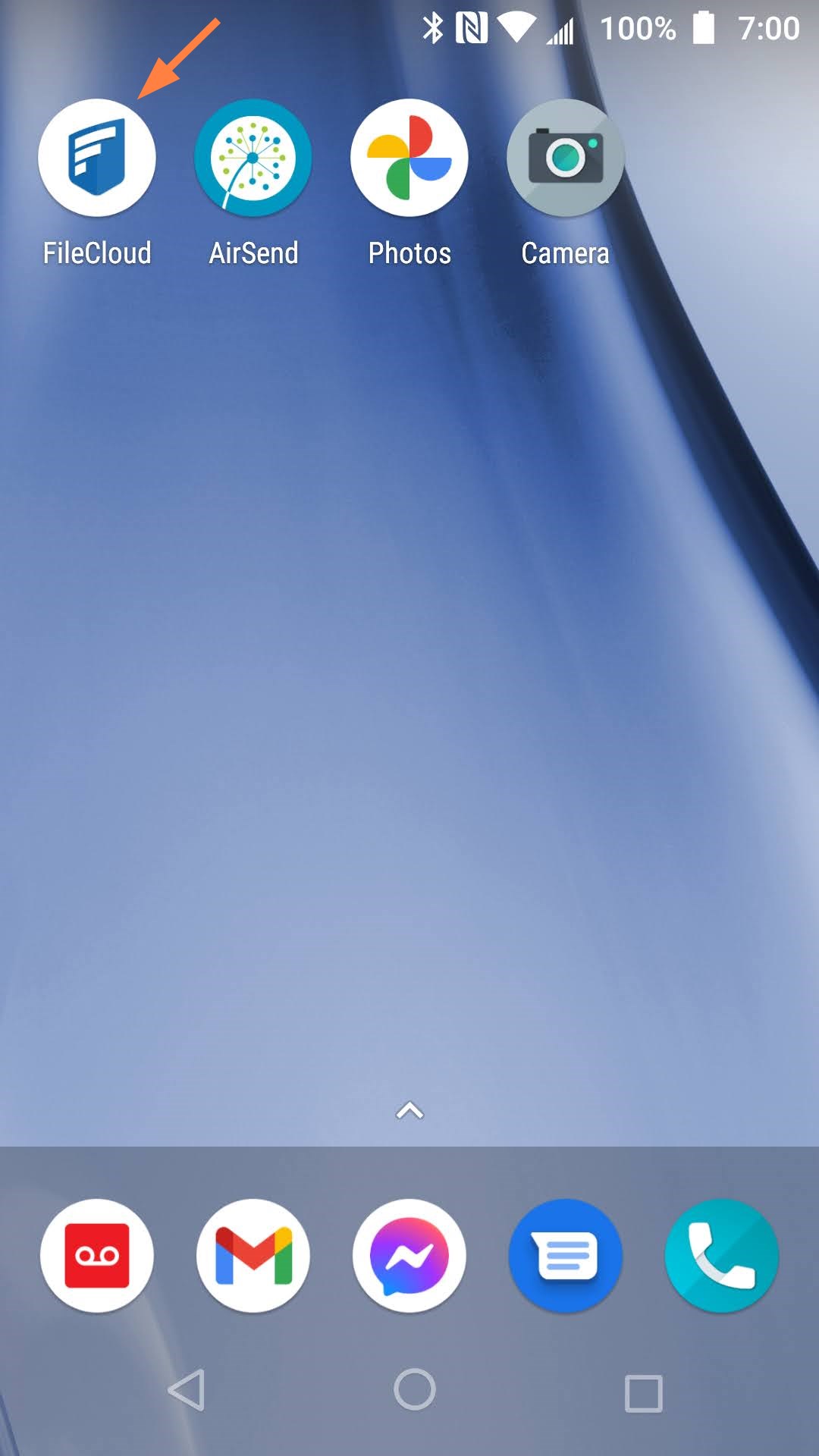
Tap the FileCloud icon.
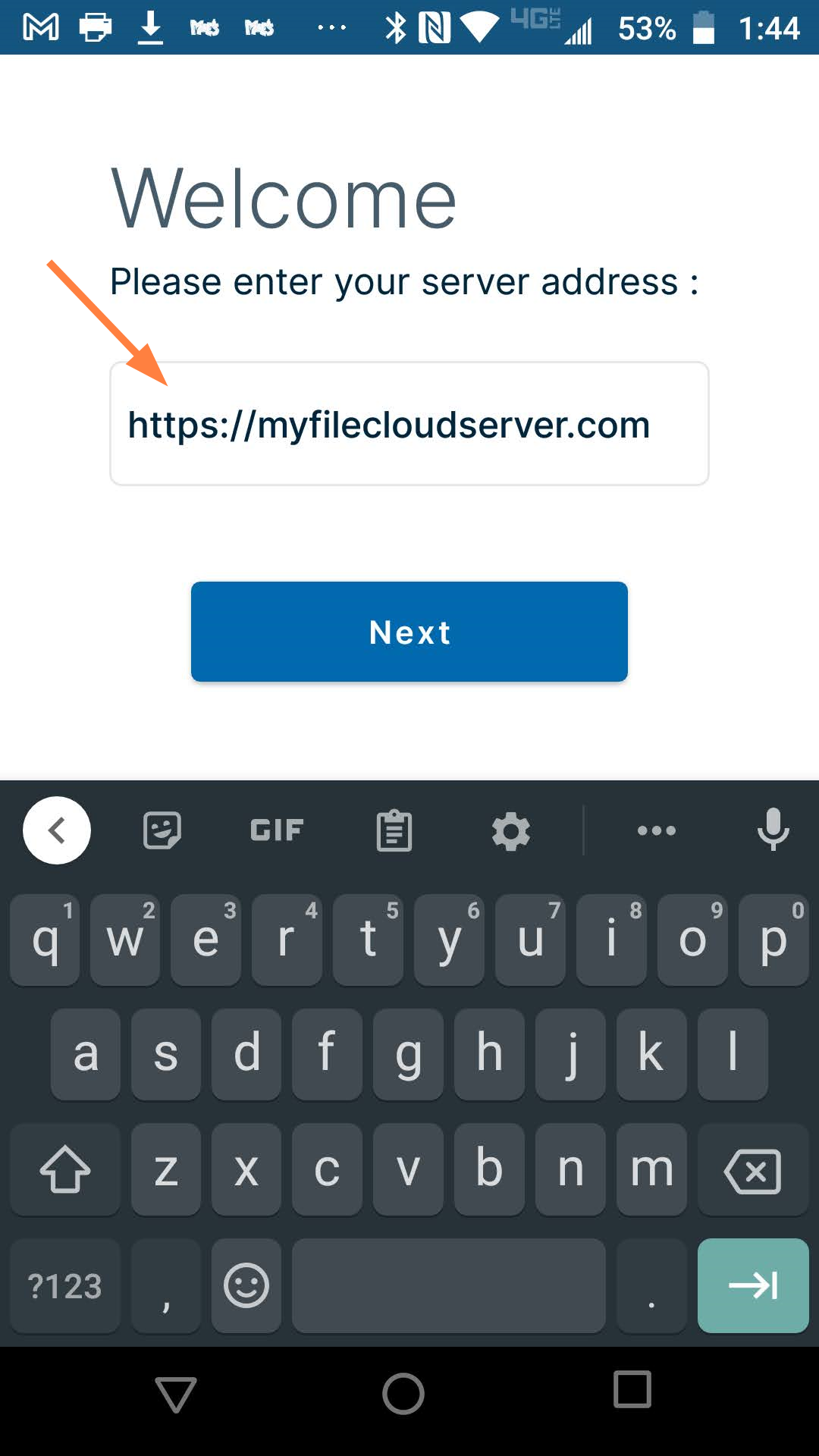
The Welcome screen opens. -
Enter your FileCloud address, and tap Next.
-
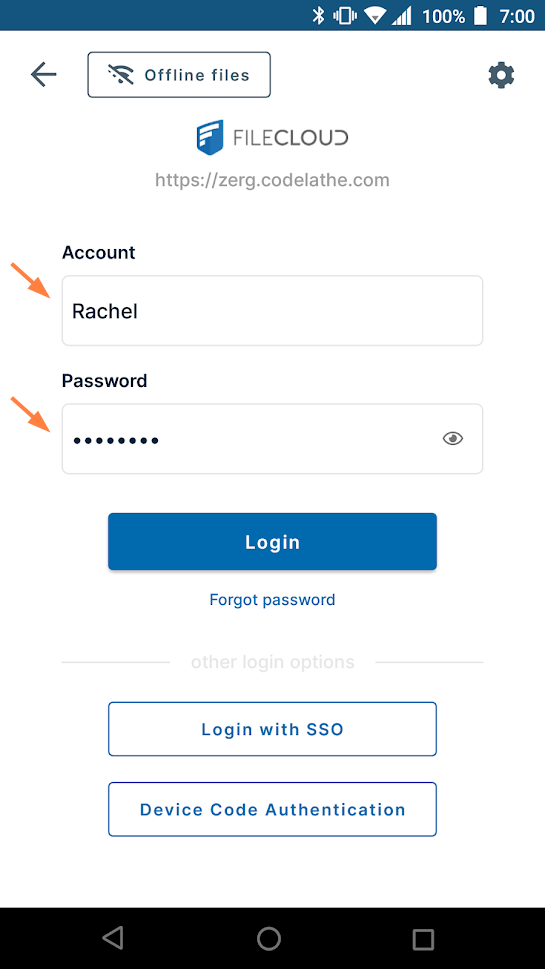
In the next screen, enter your username and password and tap Login.
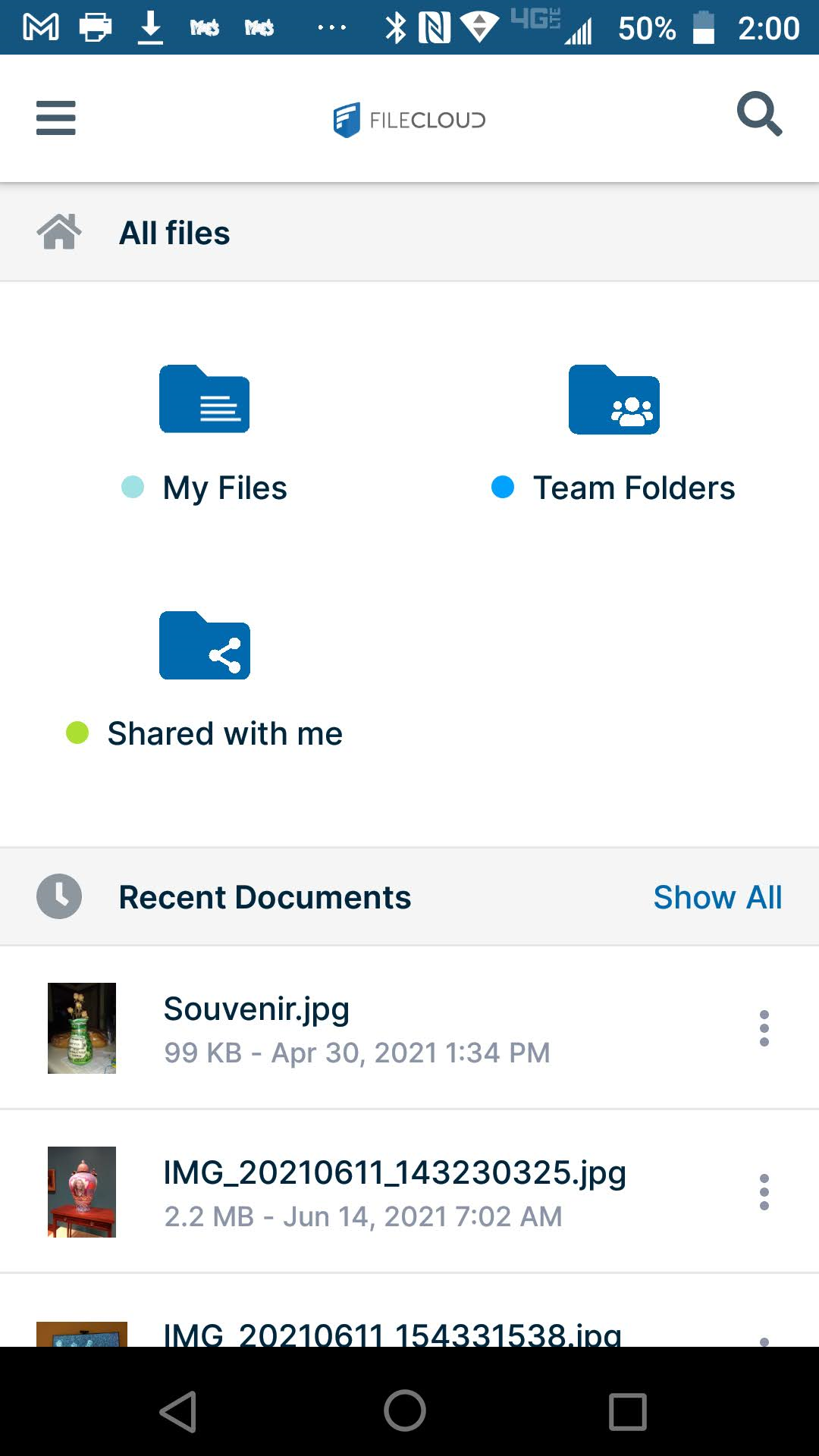
Once the account is authenticated, your dashboard opens, and you can access your files.