.svg)
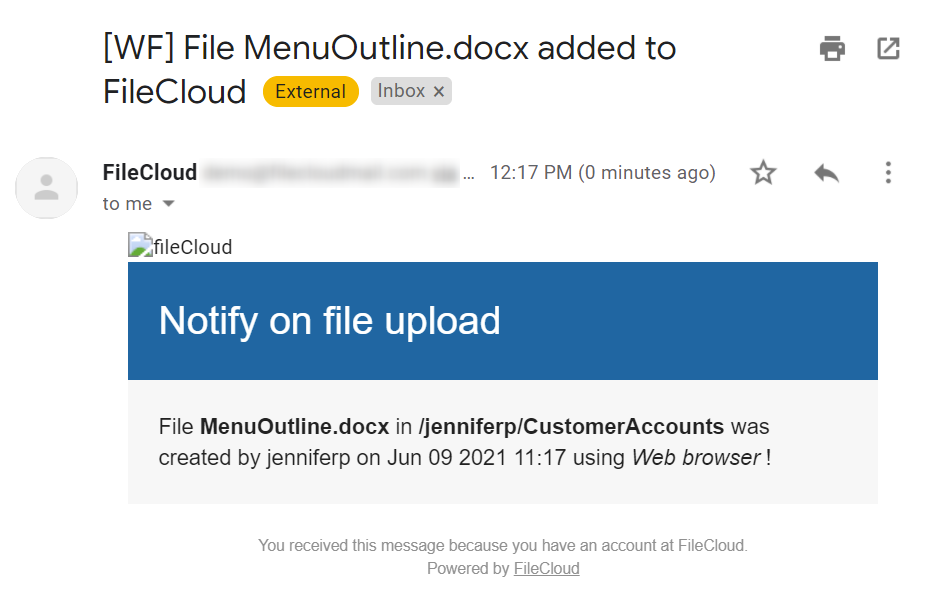
This workflow recipe sends an email notification when a file is created or uploaded to FileCloud.
-
This notification can be set for a specific folder location only
-
The admin can provide a set of email ids to which the notification email has to be sent
To create a workflow to notify when a file is uploaded:
-
Login to Admin Portal
-
Navigate to Workflow on the left navigation
-
Tap on the Add Workflow button
-
Set the If Condition to If a file is added or updated and click Next
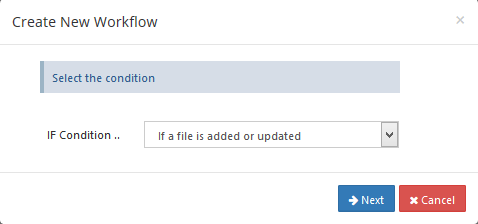
-
Enter the Required parameters in the given format, and click Next.
eg: Path : My Files Location (/jenniferp/CustomerAccounts)
{
"parent_folder_path_string":"/jenniferp/CustomerAccounts"
}
To identify FileCloud specific path for a folder please refer this Identifying a FileCloud Specific Path.
Set the path to "/" if you want to monitor all the folders in the system.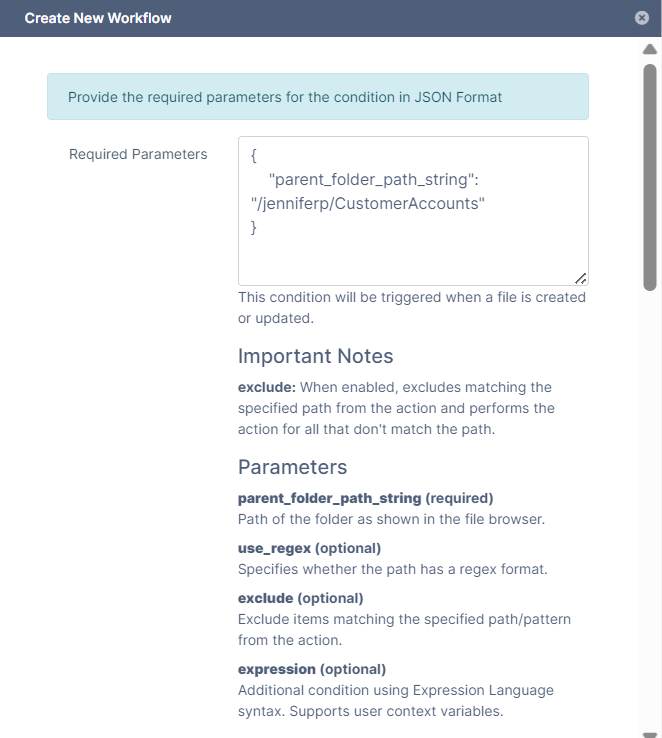
-
Set the then action to Notify user(s), and click Next.
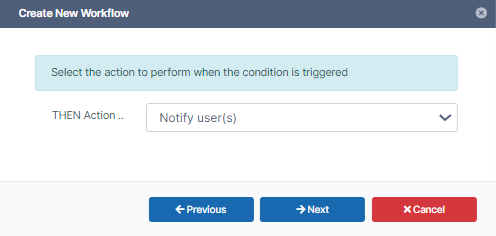
-
Enter the Required parameters in the given format
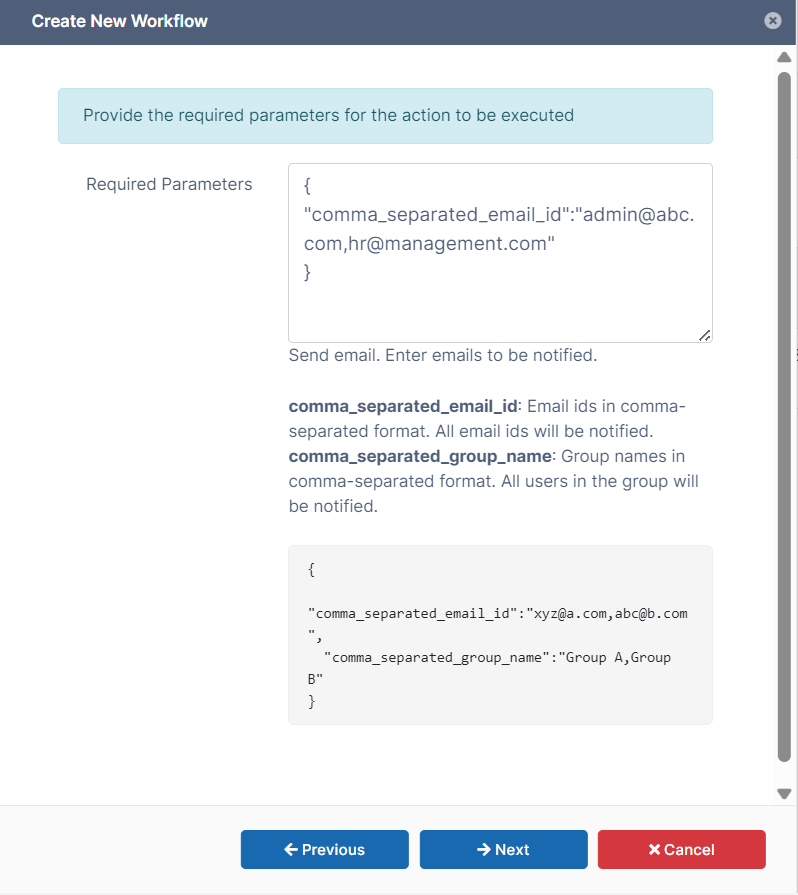
{
"comma_separated_email_id":"admin@abccompany.com,hr@management.com"
}
-
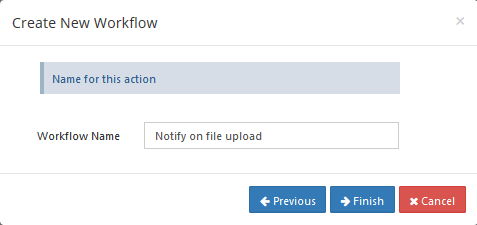
Click Next, then give an appropriate workflow name and click Finish.
-
Sample notification email on a file upload.