.svg)
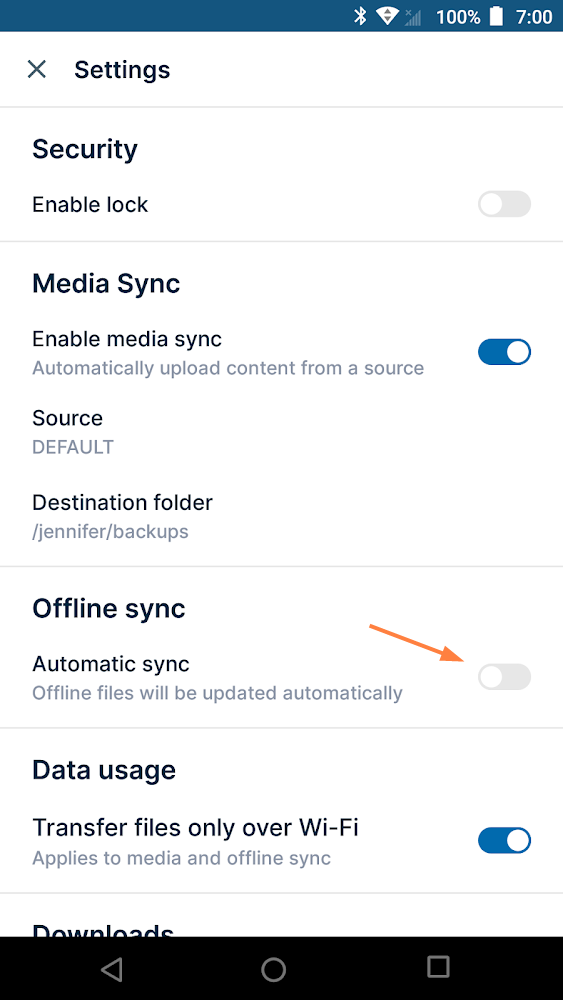
If you no longer want to download files to access them while offline or update your local version of files, you can disable offline availability.
To disable offline availability:
-
Open the FileCloud app.
-
Navigate to the folder that was available offline.
-
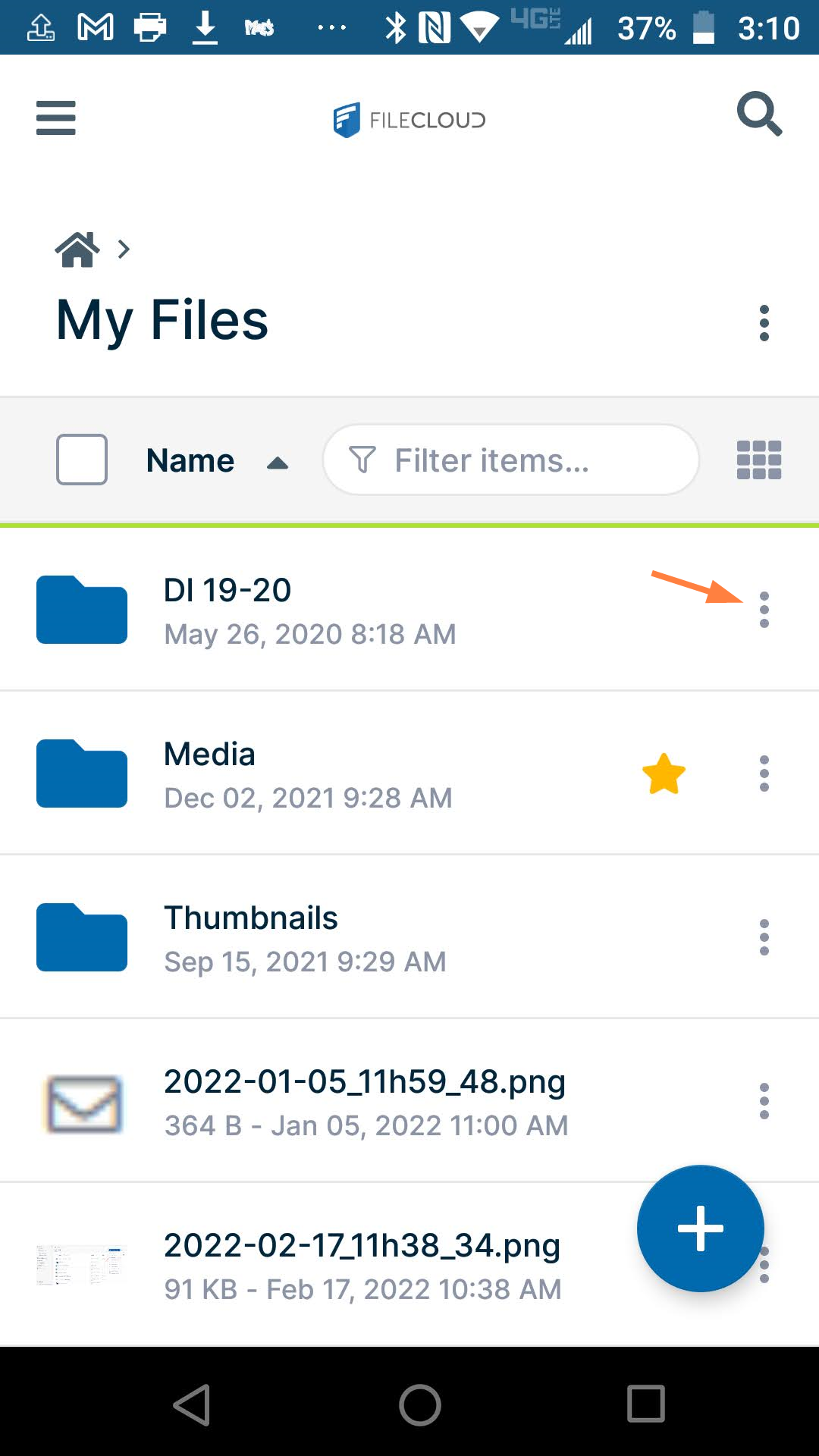
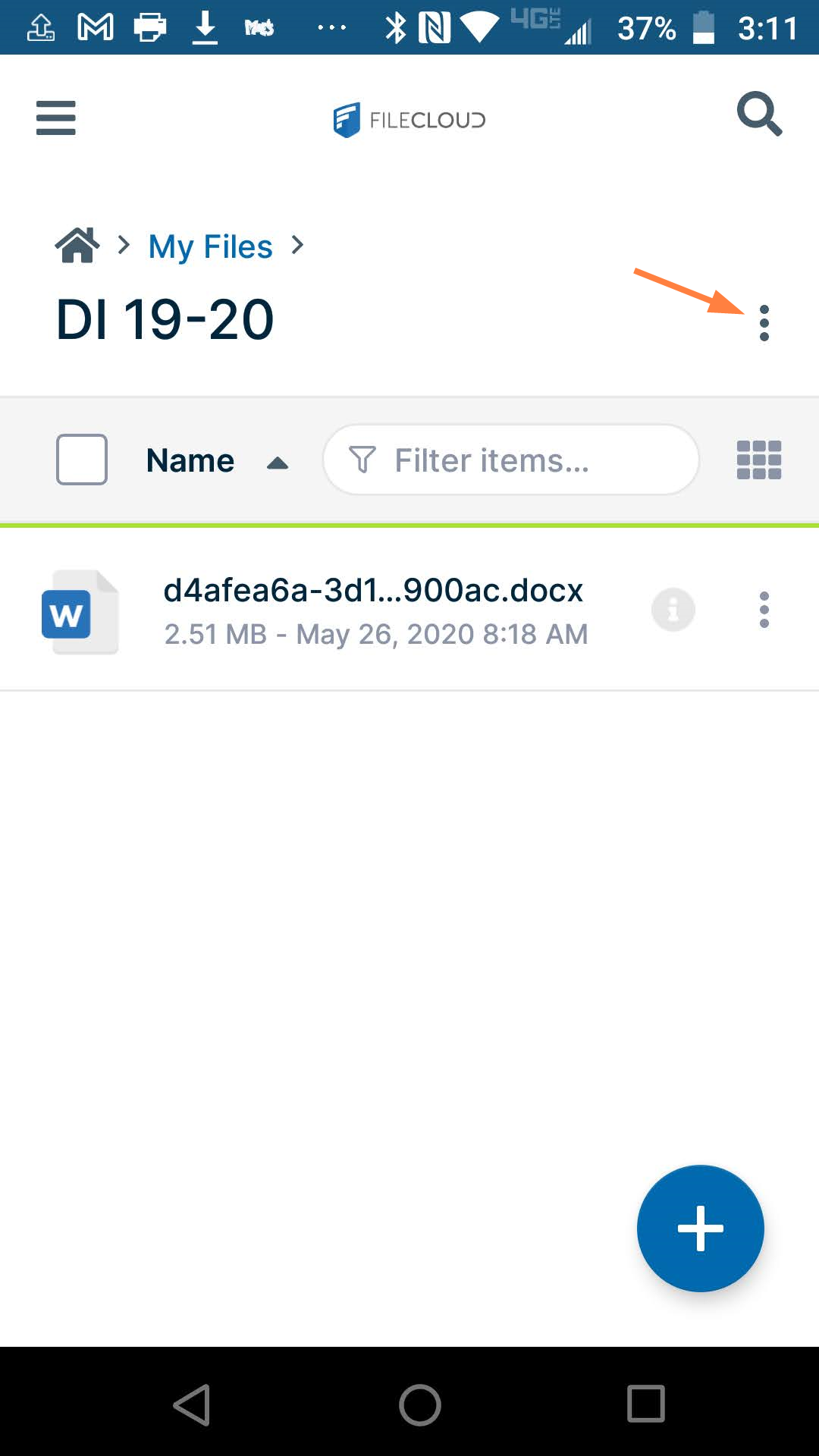
Open the options menu from:
-
the folder listing
-
inside the folder
From the folder listing menu:
From the menu inside the folder:
-
-
Disable offline availability.
Slide the Available offline, switch to the left so that it is off.