.svg)
FileCloud Drive supports two-factor authentication (2FA) codes when your administrator enables 2FA in the FileCloud server.
-
The code is required the first time a new device is connected.
-
On subsequent logins to FileCloud Drive the user is prompted to enter a new 2FA code.
Two-Factor authentication codes are required if the device record is removed by your Administrator from the Device Management panel
To log in when 2FA is enabled:
-
When you log in to Drive for the first time, the dashboard appears as:
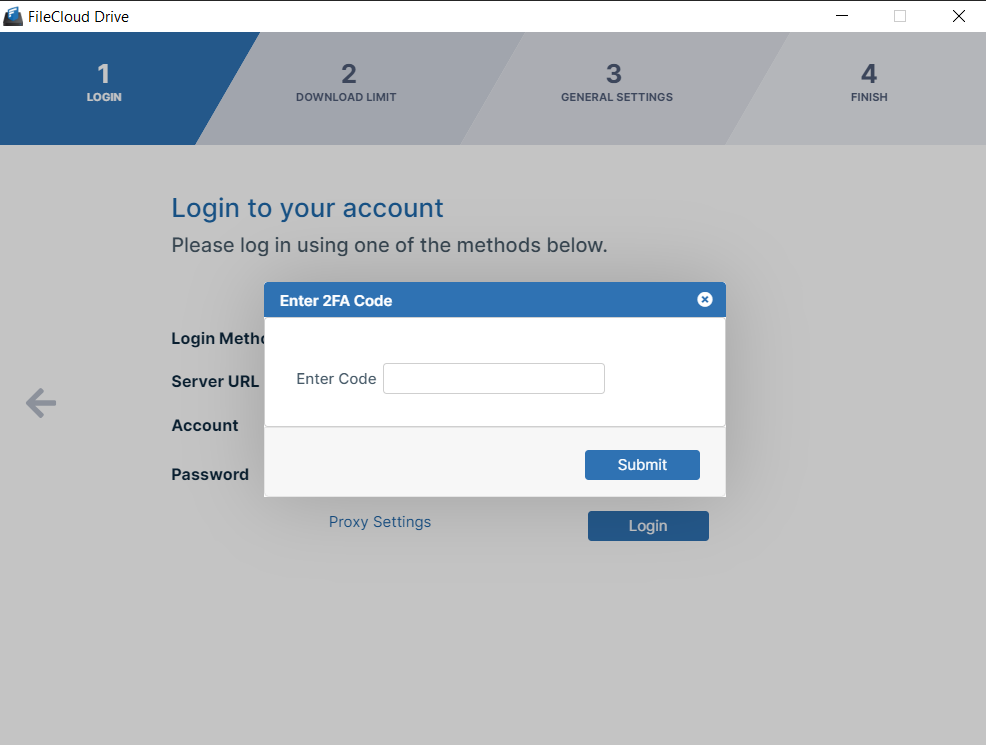
Drive Login/Startup Wizard with 2FA
You receive your authentication code by the method configured by you administrator, such as email or SMS.
-
Enter the code, and click Submit.
-
You are logged in and taken to the next Drive wizard screen, Download Limit.