.svg)
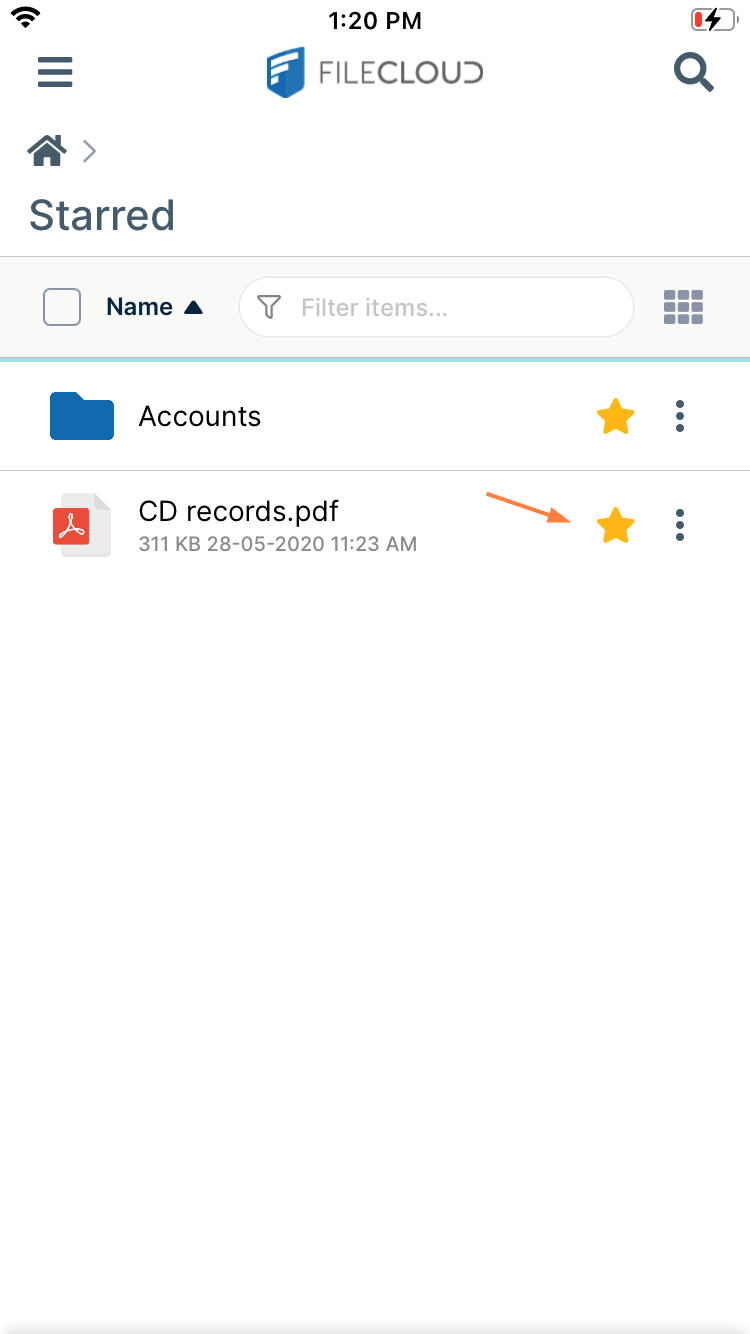
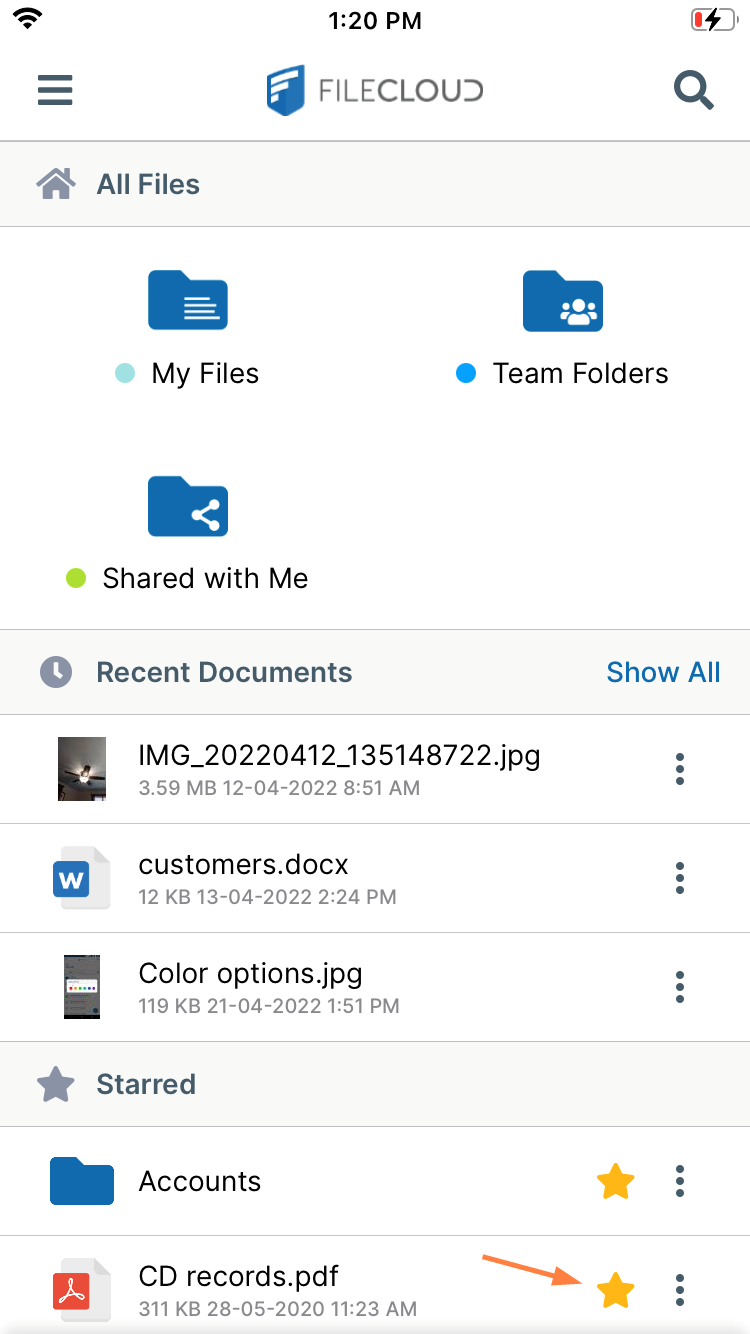
You can star your favorite files and folders in FileCloud. The Starred folder appears on the dashboard. You can also access it by tapping Starred in the navigation pane.
To add a file to starred:
-
Open the FileCloud App.
-
Navigate to the file or folder you want to star.
-
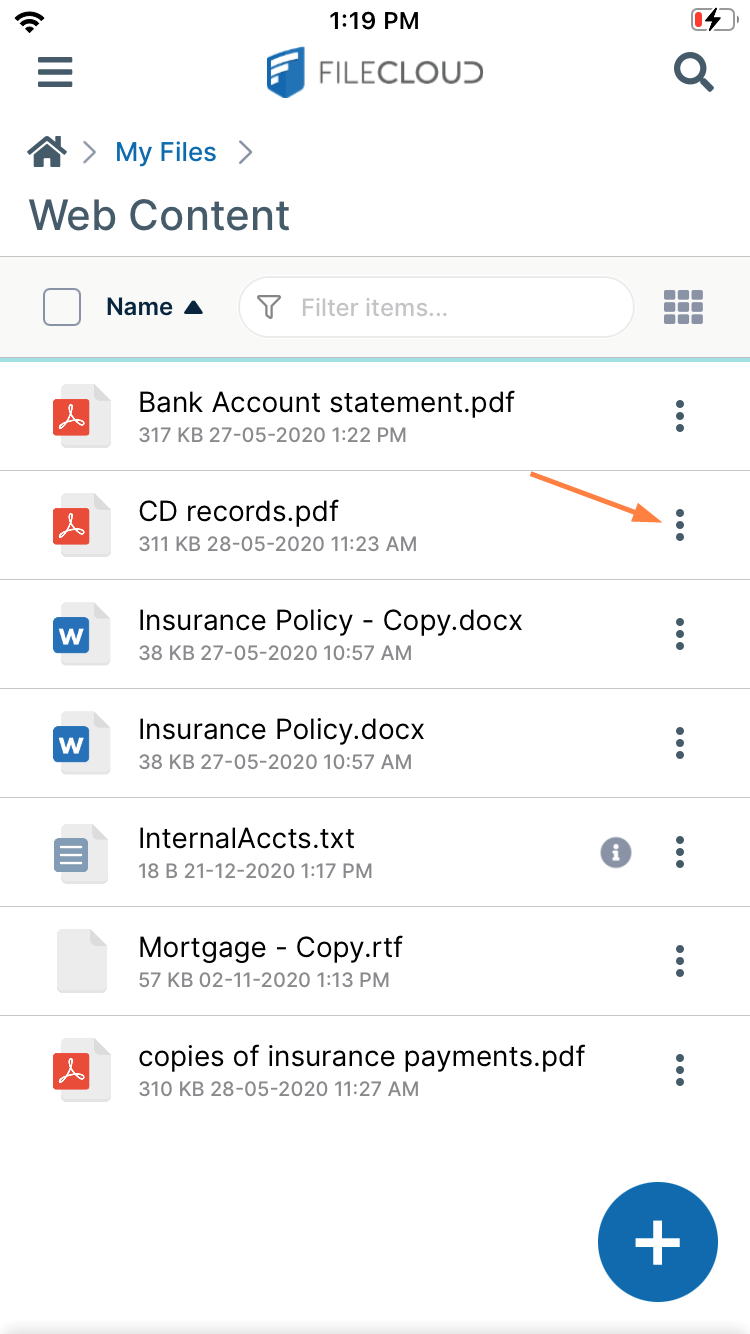
Tap the more (three dot) icon next to the file or folder.
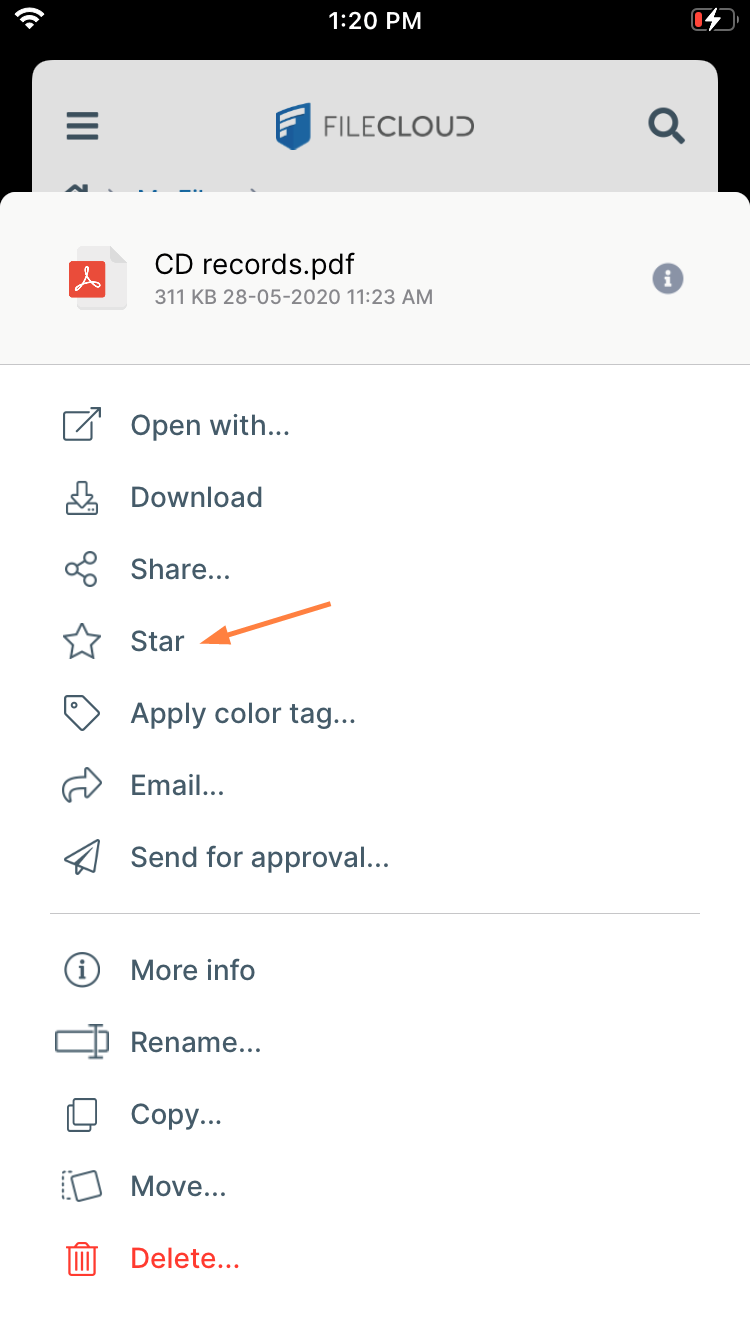
The navigation panel opens. -
In the navigation panel, tap Star.
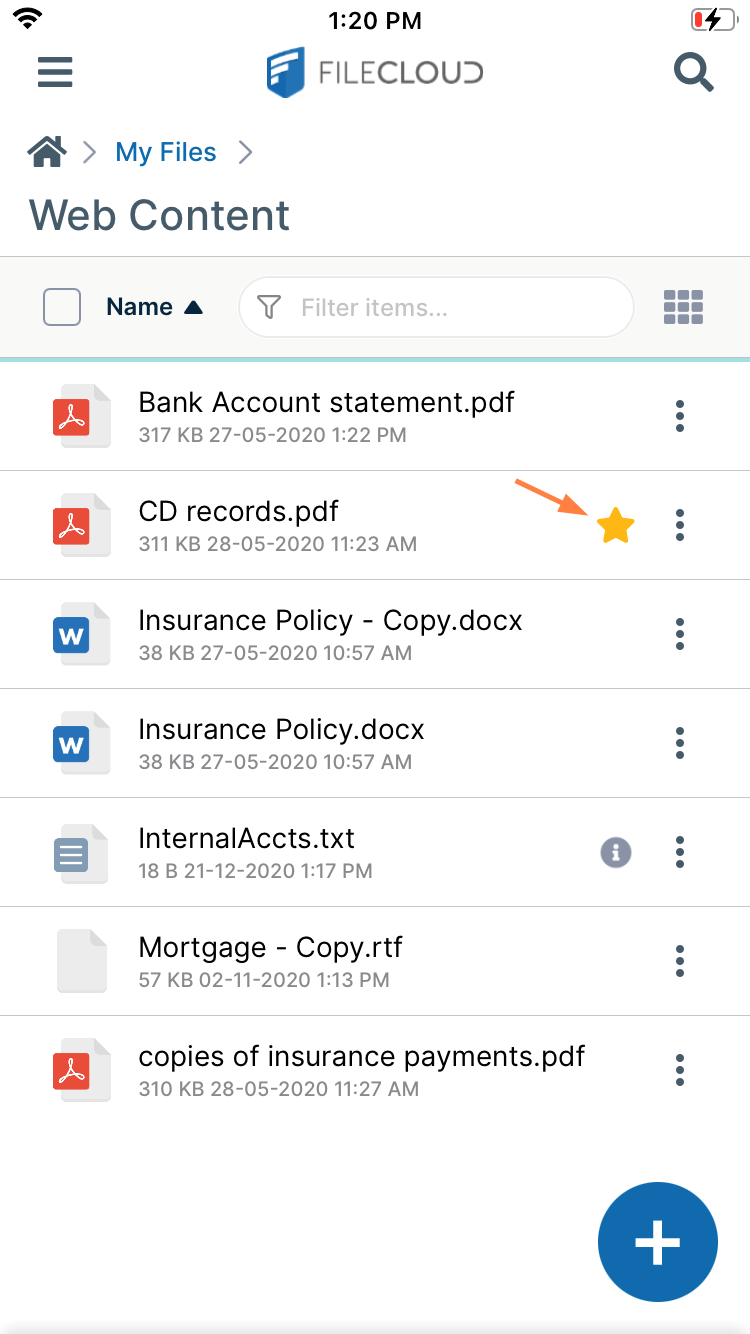
Now a star appears next to the file or folder:
The Starred folder appears on the dashboard:
You can also access it from the navigation pane.