.svg)
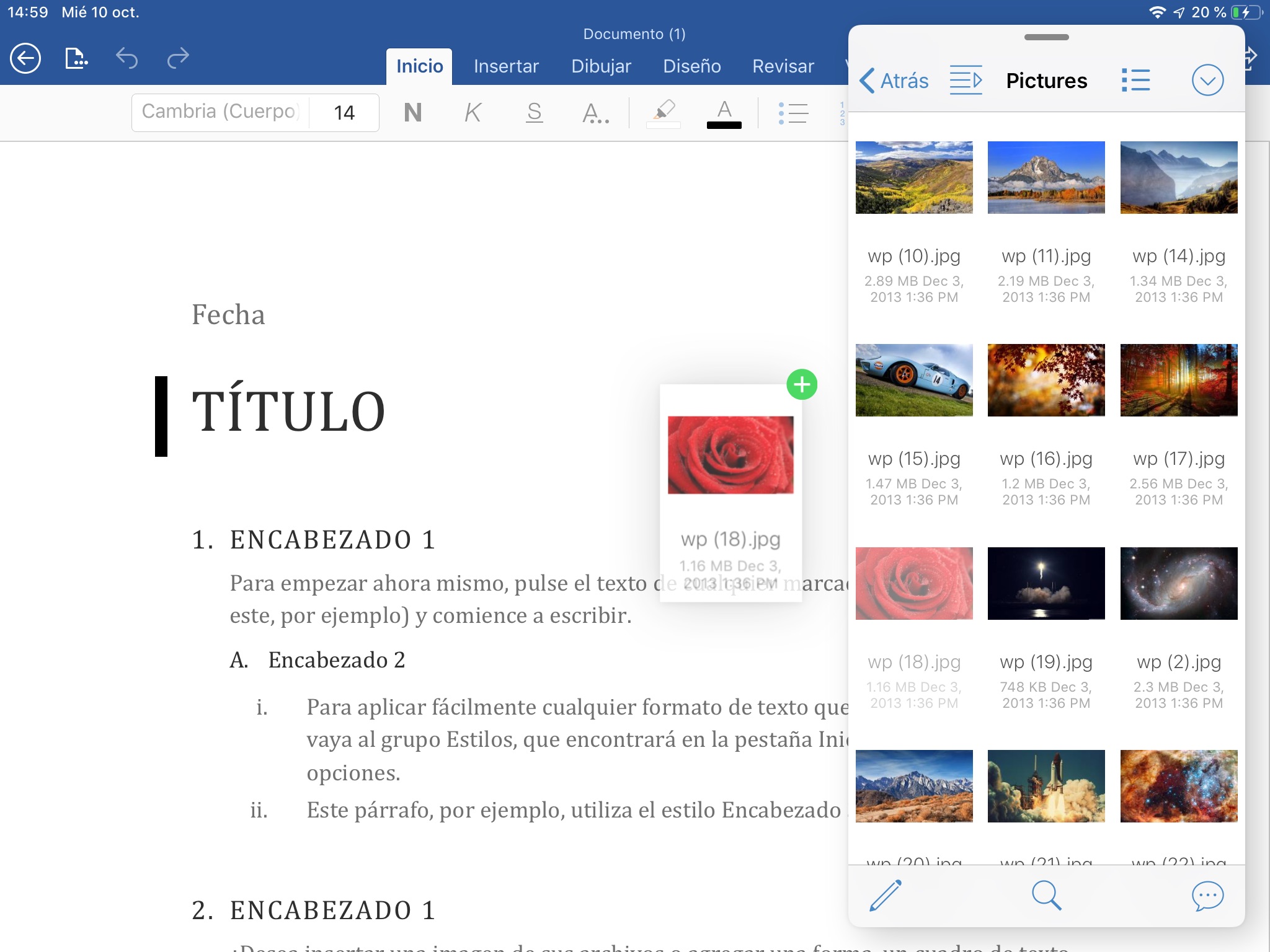
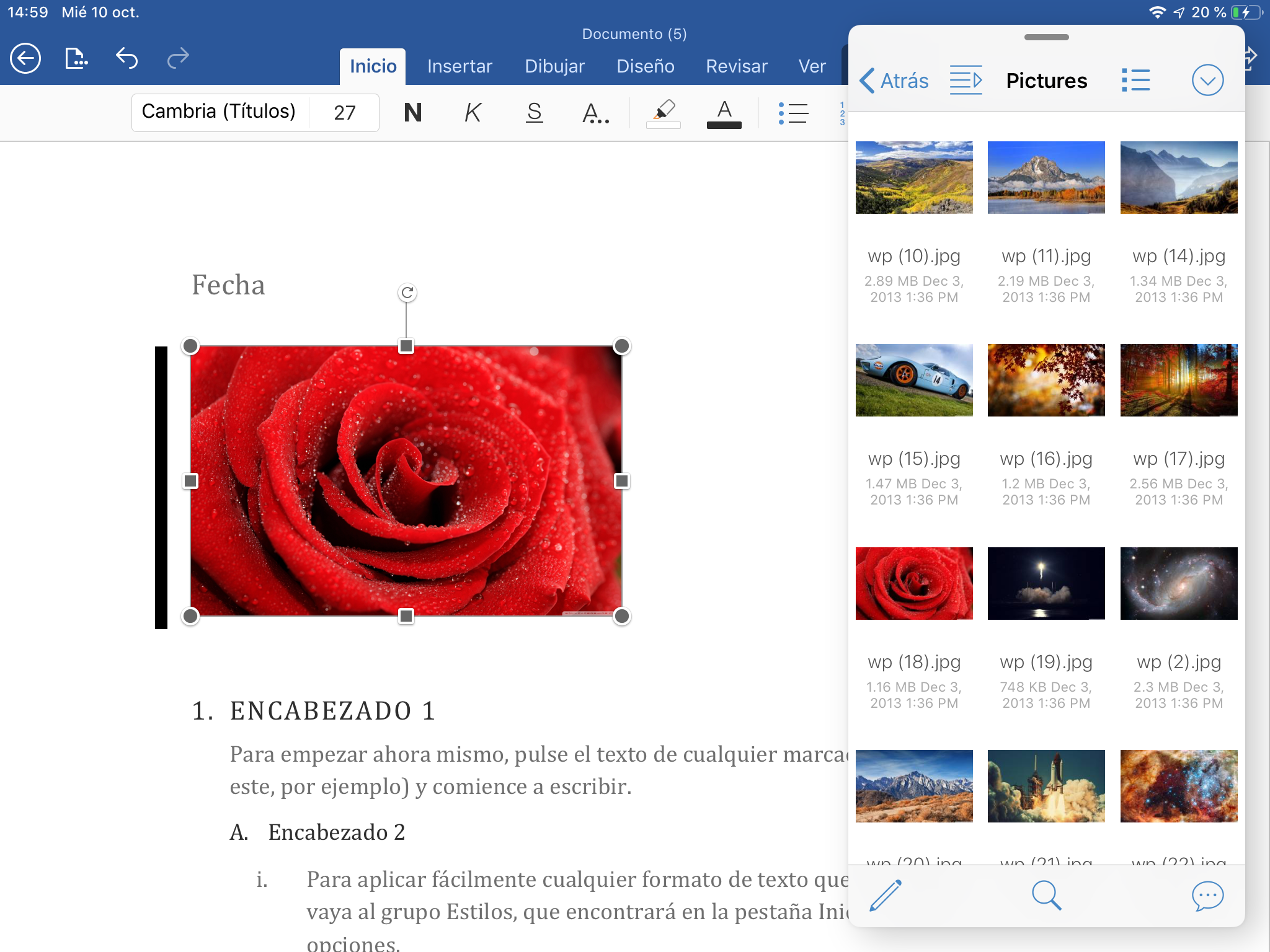
On iPads you can use the FileCloud in Slide Over mode or Side by Side with other apps.

Drag and Drop Support
You can drag and drop files to and from FileCloud for advanced multitasking workflows.
You can only drag one item at a time.
Drag support varies from one app to another.
Dragging Content From Other Apps
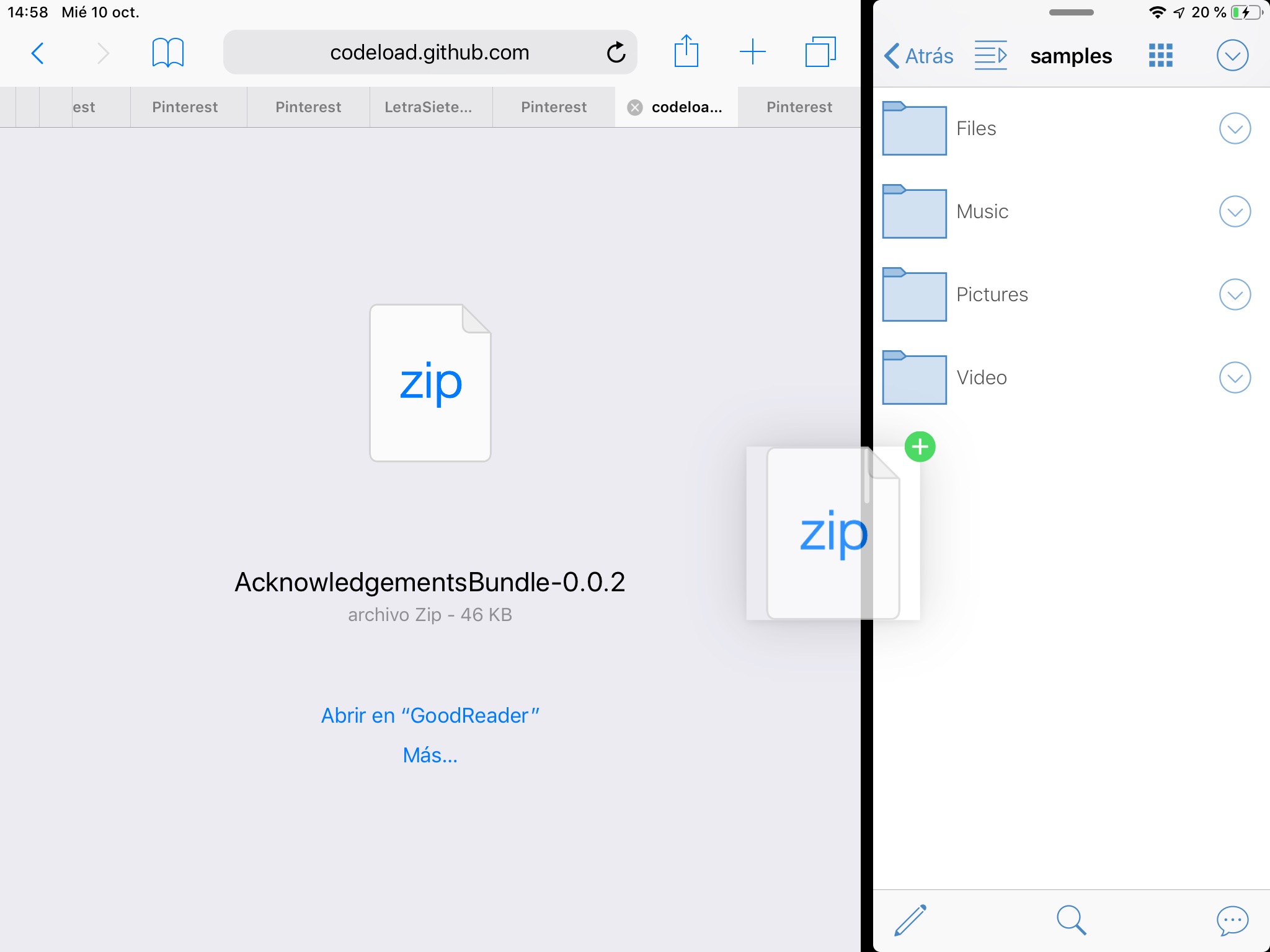
When multitasking you can drag images and files to the FileCloud to upload them to the currently viewed folder.
Test app elements to discover draggable items and see how they get uploaded to TestFlight.
Dragging FileCloud Files to Other Apps
When multitasking you can drag images and files to your FileCloud site to upload them to the currently viewed folder.
It is recommended that you test app elements to discover where FileCloud files can be dropped, as drag support varies from one app to another.