.svg)
What is Service Provider Licensing Agreement (SPLA)?
The SPLA is specifically designed for service providers that are running FileCloud for their users. The advantages of SPLA are as follows:
-
Flexibility: A typical FileCloud license comes with a set number of user count and needs a new license if new users needs to be added. However, SPLA is flexible and doesn't need a new license for increased user count. The system automatically reports the user count to us and we will invoice on a monthly basis for additional users.
-
Easy Expansion & Multitenancy: SPLA license is not tied to a particular FileCloud server. The same license can be installed on multiple servers as your user base grows.
Note: If you are a FileCloud re-seller/partner and sold FileCloud to your client, you will need to get a normal FileCloud license and not SPLA.
Download SPLA License
-
Log in using your portal credentials.
The portal opens to the dashboard, which displays your licenses. -
If you have multiple licenses, you may have to click View all to see all of your licenses.
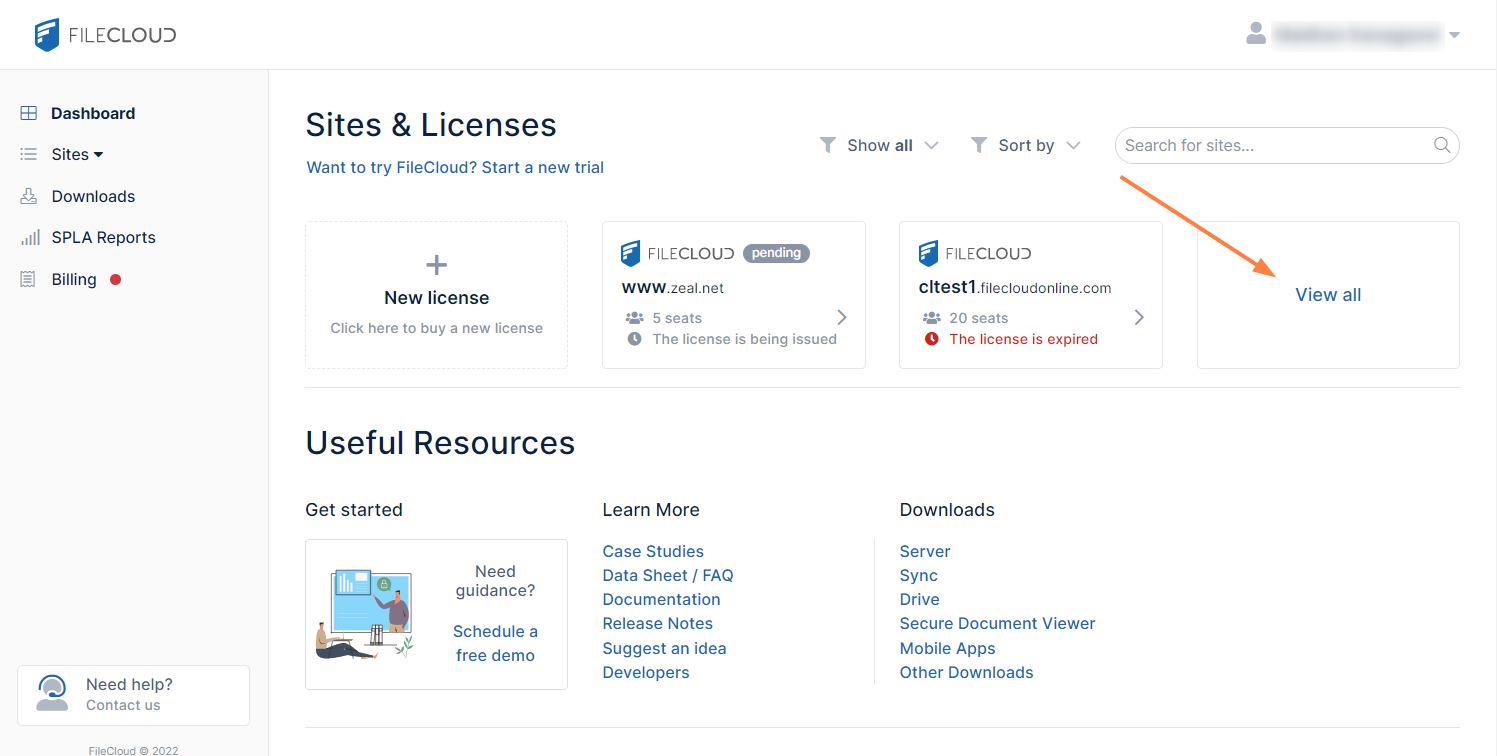
-
Click the SPLA icon, or search for it and select it in the navigation panel under Sites.
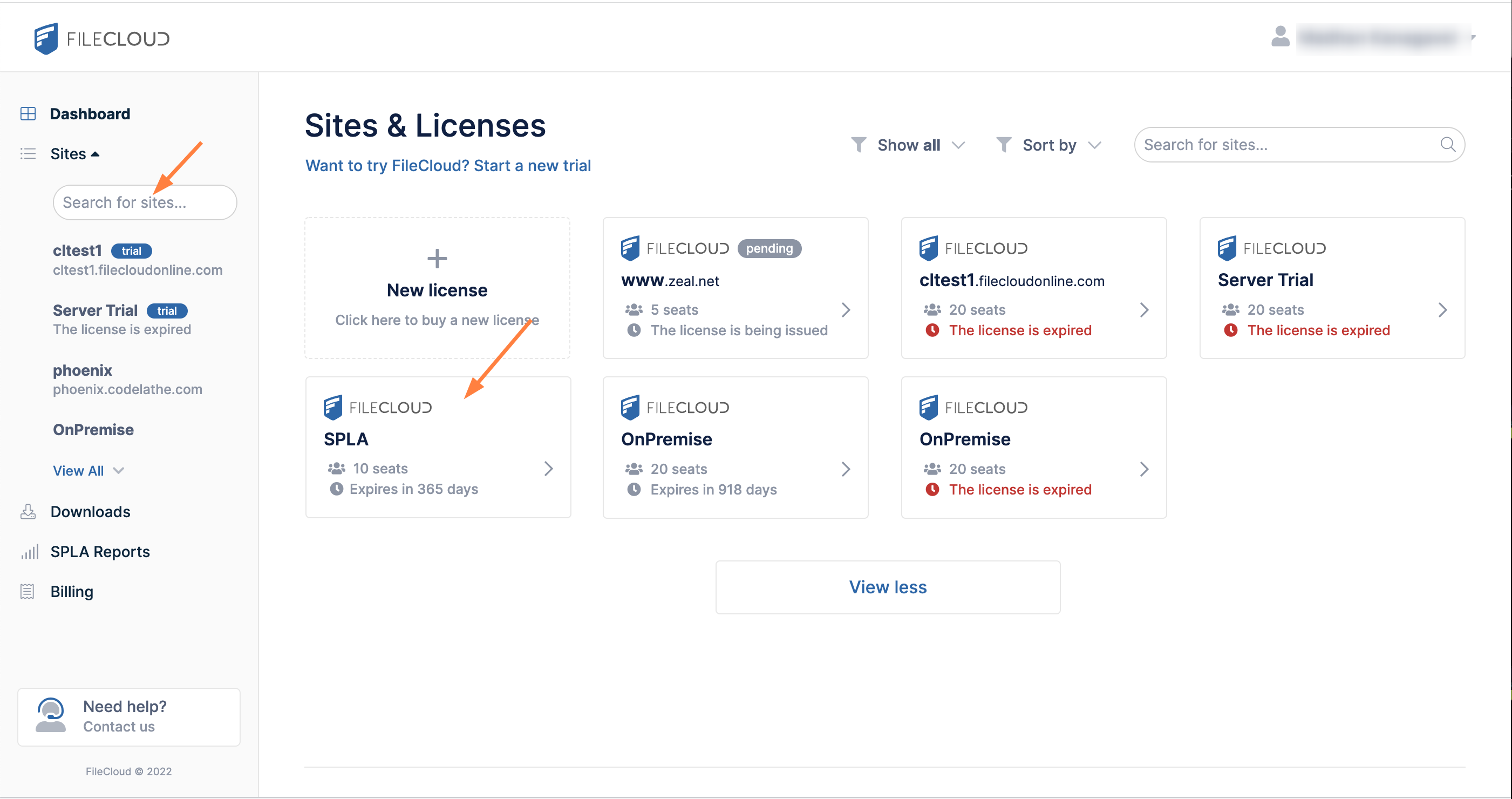
-
Click Download your license to install the license.
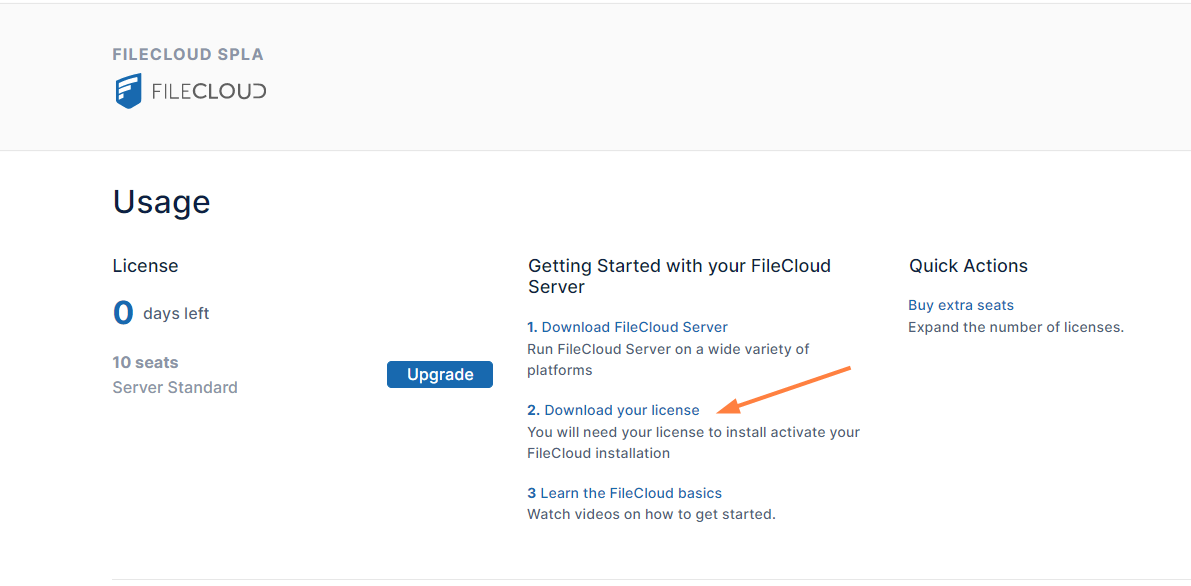
License Installation
-
Install the license on applicable servers.
-
For detailed instructions go to Install the FileCloud License
-
Monthly User Count Reporting
With SPLA, monthly reporting of user count is mandatory. To avoid unnecessary manual work. we have made SPLA reporting automatic. Every month a report will automatically be sent to us from your servers.
Make sure that a cron job or scheduled task is setup properly for each site. Other Automatic reporting will not work.
See Setting Up a Cron Job or Scheduled Task
How to view your reports:
-
Login using your portal credentials
-
Click the SPLA Reports tab.
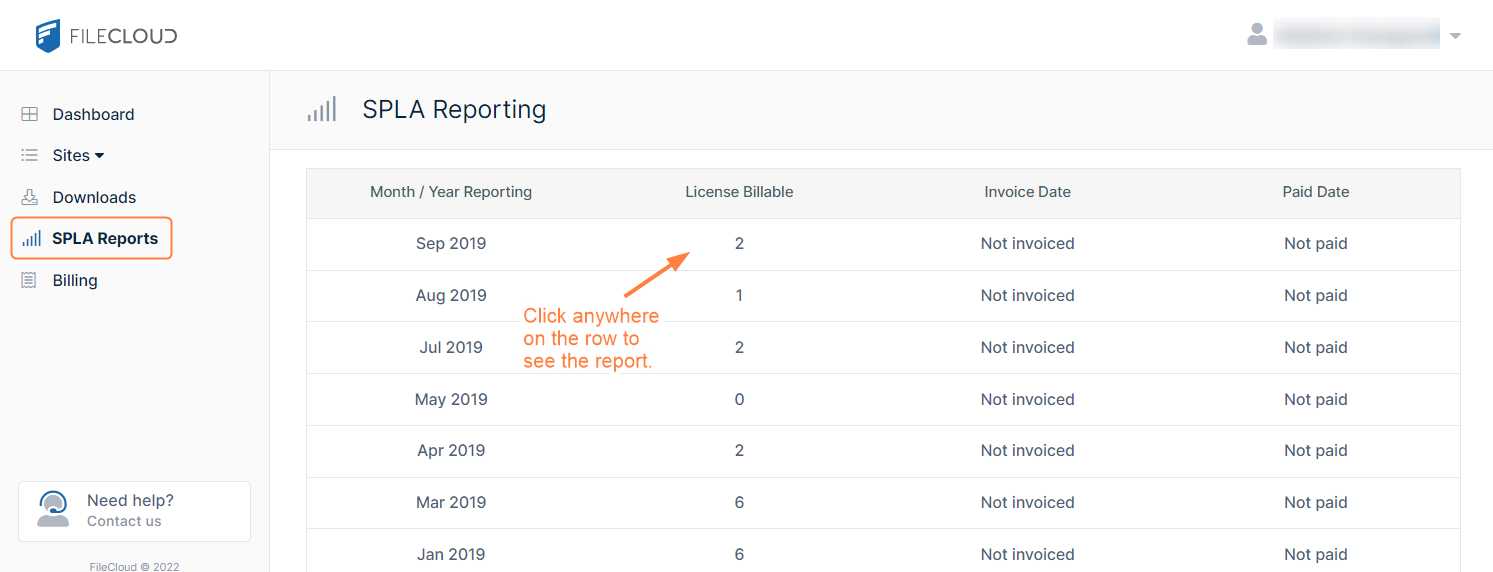
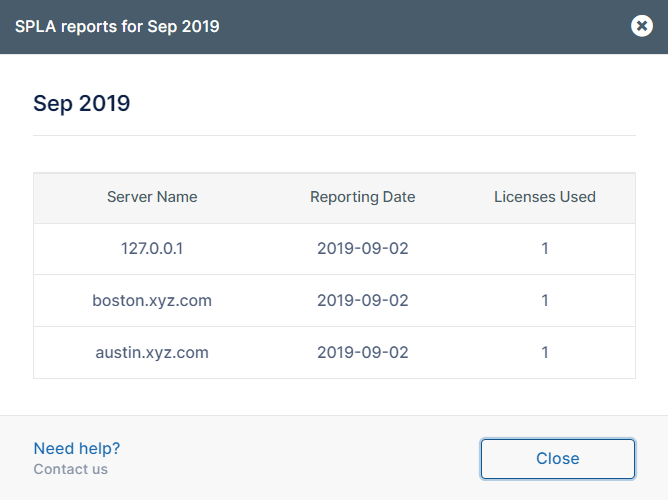
How to view a report's details:
Click anywhere on the row of the report to open report details: