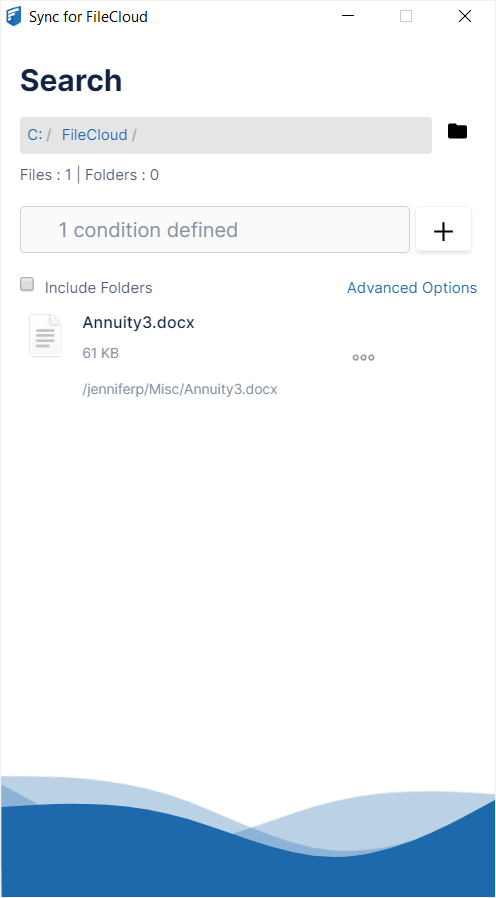
.svg)
You can search on metadata from any of the metadata sets in Sync.
To search on metadata:
-
Click Advanced Options.
Advanced options appear. -
In the drop-down list, choose Metadata.
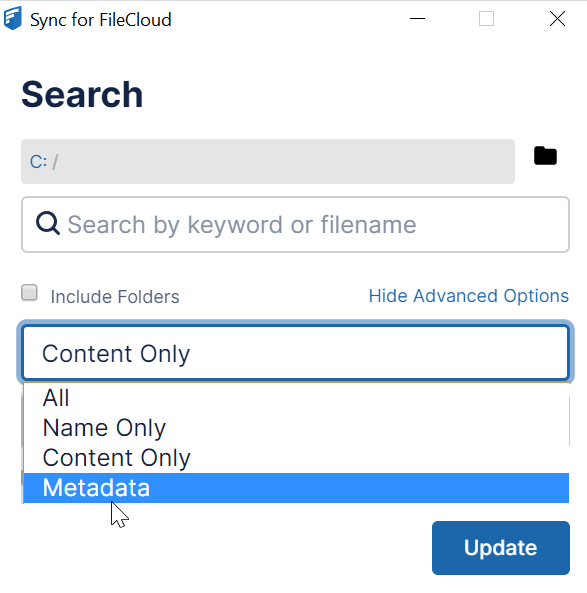
A Conditions defined field appears. -
To define conditions, click + to the right of the field.
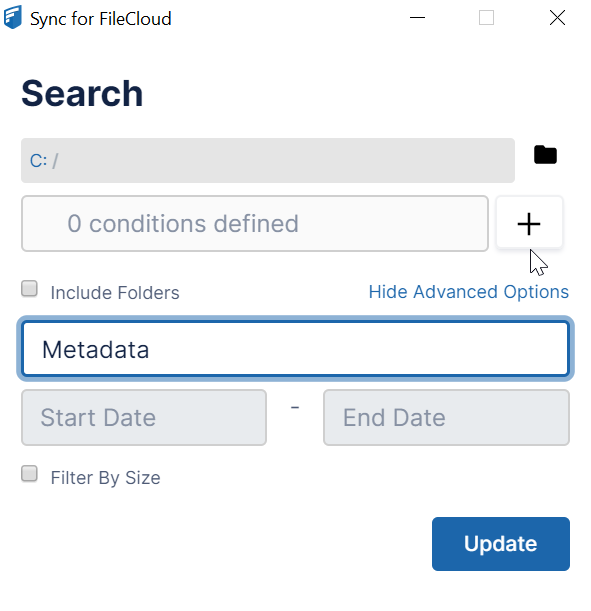
A Generate Metadata Conditions window opens. Add search conditions in this window. -
In the drop-down list, choose a metadata type.
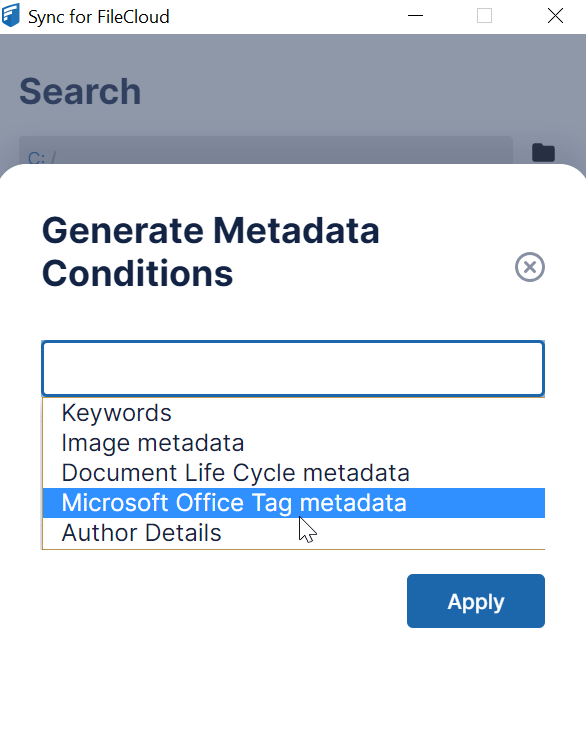
A drop-down list of the metadata type's attributes appears below it. -
Choose an attribute.
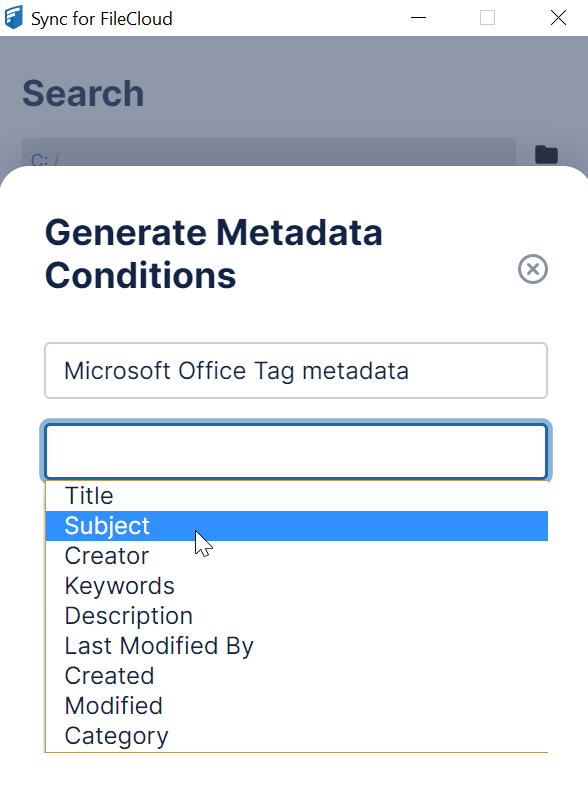
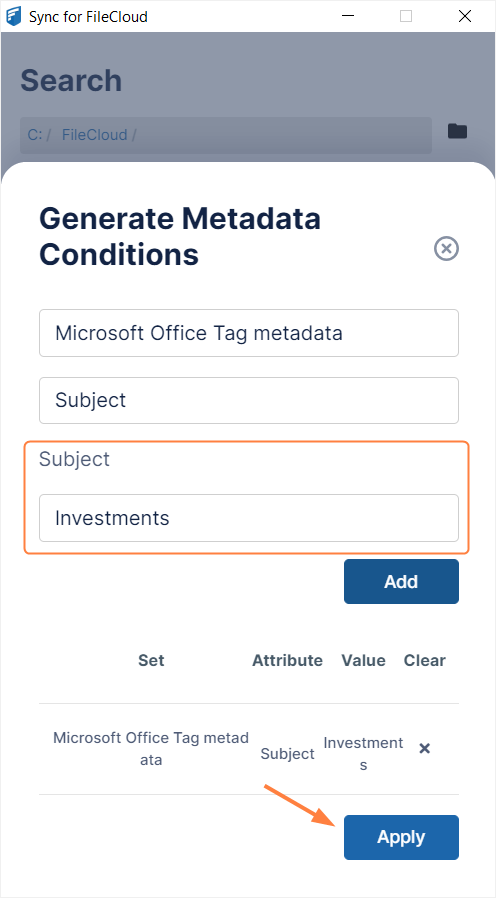
A field for the attribute value appears below it.
-
Enter a value in the attribute field, and click Add.
The value is case-sensitive. -
Add any number of additional conditions, and click Apply.
The search results are returned.