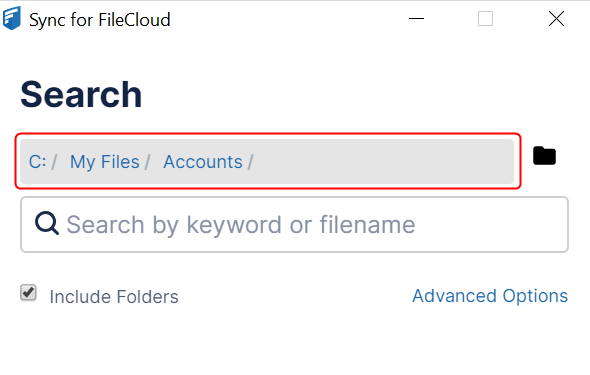
.svg)
You can change the search path without leaving the Search window.
To change the search path from the Search window:
-
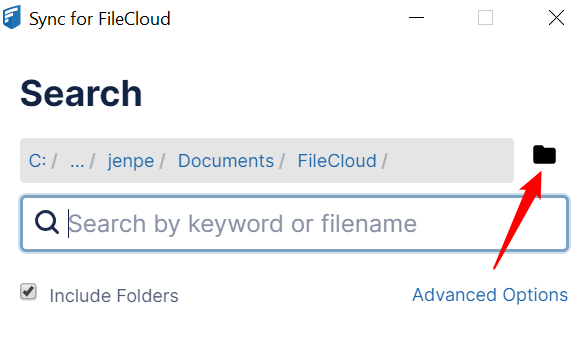
Click the folder icon next to the search box.
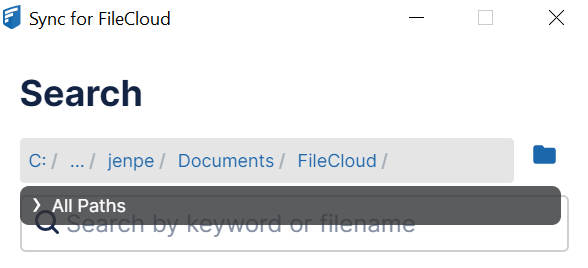
All Paths opens:
-
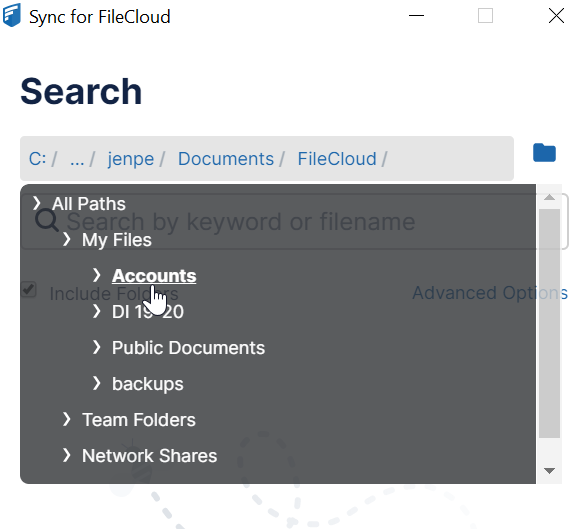
Click the arrow to expand All Paths, and navigate to the folder you want to search.
-
Click the folder.
The Search window displays the new path: