.svg)
A Trash Retention policy is designed to help you control if files in the Trash Bin can be permanently deleted from FileCloud.
The following table identifies what actions are blocked for a Trash Retention policy.
|
Policy Type |
Reads Blocked |
Moves Blocked |
Copies Blocked |
Updates Blocked |
Deletes Blocked |
Policy Length |
Expiration Actions |
|---|---|---|---|---|---|---|---|
|
Trash Retention |
NO |
NO |
NO |
NO |
YES |
|
|
Creating the Policy

To create a Trash Retention Policy:
-
Log in to the Admin Portal.
-
From the left navigation pane, select Retention.
-
On the Manage Retention Policies screen, click the Add Policy button.
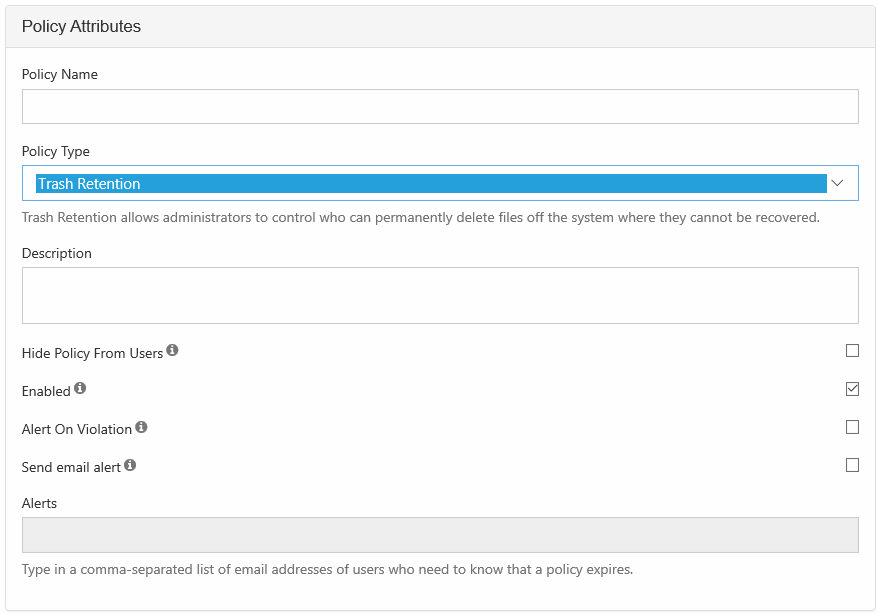
4. Completely fill out the Policy Attributes section.
|
Property |
Description |
|---|---|
|
Policy Name |
A string of characters, letters, and numbers that provide a title for the policy |
|
Policy Type |
Select Trash Retention |
|
Description |
|
|
Hide Policy from Users |
|
|
Alert on Violation |
Displays an alert in the Admin portal on the Governance dashboard. |
|
Send email alert |
Notifies all provided recipients that there are only 7 days until the policy expires. |
|
Alerts |
A list of email addresses separated by a comma who will receive the email notification that there are only 7 days until the policy expires. |
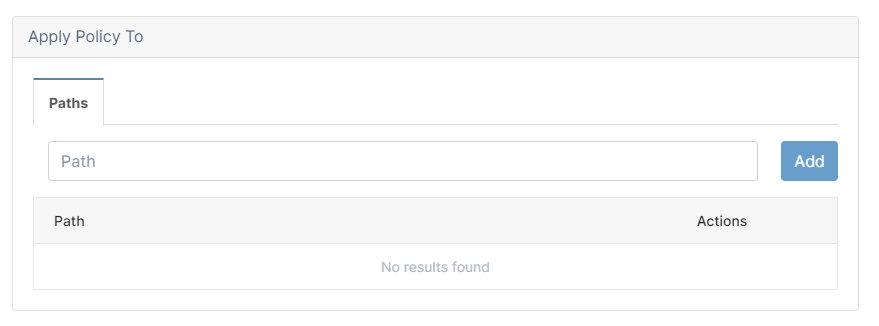
5. Attach folders or files in the Apply Policy To section.
The Path tab allows you to define the conditions that specify how the policy will be applied in the system.
Add a Path
Add Path allows you to define a folder that a policy will apply to as well as all the files and sub-folders it contains.
|
What you CAN do in the Path field |
What you CANNOT do in the Path field |
|---|---|
|
|
When creating the policy the full path doesn't have to exist, however, at a minimum:
|
This prevents you from saving the policy 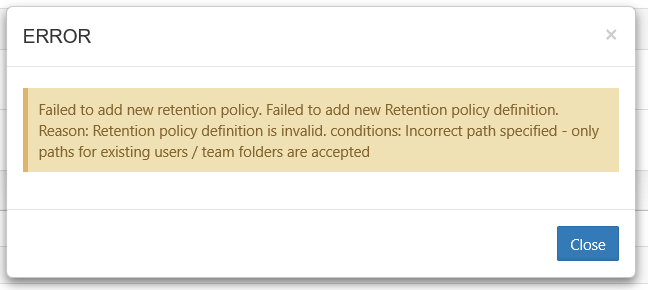
|
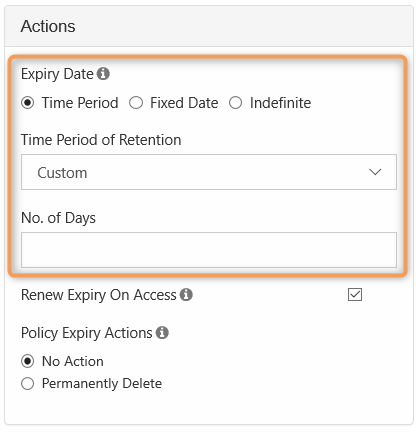
6. Set the Expiry Actions
When you configure a Retention policy's expiration actions, all of the options are available.
|
To set a Time Period:
To set a fixed date:
To set an Indefinite date:
|
||||
|
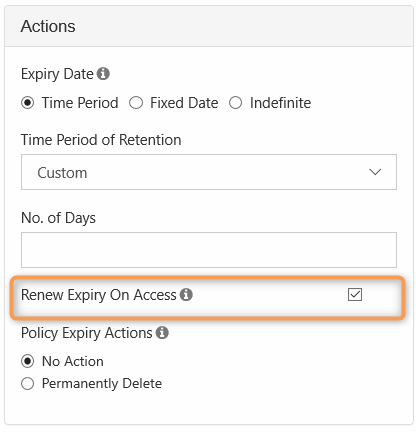
Renew Expiry on Access: this is a set number of days or years that is used to calculate when the policy expires based on the last access date.
To set Renew Expiry On Access:
|
||||
|
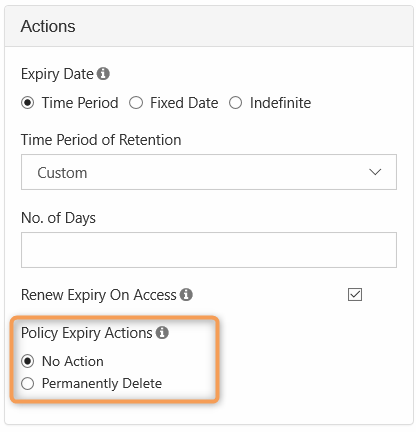
When a Trash Retention policy expires, you can configure it to allow access to or permanently delete the attached files and folders. To set Policy Expiry Actions:
|