.svg)
To delete a user:
-
Open a browser and log on to Administration Portal.
-
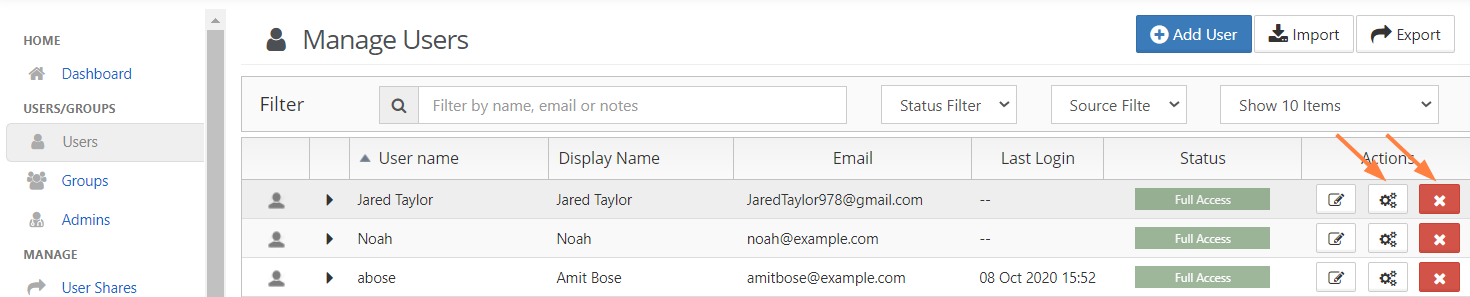
From the left navigation panel, click Users.
-
Click the row containing the user to be deleted.
-
In the Actions column, click the delete icon (

-
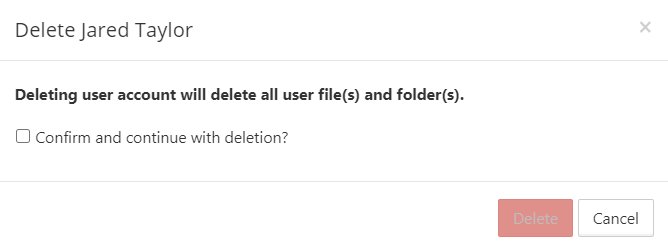
On the confirmation dialog, click the box next to "Confirm and continue with deletion?". Then click OK.
It is also possible to delete an account using the account properties panel by clicking on the settings icon