.svg)
As a FileCloud administrator, you can update and remove a user's profile picture in the User Details screen.
If no profile image is chosen, the default is shown in the following figure:
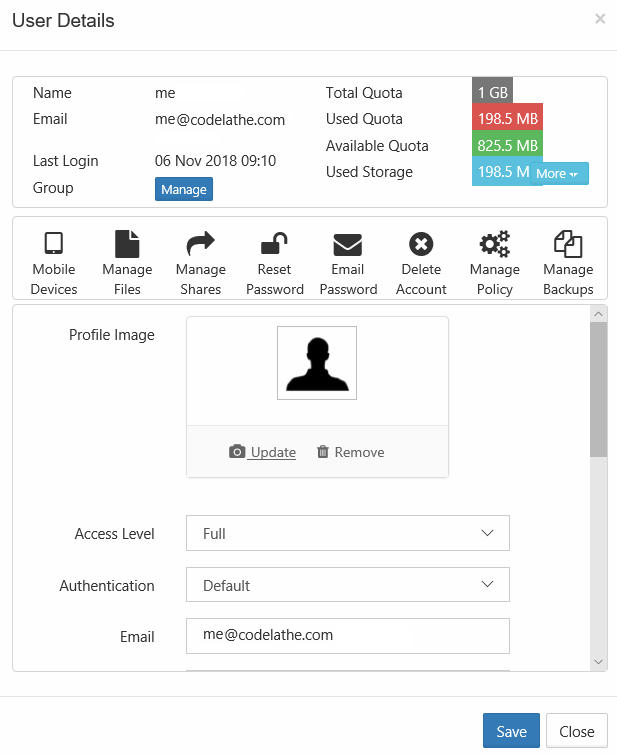
To update a user's profile image:
-
Open a browser and log on to Admin Portal.
-
From the left navigation panel, click Users.
-
In the users list, click the row containing the user whose picture you want to change.
-
Click the edit icon.
-
Next to Profile Image, to add an image, click Update.
-
Next to Profile Image, to remove an image, click Remove.