.svg)
You can export FileCloud Server audit logs as CSV files.
To export the audit logs:
-
Open a browser and log in to the Admin Portal.
-
From the left navigation panel, click Audit.
-
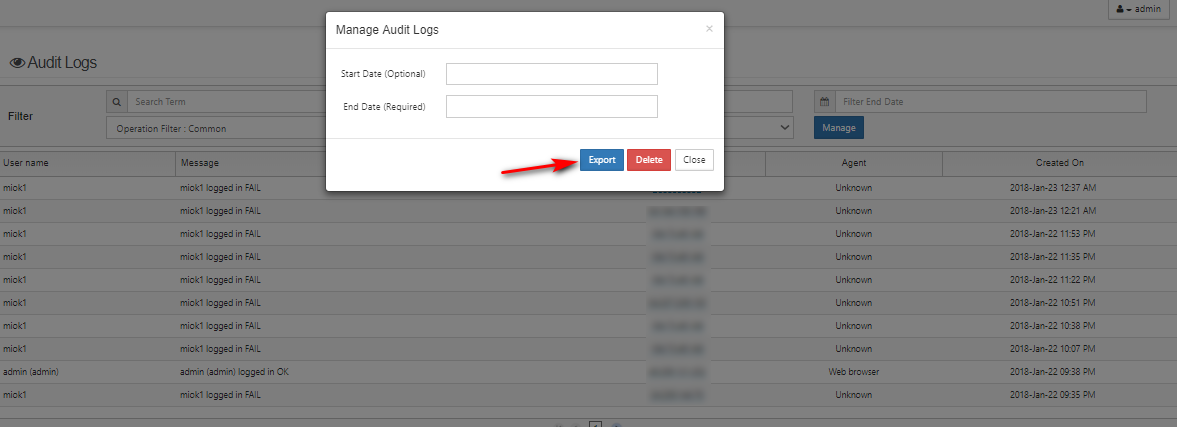
To open the Manage Audit Logs window, click Manage.
-
In Start Date and End Date, select dates or type in dates in the format YYYY-MM-DD.
-
Click Export.