.svg)
The ability to request file approval is available beginning in FileCloud 21.2.
Beginning with FileCloud 23.241.6:
-
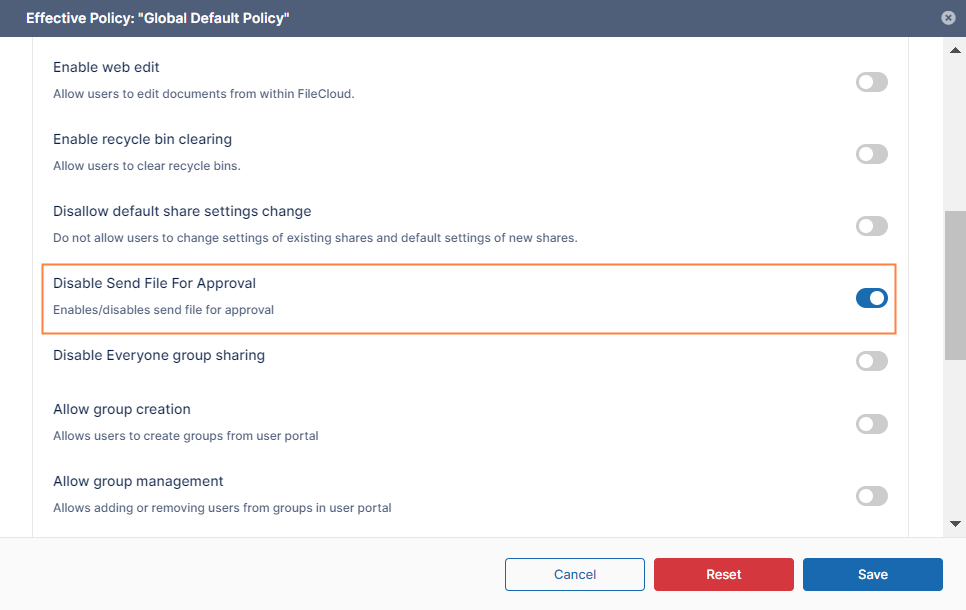
The Disable Send for Approval option is available.
-
The file approval option is not available for External users and users who do not have access to share a file.
You can remove the ability for a group of users to send files for approval by through their policy.
To disable Send for Approval:
-
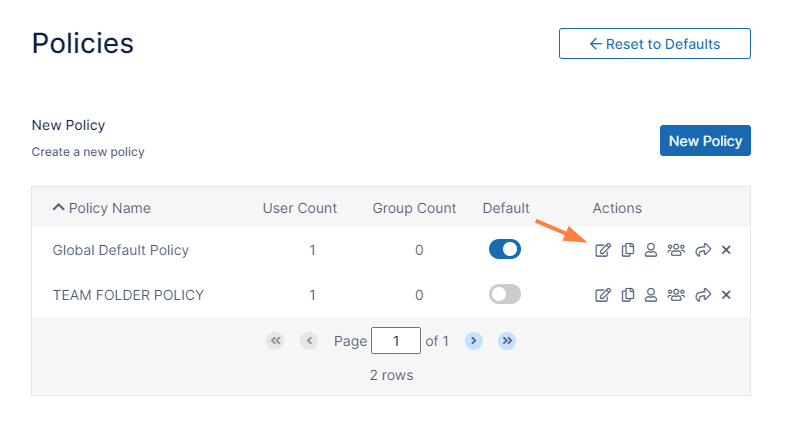
In the FileCloud admin portal's left navigation bar, scroll down and click Settings. Then, on the Settings navigation page, click Policies

The Policies settings page opens. -
Click the Edit icon in the row for the users' policy.
-
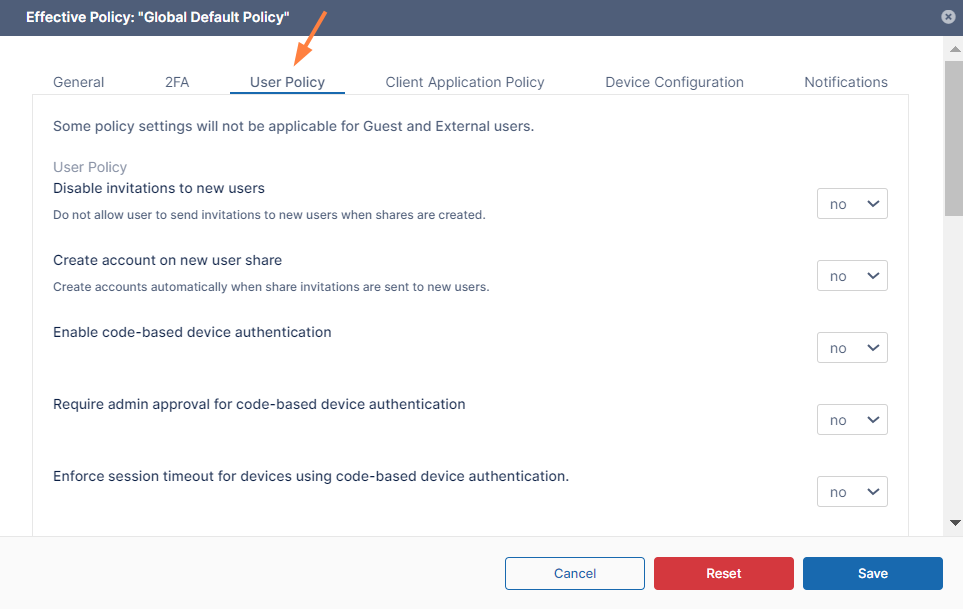
Click the User Policy tab.
-
Scroll down to Disable Send File For Approval, and enable it.
-
Click Save.