.svg)
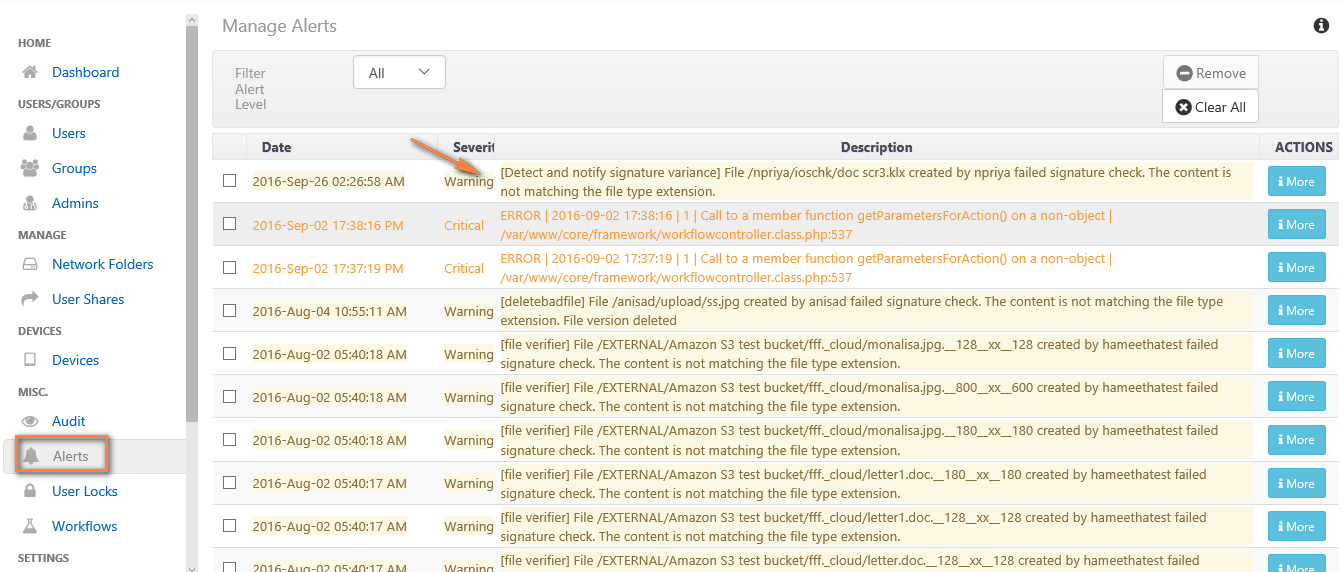
This workflow recipe creates an ALERT notification when a file is created or uploaded to FileCloud with a signature mismatch.
-
This ALERT notification can be set for a specific folder location only.
-
You can view the alerts on the Admin Portal in the alert panel.
To create a workflow to detect and notify when a file with a signature mismatch is uploaded:
-
Login to Admin Portal
-
Navigate to Workflow on the left navigation panel.
-
Click the Add Workflow button.
-
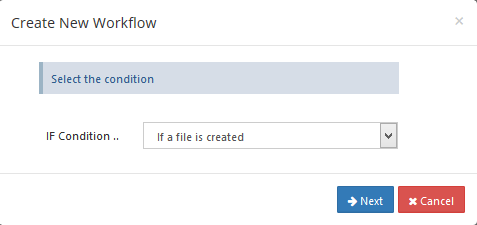
Set the If Condition to If a file is created.
-
Click Next.
-
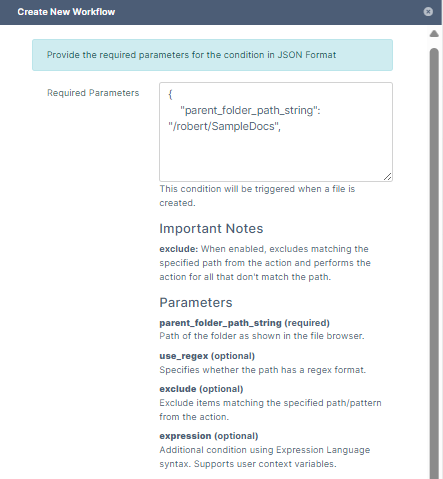
Set the parameters as shown in the following screenshot.
To identify a FileCloud specific path for a folder please refer to Identifying a FileCloud Specific Path.Set the path to "/" if you want to monitor all the folders in the system.
-
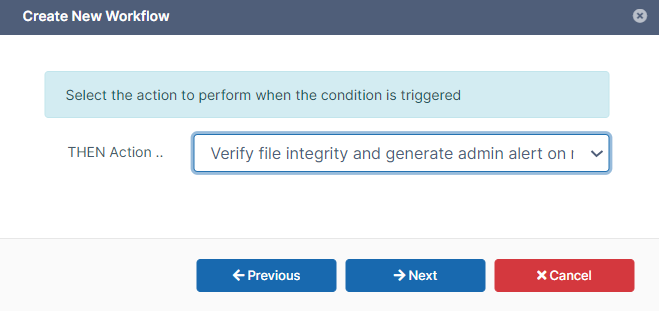
Click Next, and set Then Action to Verify file integrity and generate admin alert on mismatch
-
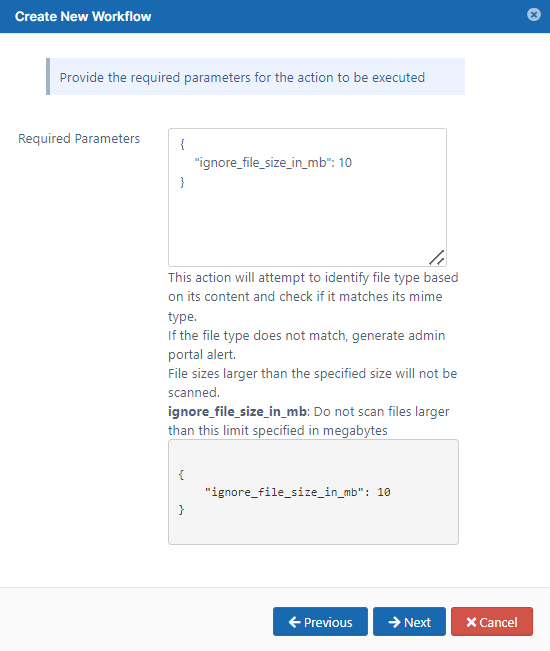
Click Next, and enter the size limit of files to scan.
-
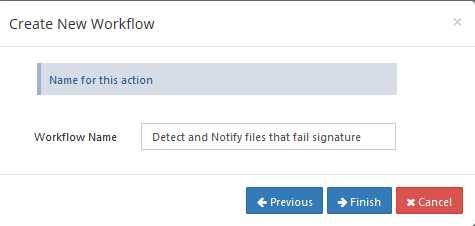
Click Next, and give a name to this workflow.
Once this workflow is set, the Admin receives alert messages in the Alerts page.