.svg)
The purpose of the Externals group is to limit the access external users have to shares and folders. However, if your use cases require that external users have the same access to files and folders as other users, you can give shares and folders that give permissions to the Everyone group the same permissions to the Externals group by running the tool assignexternalsgroup.php.
To run the Assign Externals Group tool:
-
In a command line, go to the directory:
Windows: C:\xampp\htdocs\resources\tools\group
Linux: /var/www/html/resources/tools/group
-
In a command line, enter:
php assignexternalsgroup.php [--host="hostname"]Parameters:
[optional] --host Site host name if different from default.
The tool adds the External group to the same shares, folder permissions, and policies that the Everyone group is assigned to, and lists the shares and folder paths:
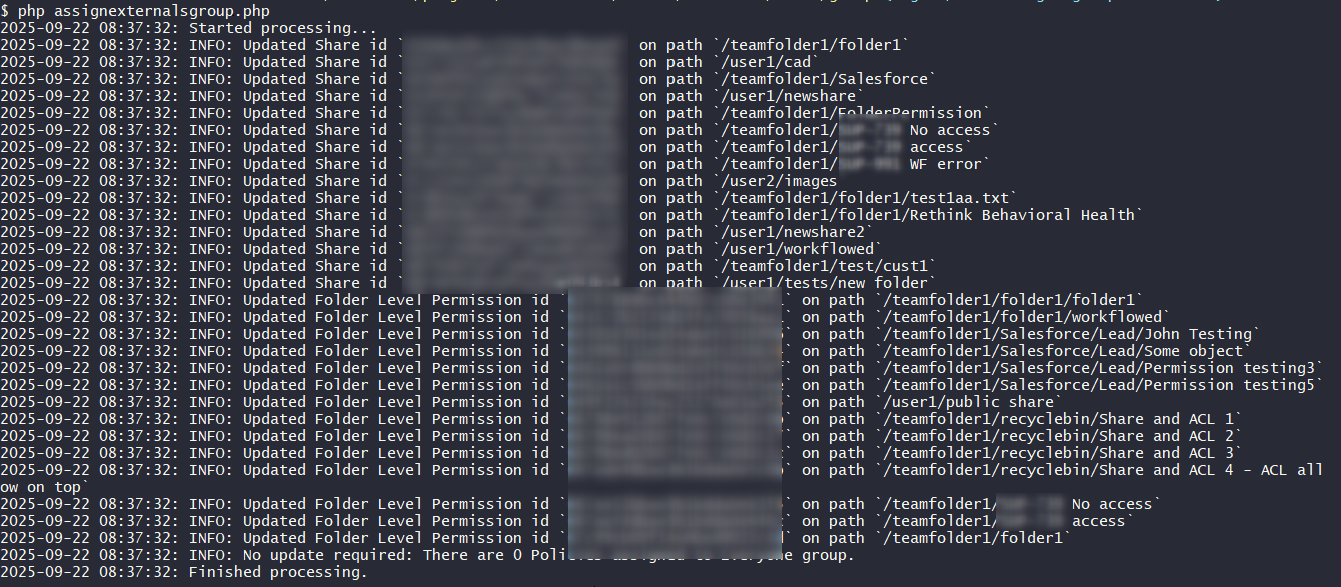
When the tool is run, it adds External users to all shares shared to the Everyone group, including Team Folder shares.