.svg)
Administrators can disable S3 storage encryption following the steps here.
To disable S3 encryption:
-
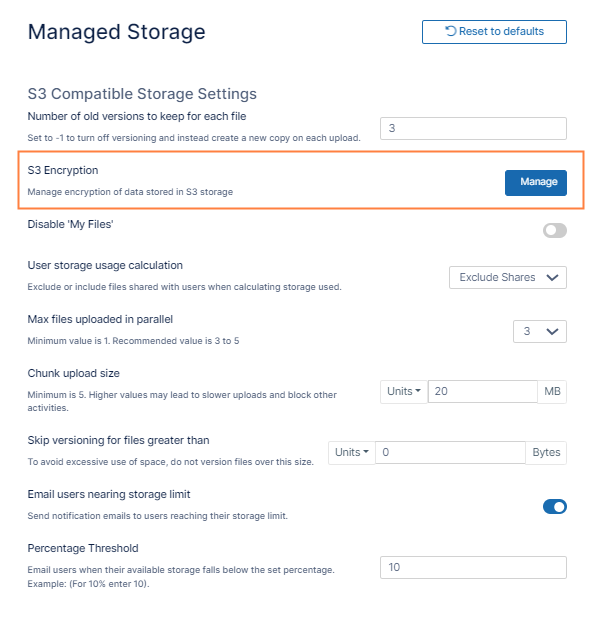
In the FileCloud admin portal's left navigation bar, scroll down and click Settings. Then, on the Settings navigation page, click Storage

The Managed Storage settings page opens. An S3 Encryption field with a Manage button appears.
-
Click Manage.
The Manage S3 Encryption dialog box opens -
Click Decrypt All.
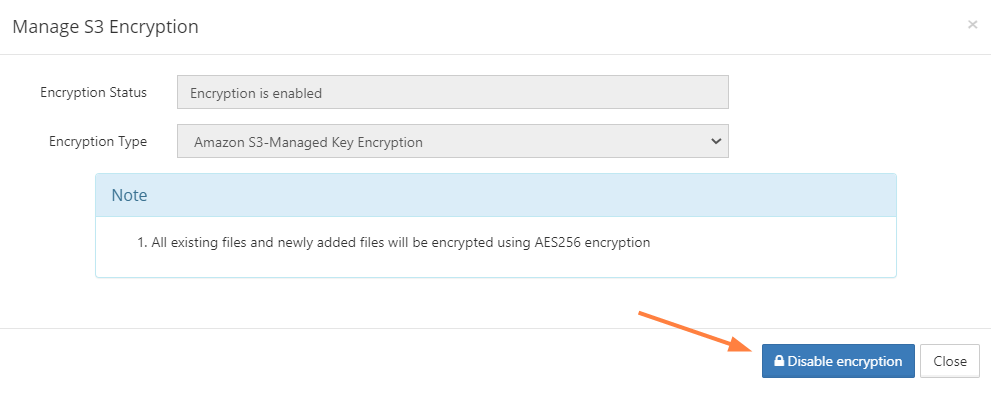
You are prompted to confirm disabling encryption. -
Click OK.
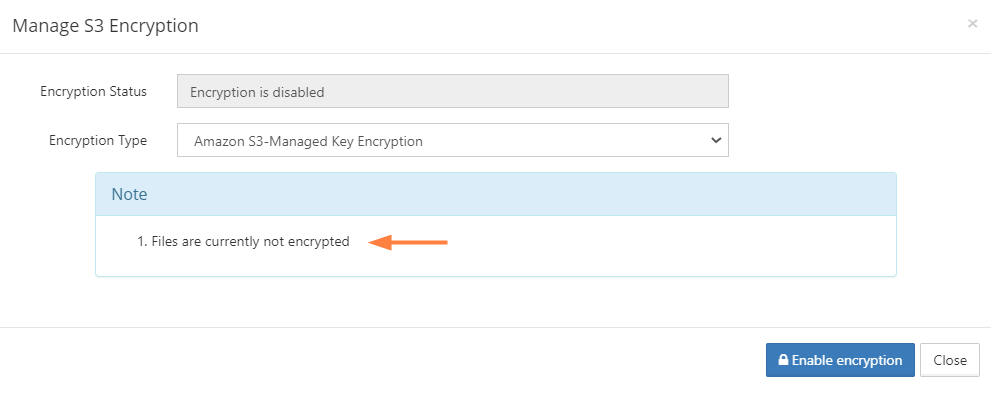
Once the decryption is complete, the dialog box confirms that files are not encrypted.