.svg)
When you initially register for a FileCloud Online trial, you are sent a welcome email with a user name and password you can use to access both the admin portal and the user portal. The account associated with this user is an admin user account, which means that the account owner is an end user with administrative privileges. Once you purchase FileCloud, you are given a main admin account that has complete control over the FileCloud site and all other users.
After you log in for the first time with the password provided by FileCloud, you should change the password immediately.
You can use any of the following supported web browsers to access the admin portal:
-
Google Chrome
-
Microsoft Edge
-
Mozilla Firefox
-
Safari
Logging in to the admin portal
To log in to the portal using your promoted admin or main admin account:
-
Open a Web browser.
-
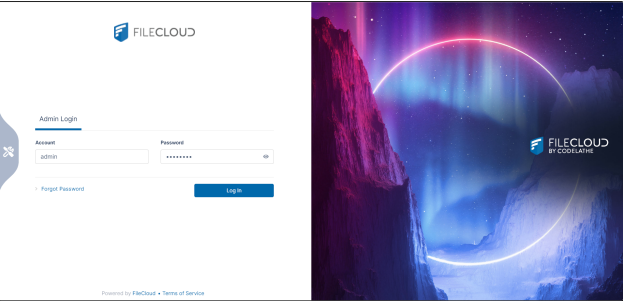
Enter the URL for your admin portal: https://<yourteamname>.filecloudonline.com/admin
-
Type in the user name and password provided in the welcome email sent by FileCloud or the admin name and password.
-
You are prompted to change your password after the first login.
Collection of usage data
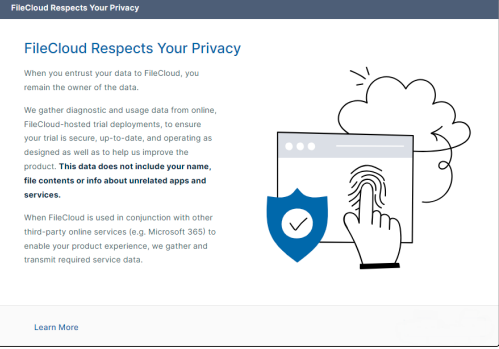
If you are logging in to a trial version of FileCloud Online for the first time, after you log in, the following screen appears to inform you that diagnostic and usage data is being collected from your online trial:
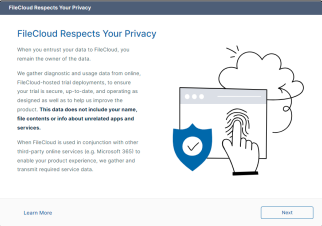
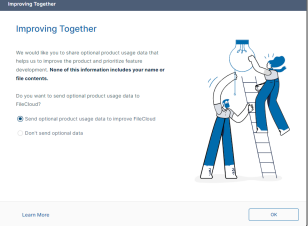
Once you convert from an online trial license to an online product license, the first time you log in to the admin portal a wizard opens with the following two screens:
|
|
To allow sending of optional product usage data to FileCloud, leave Send optional product usage data to improve FileCloud selected, and click OK.
To prevent sending of optional product usage data to FileCloud, select Don't send optional data, and click OK.
You can change the option at any time by going to Settings > Server and checking or unchecking Allow Advanced Telemetry.

Customizing the Login Page
To customize the image on the admin login screen, see Themes, Labels, and Logos.
You can add additional Administrator accounts.