.svg)
You must install FileCloud Sync before you can begin synchronizing documents on your local computer to the FileCloud Server site.
To install Sync on Windows:
-
Download FileCloud Sync App from https://www.filecloud.com/additional-downloads/#sync
-
After successfully downloading the App, run the execution file FileCloudSync.exe.
The first screen of the wizard recommends that you use the FileCloud for Office feature.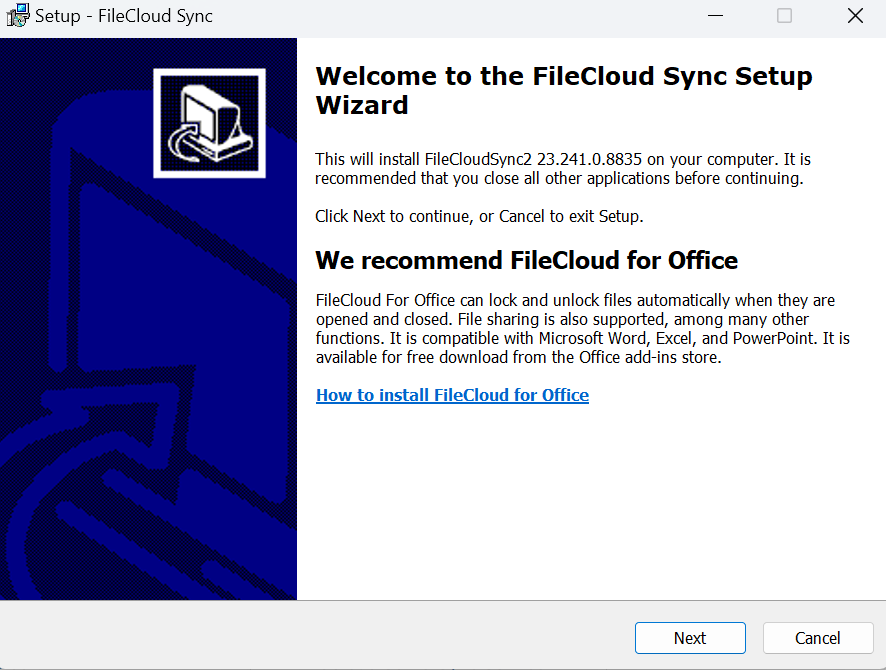
-
Click Next.
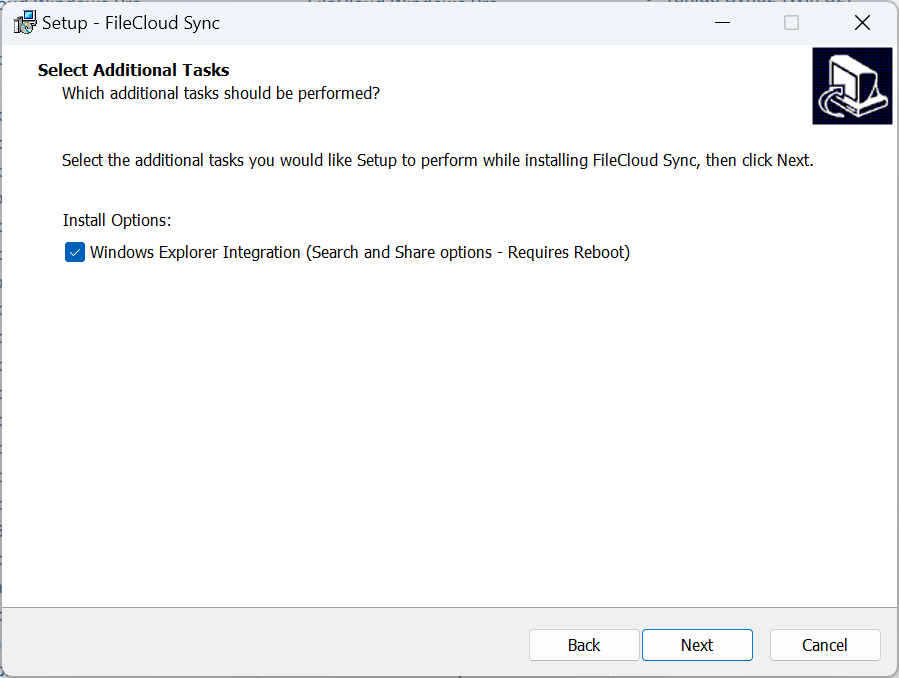
-
Leave the checkbox checked, and click Next.
The next screen appears.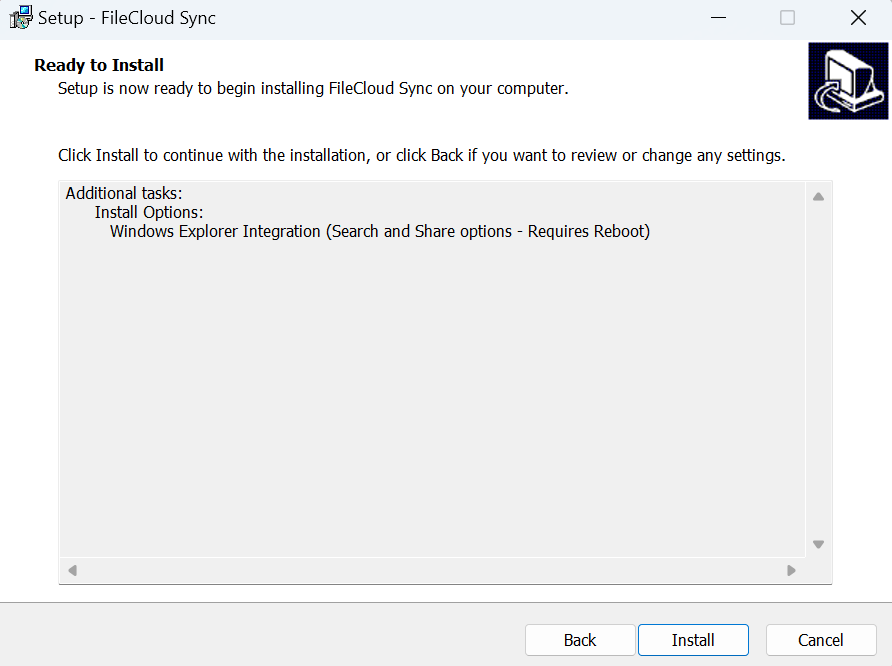
-
Click Install.
The wizard shows the installation's progress.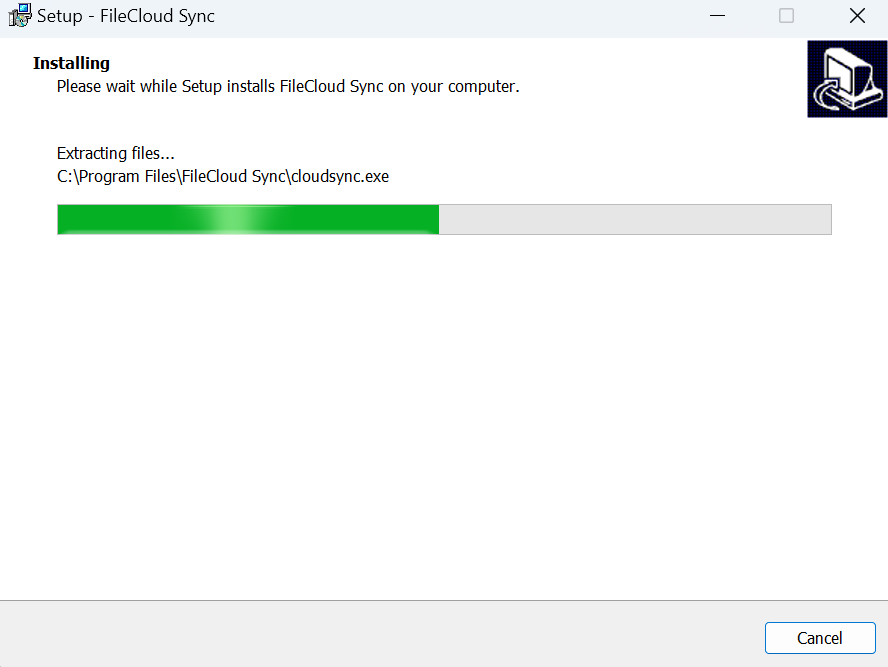
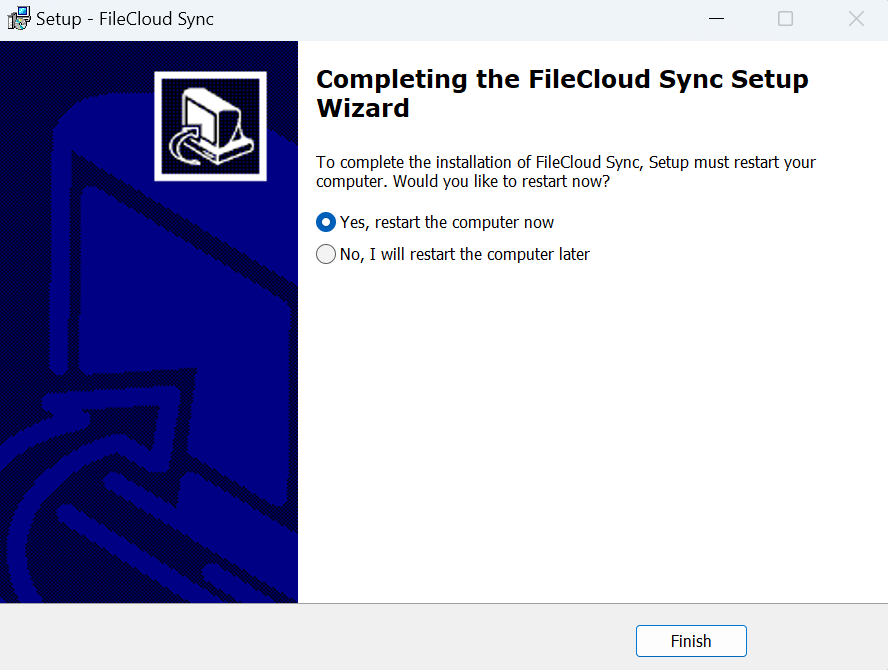
When installation is complete, the following screen appears:
-
Leave Yes, restart the computer now selected to restart your computer and begin using Sync or the latest version of Sync, and click Finish.